

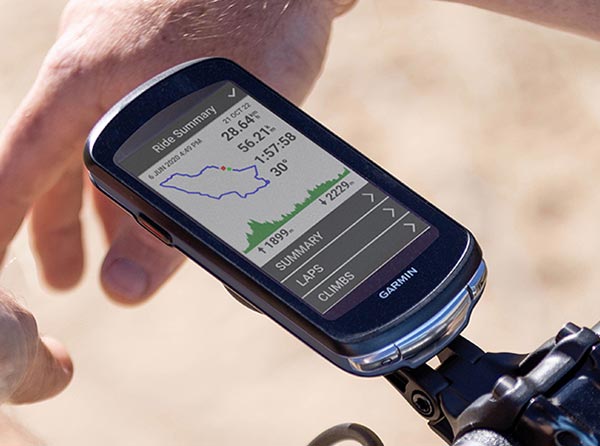
Garmin has officially launched a new firmware refresh for its high-end cycling lineup. The Beta Version 30.15 update is now hitting devices, focusing on refining the user experience and stripping away redundant features to ensure smoother performance during your rides. This rollout targets both the latest generation hardware and the reliable mainstays of the Edge family.
Compatible Devices for the 30.15 Update
The update isn’t limited to just one flagship model; it spans across the entire modern Edge ecosystem. If you own any of the following devices, you are eligible for the beta download:
-
Edge 1050 & 1040 (The large-screen powerhouses)
-
Edge 850 & 840 (The mid-sized touchscreen favorites)
-
Edge 550 & 540 (The button-operated performance models)
Key Enhancements and Critical Fixes
- Fixed map points of interest disappearing.
- Removed BLE trainer calibration option.
- General improvements to device stability and addressed various minor bugs
The headline fix in this version addresses a frustrating navigation glitch where Map Points of Interest (POIs) would intermittently vanish from the screen. By resolving this, Garmin ensures that riders can once again rely on their displays for finding fuel stops, landmarks, and essential waypoints without a hitch.
Additionally, Garmin has streamlined the hardware interface by removing the BLE (Bluetooth Low Energy) trainer calibration option. This change likely points toward a more automated or simplified approach to trainer connectivity, reducing menu clutter for the average user. Beyond these specific tweaks, the update includes a suite of general stability improvements designed to eliminate minor bugs and prevent unexpected device crashes.
How to Install the Update on Your Edge
Getting the latest software onto your device is a straightforward process, provided you have a saved Wi-Fi connection. To manually trigger the update, follow these steps on your Garmin Edge:
-
Open the Main Menu.
-
Navigate to System.
-
Scroll down and select About.
-
Tap Check for Updates to begin the download.
Also Read: Leaked: Garmin Cirqa Smart Band Ready to Take on Whoop with New Wrist-Based Design

