

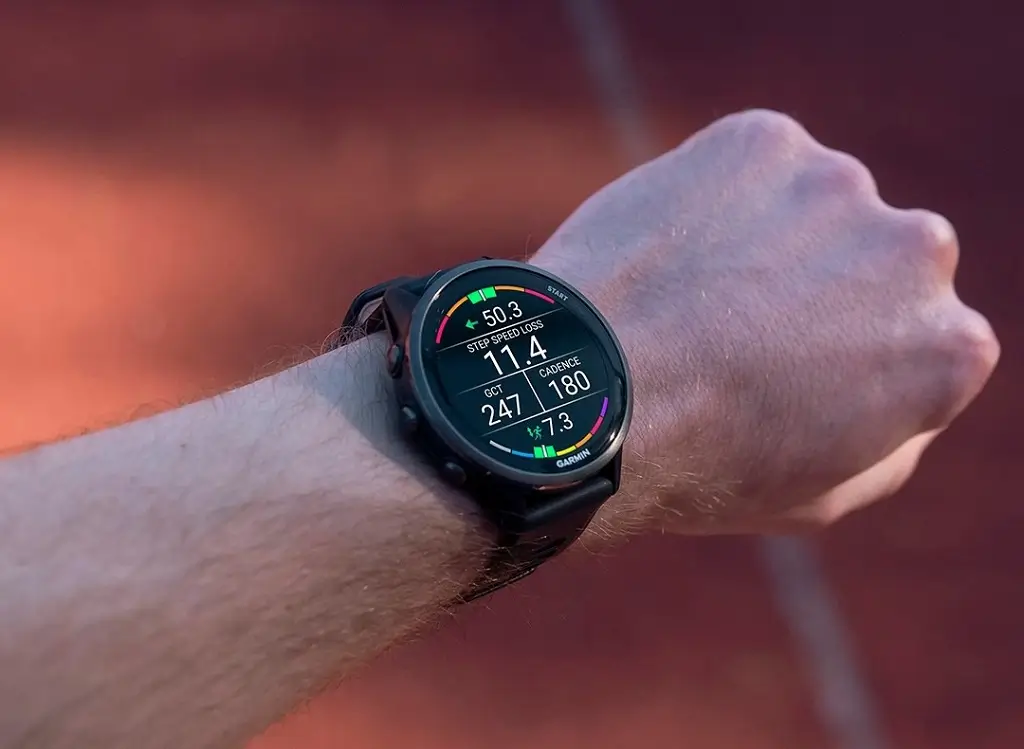
Garmin has officially released a fresh beta firmware update for its high-performance wearables. The latest version 16.14 is now hitting the Forerunner 970 and 570 series, bringing a comprehensive suite of bug fixes, UI refinements, and functional enhancements designed to smooth out the user experience.
Note: The Beta software available for the Forerunner 970 will have the ECG feature disabled
Performance Stability and Crash Fixes
A primary focus of this 16.14 update is system reliability. Garmin has addressed several critical bugs that previously caused devices to spontaneously reset. Specifically, athletes should no longer experience crashes while transitioning between music providers or during active swim sessions. Additionally, the software now correctly calculates arrival times for course start points and prevents navigation from canceling unexpectedly when users dive into specific course point details.
Precision Enhancements for Training and Racing
For those following structured plans, this update resolves several discrepancies within the Garmin Coach ecosystem. Users will find that race time predictions are no longer missing from their plans, and the system now correctly loads the specific cycling workouts requested.
Refinement has also been applied to real-time data:
-
Workout Persistence: Changes made to structured repeats are now saved for subsequent interval sessions.
-
Pace Accuracy: A minor lag issue where the announced pace and displayed pace differed by a second has been synchronized.
-
Strength Training: The countdown timer on strength activities has been fixed to prevent the screen from appearing frozen.
New Features and Interface Personalization
Beyond technical fixes, Garmin has introduced several quality-of-life features. Golfers can now save custom targets on their favorite courses, and sports fans will notice a new star icon to help identify favorite teams quickly. For those who prefer more data at a glance, a new setting allows the display of seconds on select watch faces, even when the “Always On” mode is active.
Audio and Haptic Adjustments
The user interface has been “quieted” in specific areas to improve the tactile feel of the watch. Haptic feedback has been removed when navigating to the volume menu to provide a smoother transition. Furthermore, a frustrating audio bug—where the speaker remained muted after a manual mute, even if the volume was turned back up—has been successfully patched.
Specialized Activity Improvements
Winter sports enthusiasts and divers will also benefit from this rollout. The update fixes a visibility bug that prevented snowboarders from viewing their runs during an activity. For divers, Garmin has cleaned up the Training Readiness glance; it will no longer display “recent dives” if no such activities exist, and the Morning Report layout has been optimized for cases where dive scores are unavailable.
How to Install the Update
While Garmin often rolls these updates out in phases, users eager to test the new features immediately can trigger the download manually.
To update your Forerunner, navigate to: Main Menu > Settings > System > Software Update > Check For Updates.
Also Read: Garmin officially launches AI-powered nutrition tracking for smartwatches


Hello,
What I find weird and unexplained is the fact that the Beta update just before the 16.14 had the ECG working and now that have disabled it?? For what reason?? If they are not touching it they should keep it the way it was …
Any comments ?