

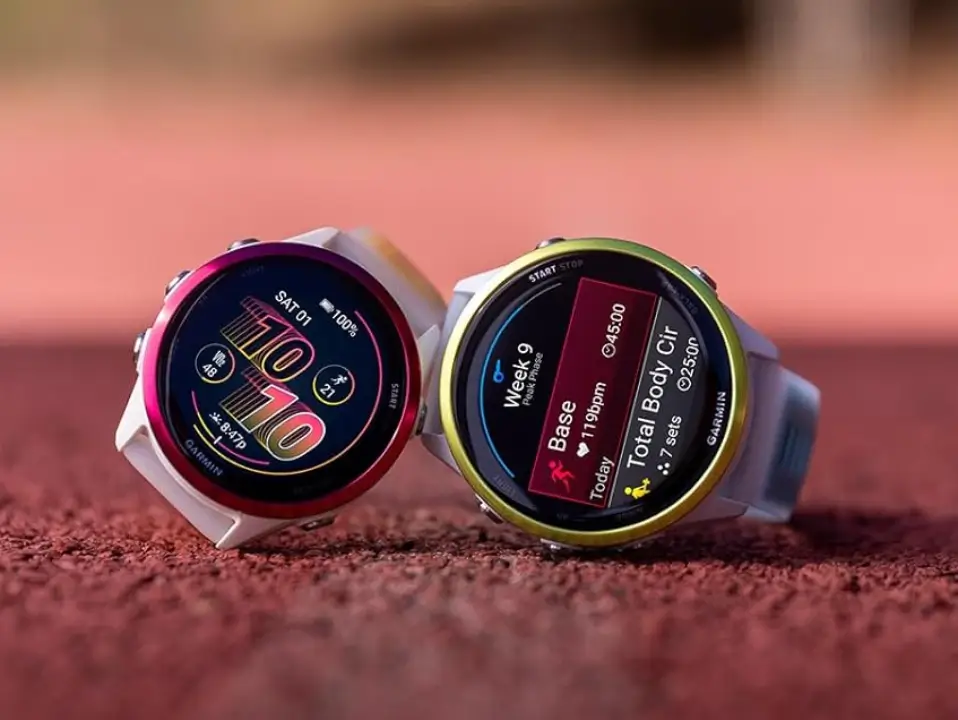
Garmin has commenced the rollout of a new beta software update, identified as version 15.33, for two of its popular GPS running watches. This update is specifically targeting users of the Forerunner 970 and the Forerunner 570 smartwatches, signaling ongoing efforts by the company to refine the user experience on these devices. Users participating in the beta program can expect to see this software become available shortly, bringing with it a suite of improvements.
What’s Included in the Change Log?
- Various bug fixes and improvements.
Unlike major feature releases, this particular beta iteration focuses primarily on stability and reliability. The official change log is concise, simply stating “Various bug fixes and improvements.” This general description indicates that the update addresses underlying issues that may have been impacting performance, battery life, or the smooth operation of specific watch functions. By applying these patches and optimizations, Garmin aims to ensure a more robust and seamless experience for runners and athletes relying on these Forerunner models for their training and daily tracking.
How to Install the Software Update
For those keen to get their devices onto the latest beta software, the update process is straightforward and can be initiated directly from the watch itself. Users don’t need to connect their watch to a computer; the update is available over the air (OTA). To manually check for and download version 15.33 on the Forerunner 970 or 570, navigate through the watch’s menus:
-
Start at the Main menu.
-
Go into Settings.
-
Select System.
-
Choose Software Update.
-
Finally, select Check For Updates.
Following these steps will prompt the device to search for the new firmware, allowing for quick installation once it’s detected.
Also Read: Garmin Year-in-Review Now Requires Payment, Sparking Widespread User Backlash

