

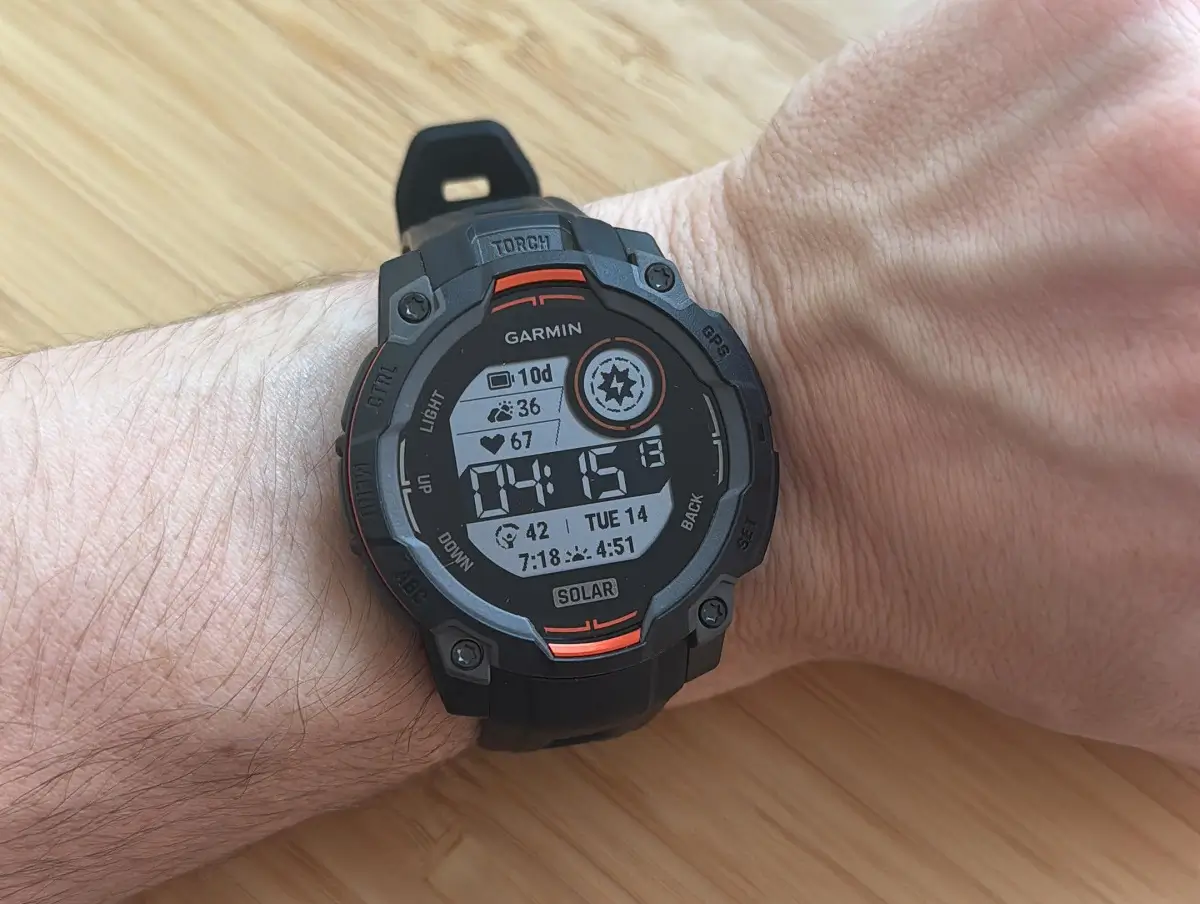
Garmin has commenced the rollout of a new, stable software update, designated as version 12.23, for several popular models in its rugged smartwatch lineup. This essential update is being distributed to the Instinct 3 AMOLED, Instinct 3 Solar, Instinct E, and the Crossover AMOLED smartwatches. The primary goal of this release is to enhance stability and resolve a few crucial issues that users may have encountered.
Key Improvements and Fixes in Version 12.23
This software iteration brings specific fixes designed to optimize the user experience across the affected devices. Garmin has provided a concise changelog detailing the corrections implemented in version 12.23. The general fix applies to the entire supported group, while a model-specific fix addresses issues unique to the Solar and E editions.
Addressing General Application Stability
A potential concern with the Garmin Connect Mobile (GCM) application has been resolved in this release. Specifically, the update fixes a potential issue with adding apps in GCM. This improvement ensures a smoother and more reliable experience when integrating new applications onto your device via the companion mobile app.
Resolving Content Download Issues (Instinct 3 Solar/Instinct E Only)
Owners of the Instinct 3 Solar and Instinct E models can now use the patched version. These specific variants were experiencing an issue where certain Connect IQ (CIQ) apps could not successfully download content, such as complex courses or custom workouts. The new update ensures that these apps can now reliably retrieve the necessary data, restoring full functionality for navigation and training tools.
How to Manually Install the New Software
While the update will eventually roll out automatically, users eager to install version 12.23 immediately can do so manually directly on their device. Garmin provides a straightforward method to initiate the update check and download.
To begin the manual update process, follow these simple steps on your supported Garmin smartwatch:
-
Navigate to the Main menu of your watch.
-
Select Settings.
-
Go into System.
-
Choose Software Update.
-
Finally, select Check For Updates.
Following these steps will prompt your device to look for and download the latest version 12.23, ensuring your smartwatch is running with the most stable and optimized software available.
Also Read: Garmin Year-in-Review Now Requires Payment, Sparking Widespread User Backlash

