

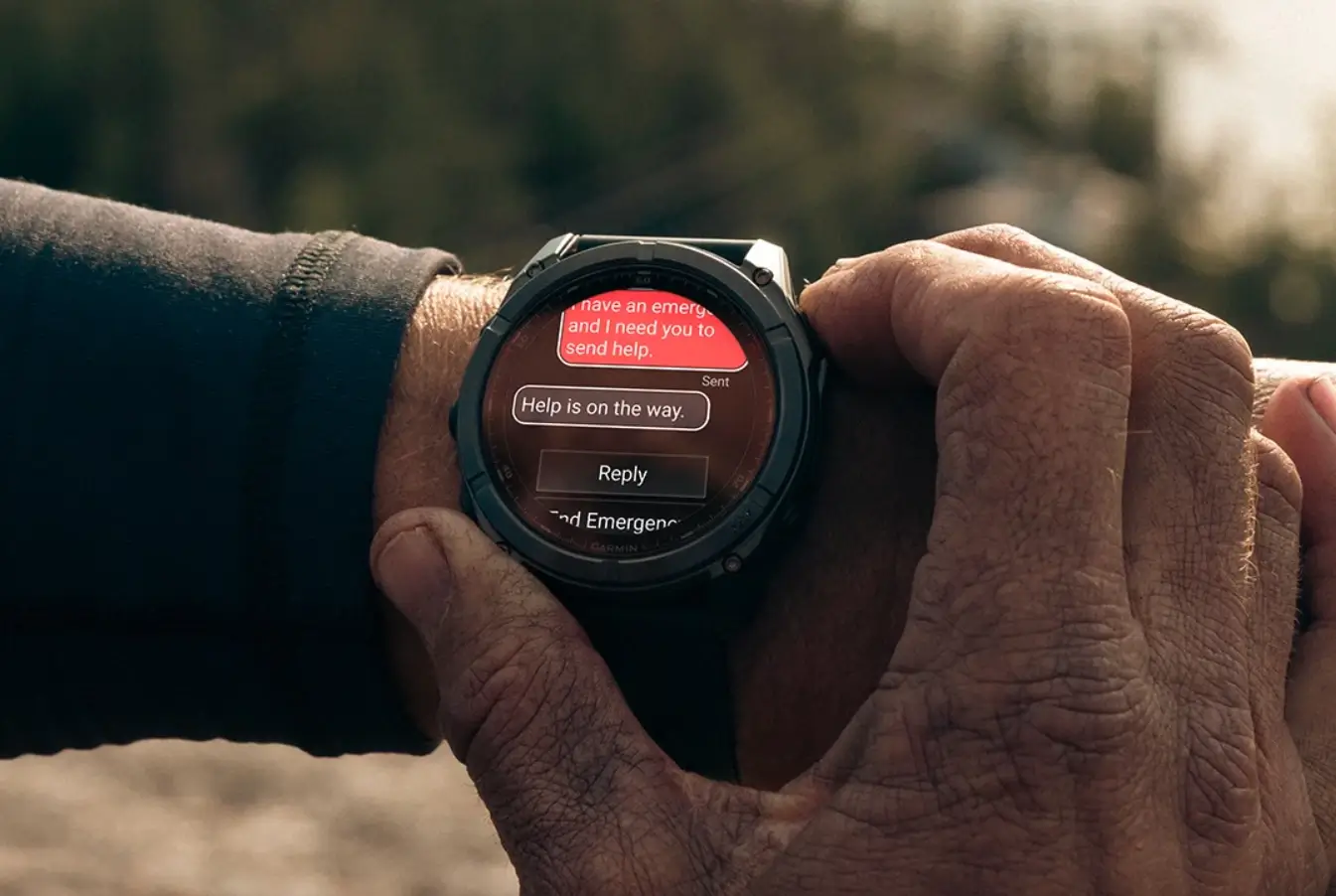
Garmin has officially initiated the rollout of Beta Version 22.21, a comprehensive software refresh designed specifically for the Fenix 8 Pro AMOLED and the cutting-edge MicroLED variants. This update focuses heavily on refining the user experience, bridging the gap between wearable hardware and seamless software execution through dozens of targeted refinements.
Enhanced Navigation and Connectivity Features
The latest firmware introduces several functional upgrades aimed at outdoor enthusiasts and daily users alike. For those utilizing Outdoor Maps+, Garmin has integrated QR codes within layer descriptions, allowing users to instantly access detailed information about their maps via their smartphones. Safety and navigation also see a boost with the addition of a direct navigation option to the last Man Overboard (MOB) point. Furthermore, the Messenger app now supports “read” and “delivered” statuses, providing better communication clarity directly from the wrist.
System Efficiency and New Shortcuts
Managing your device is now more intuitive with the inclusion of Voice Command support for the battery manager and a new Silent Mode that can be toggled via button shortcuts or the control loop. Garmin has also streamlined the interface by allowing users to access the keyboard layout menu with a simple upward swipe. Additionally, the Phone shortcut has been recalibrated to open the Phone app directly rather than buried settings menus, and LTE options have been integrated into activity power modes for better energy management.
Critical Bug Fixes for Stability
A significant portion of Version 22.21 is dedicated to resolving technical glitches. Key fixes address a high-priority issue where the watch would reset when using WhatsApp on iPhones, as well as a bug causing excessive battery drain following phone calls or the use of voice assistants. Stability improvements also resolve instances where the device would fail to mount as a mass storage unit or appear unresponsive when holding a large library of saved activity files.
Activity Tracking and UI Refinements
Garmin has fine-tuned its fitness metrics, correcting issues where certain activities failed to influence Body Battery scores and fixing synchronization errors for Strength Personal Records. Athletes will also notice that goal animations now play for a longer duration, and the Fish Forecast app has been updated to respect the user’s preferred time format. Various display bugs, such as blank sports scores or frozen sunrise/sunset data fields, have also been successfully patched.
How to Install the Beta Update
For users enrolled in the Beta program, the update is available for immediate download. To trigger the installation manually, navigate to the following path on your Fenix 8 Pro:
-
Menu > System > Software Update > Check For Updates
Also Read: Is the Garmin Fenix 9 Worth the Wait? My Deep Dive into the 2026 Rumors

