

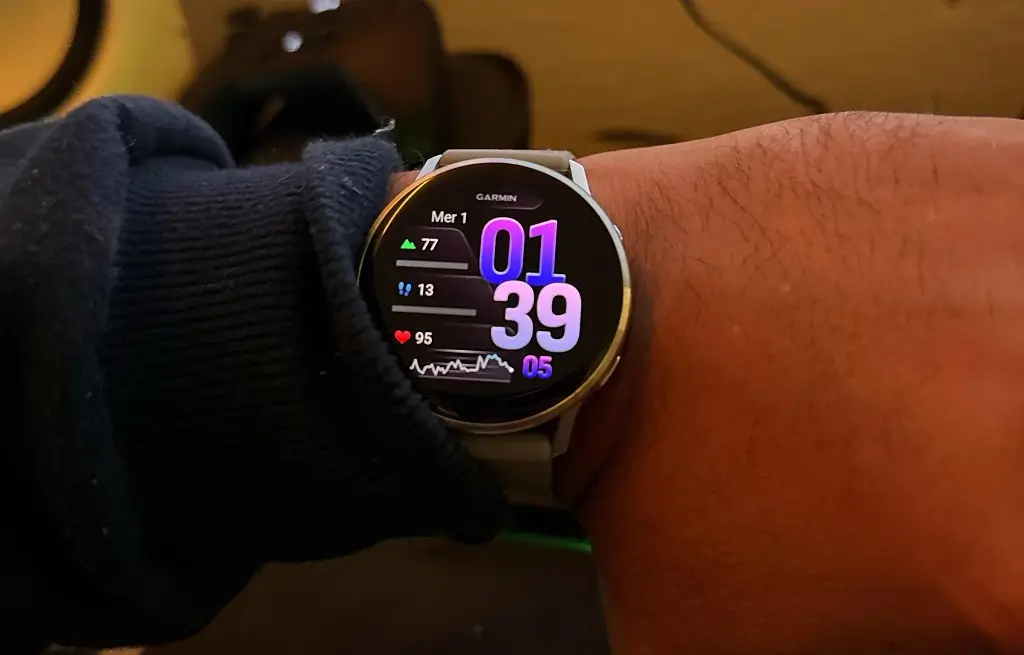
Garmin has officially begun the rollout of its latest beta software, version 17.16, specifically tailored for the Venu 4 smartwatch series. This update is designed to refine the user experience by introducing highly requested utility features and addressing a substantial list of bugs that have affected system stability and fitness tracking accuracy.
Enhanced Golfing and Connectivity Features
Golf enthusiasts with an active Garmin Golf subscription will find significant value in this release. The update integrates premium green contour data and enhanced CourseView maps, providing a more detailed visual representation of the links. Additionally, the PlaysLike distance feature is now included, which adjusts yardage based on elevation changes.
On the connectivity front, Garmin has optimized how the watch interacts with your smartphone. The phone shortcut now launches the actual phone app instead of the settings menu, and a notable fix addresses a power management bug where using the phone assistant or taking calls previously caused excessive battery drain.
System Navigation and User Interface Tweaks
The Venu 4’s interface feels more intuitive with version 17.16. Users can now access a silent mode quickly via the control loop or a customizable button shortcut. Keyboard interaction has also been improved; a simple swipe up from the bottom of the screen now reveals the keyboard layout menu, and a fix has been implemented for missing special characters on certain digital keyboards.
Other quality-of-life improvements include:
-
Voice Commands: You can now open the Battery Manager app using only your voice.
-
Goal Celebrations: Animation lengths for reaching daily goals have been extended.
-
Input Reliability: A fix for the pinpad prevents double-number entries when long-pressing buttons.
Critical Bug Fixes and Stability Improvements
A large portion of the 17.16 changelog is dedicated to resolving technical glitches. For those who experienced issues with Garmin Coach or activity uploads to Garmin Connect, this update stabilizes the syncing process. Pool swimmers will also notice that workouts no longer skip active steps without user interaction.
The update further resolves specific hardware-software conflicts, such as the screen becoming unresponsive after an ECG reading or the device failing to mount as a mass storage unit when connected to inReach devices. Stability fixes also prevent the watch from resetting when deleting workouts or using WhatsApp on an iPhone.
How to Install the 17.16 Beta Update
If you are enrolled in the Garmin Beta Program and wish to update your Venu 4 immediately, you can trigger the download manually through the device’s onboard settings. Use the following path:
-
Open the Main Menu.
-
Select Settings.
-
Tap on System.
-
Navigate to Software Update.
-
Select Check For Updates.
Also Read: Is the Garmin Fenix 9 Worth the Wait? My Deep Dive into the 2026 Rumors

