

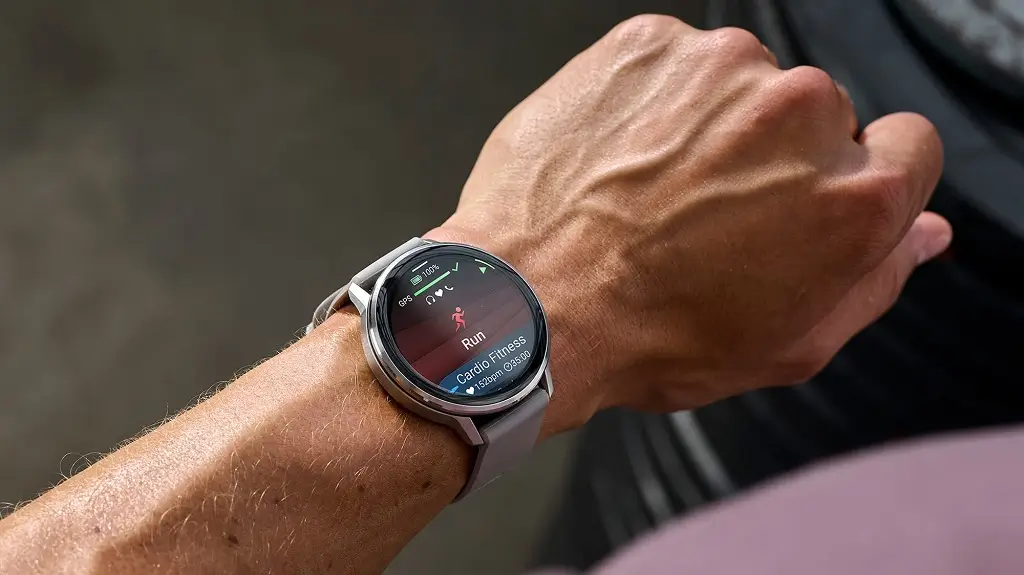
Garmin has officially begun the rollout of its latest stable firmware, version 16.37, targeting users of the Venu 4 and Vivoactive 6 series. This update focuses on refining the user experience by squashing persistent bugs and optimizing the performance of key fitness tracking features. While it may not introduce flashy new interfaces, the stability improvements are vital for athletes who rely on precise data during high-intensity training.
Enhanced Stability for Audio and HIIT Training
A significant portion of this update is dedicated to preventing system instability during active use. Garmin has addressed a known issue that caused the watches to crash while using Bluetooth headphones, ensuring a seamless transition between your workout playlist and system alerts. Additionally, the HIIT activity profile has been stabilized, correcting a bug that previously triggered device restarts during intense interval sessions.
Refined Pool Swimming and Goal Tracking
For swimmers, version 16.37 brings a much-needed fix for Pool Swim activity tracking. Users had reported occasional failures in stroke and lap counting; this patch improves the accuracy of the onboard sensors to ensure every length of the pool is recorded. Furthermore, Garmin resolved a glitch in the Goal Alert system. Previously, some users were only seeing a single daily notification for their achievements, but the system will now correctly display multiple alerts as you hit various milestones throughout the day.
Performance Optimization and Global Support
Beyond the specific bug fixes, the Course Planner has received a performance boost, making it faster and more responsive when mapping out routes on the fly. To support its global user base, Garmin has also updated system translations for better clarity across multiple languages. The update is rounded out with a variety of “under the hood” minor bug fixes that contribute to a smoother overall UI experience.
How to Install the Update
While the update is being delivered in phases, you don’t have to wait for the automatic push notification. You can manually trigger the download on your Venu 4 or Vivoactive 6 by navigating through the following steps on your device:
-
Open the Menu.
-
Select System.
-
Tap on Software Update.
-
Select Check For Updates.
Change Log Summary:
- Fixes a potential crash when using headphones.
- Fixes a potential crash when using the HIIT activity.
- Fixes an issue that could cause the device to fail to track strokes or laps correctly in a pool swim activity.
- Fixes an issue where only one goal alert is shown per day.
- Improves course planner performance.
- Fixes other minor bugs.
- Updates translations.
Also Read: The Best Garmin Watches of 2026: A Beginner’s Guide to the Ultimate Ecosystem

