

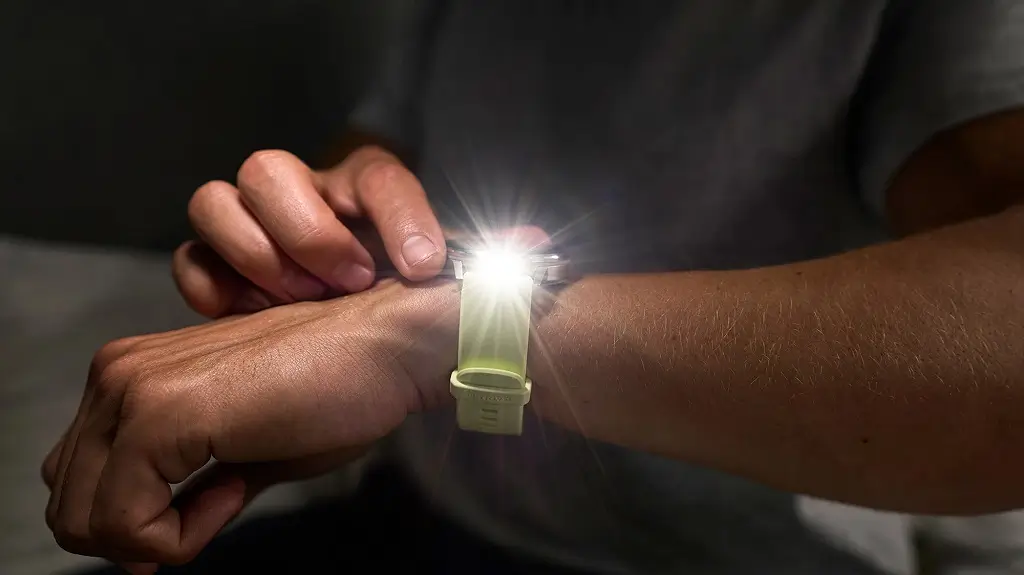
Garmin has officially begun the rollout of its latest stable firmware, version 15.52. This software update is specifically designed for the brand’s newest generation of lifestyle wearables, ensuring these devices continue to operate with peak precision and reliability. While this update may seem incremental, it provides the essential groundwork for long-term device health.
Targeted Devices and Compatibility
The version 15.52 update is being deployed across three primary Garmin models. Users of the following smartwatches should keep an eye out for a notification on their wrists:
-
Venu 4
-
Vivoactive 6
-
Venu X1
Detailed Change Log: What’s New?
According to Garmin’s official release notes, this update focuses on the internal mechanics and software stability of the wearables. The two primary pillars of this release include:
-
Manufacturing Support: Internal adjustments have been integrated to align the software with the latest manufacturing standards and hardware components.
-
System Optimization: A suite of “various bug fixes” has been applied to address minor glitches, improve battery efficiency, and smooth the overall user interface.
How to Install the Update
For most users, the transition to version 15.52 will be seamless. If you have the Auto Update feature toggled on within your Garmin Connect settings, the software will download and install wirelessly in the background.
If you prefer to skip the wait and update your watch immediately, you can perform a manual check by following these steps on your device:
-
Open the Main Menu.
-
Select Settings.
-
Scroll down to System.
-
Tap on Software Update.
-
Select Check For Updates to initiate the download.
Also Read: Garmin Officially Launches Quatix 8 Pro with Dual Satellite and LTE Connectivity


I have the garmin venux1, for seven months, it lighted off and when trying to start it it was impossible,even trying to connect it to garmin express.
Do you know what has been happened.