

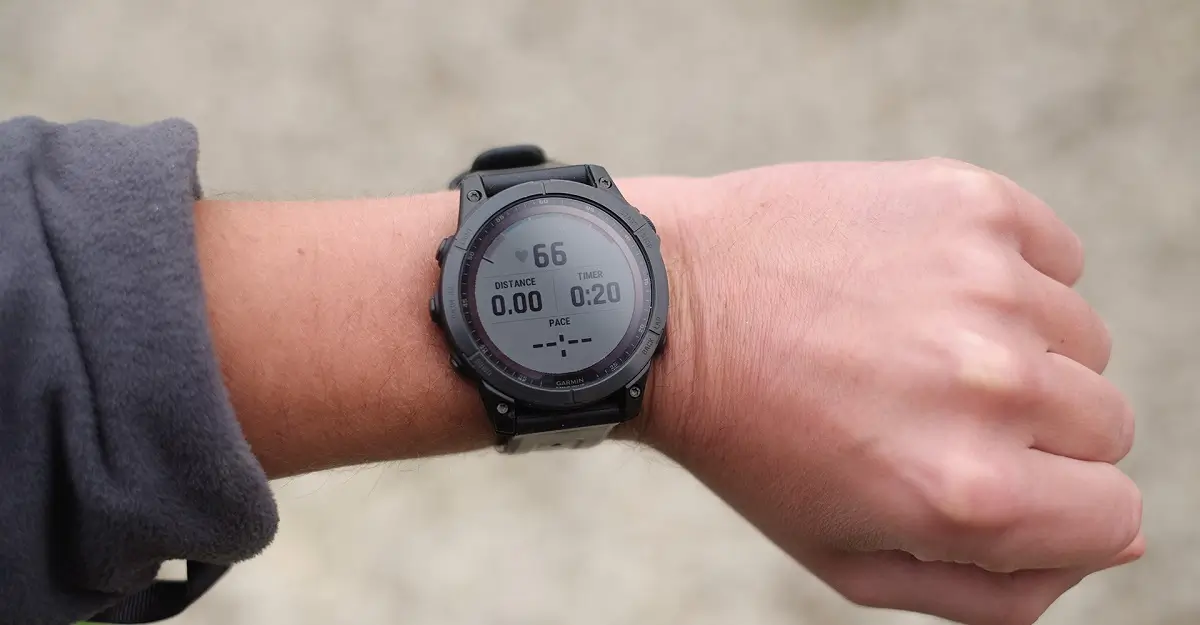
Garmin is officially initiating the rollout of a new beta software update, version 25.03, targeting a selection of its most popular and advanced smartwatches. This update is specifically designed for users of the Fenix 7, Epix 2, Enduro 2, Quatix 7, and Marq Gen 2 lineups. The release introduces a handful of refinements and, crucially, addresses numerous bugs reported by the user community, aiming to enhance the overall stability and user experience across these high-end devices.
User Interface Enhancements and Golf Activity Improvements
A key visual tweak in this beta focuses on media consumption. The update includes an updated appearance for the progress bar when users navigate the list selection for Audiobooks. This minor design refinement aims to provide a cleaner and more intuitive visual feedback mechanism. Furthermore, the update brings a practical improvement for golf enthusiasts: the Golf activity now provides support for toggling the auto-lap feature. This grants users greater control over their activity tracking preferences during a round of golf.
Critical Fixes for Activity Tracking and Data Integrity
The 25.03 beta addresses several issues that impacted the accuracy and recording of various activities. Notably, a fix has been implemented for Strength workouts, resolving a problem where edited weight values would fail to carry over to subsequent sets, ensuring training data is recorded correctly. For owners of Fenix 7 variants without Wi-Fi capabilities, a significant bug has been patched concerning skin temperature data, which was previously not being tracked correctly within Garmin Connect Mobile (GCM). Another crucial correction involves activity recorded with Pace Pro, where the activity review widget would sometimes display invalid data.
Stability and System Reliability Patches
The update also heavily focuses on improving the stability of the device and preventing unexpected interruptions. Several instances where the smartwatch would reboot or shut down unexpectedly have been addressed. These specific fixes include resolving reboots when changing the overlay on the Weather Radar map, and unexpected shutdowns that occurred both when saving a Golf activity and when viewing the steps of a Daily Suggested Workout. The device’s reliability when interacting with the InReach widget has also been bolstered, as a bug causing shutdowns when selecting a contact has been fixed.
Menu, Sensor, and Display Correction Roundup
Beyond core activity tracking and stability, the update sweeps up various minor but impactful bugs related to user interface elements, sensors, and data display. Issues corrected include a problem with the menu title in the Sleep Mode setup menu and an incorrect reading of the ANT+ connection status for the HRM 600 on the sensor settings page. The update also corrects display errors, such as the time on the Weather Radar map occasionally not matching the system’s time format and the Morning Report’s scheduled page showing the previous day’s information. Finally, a fix ensures that OHR (Optical Heart Rate) turns on reliably in an activity, even if it was previously disabled, and resolves an issue where Tide Alerts were not displaying data according to the system’s unit configuration.
How to Get the Update
Users who are enrolled in the beta program can manually download the update onto their compatible device. To initiate the download, navigate through the device’s settings menu:
Main menu > Settings > System > Software Update > Check For Updates
Also Read: Garmin Vivosmart 6 is Coming: The Next-Gen Fitness Tracker with Built-In GPS

