

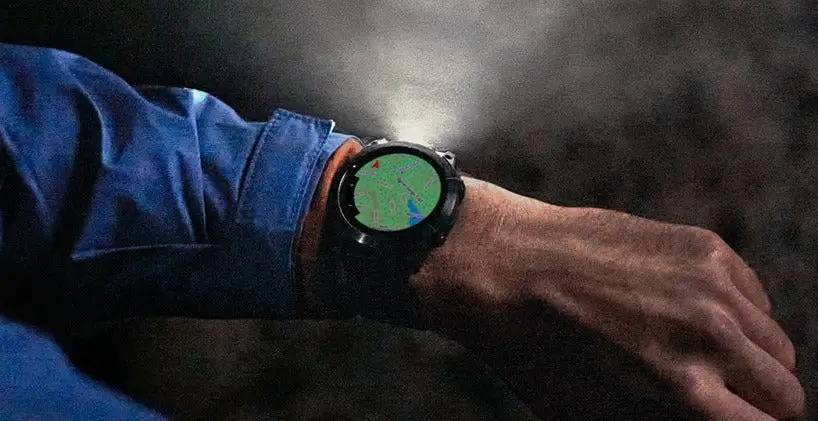
Garmin has officially begun deploying a fresh system update, Version 25.08, across its high-end multisport lineup. This rollout targets users of the Fenix 7, Epix Gen 2, Enduro 2, Quatix 7, and the Marq Gen 2 series. While this update focuses on performance stability rather than adding new features, it addresses several critical bugs that have been affecting the user experience during navigation and daily wear.
Critical Navigation and Map Stability Fixes
One of the primary improvements in this build involves the mapping interface. Garmin addressed a specific User Interface (UI) glitch that occurred when users attempted to preview a course before starting their navigation. Furthermore, a significant stability fix has been implemented to prevent the device from unexpectedly shutting down during large map downloads. These refinements ensure that the watch remains reliable during the preparation stages of long-distance treks or cycling routes.
Correcting Watch Face Data Display
Beyond navigation, Version 25.08 resolves a frustrating visual bug related to data field rendering. Some users had reported that specific metrics—such as heart rate, battery life, or steps—were failing to appear on certain watch faces. This patch ensures that all graphical elements and data complications are drawn correctly, maintaining the aesthetic and functional integrity of the device’s primary display.
How to Install the 25.08 Update
While Garmin often pushes updates automatically via the Connect app, you can bypass the wait by manually triggering the download directly from your wrist. To update your device, navigate through the following steps on your watch:
-
Hold the Menu button.
-
Scroll down to System.
-
Select Software Update.
-
Tap Check For Updates to begin the installation.
Also Read: Garmin officially launches AI-powered nutrition tracking for smartwatches

