

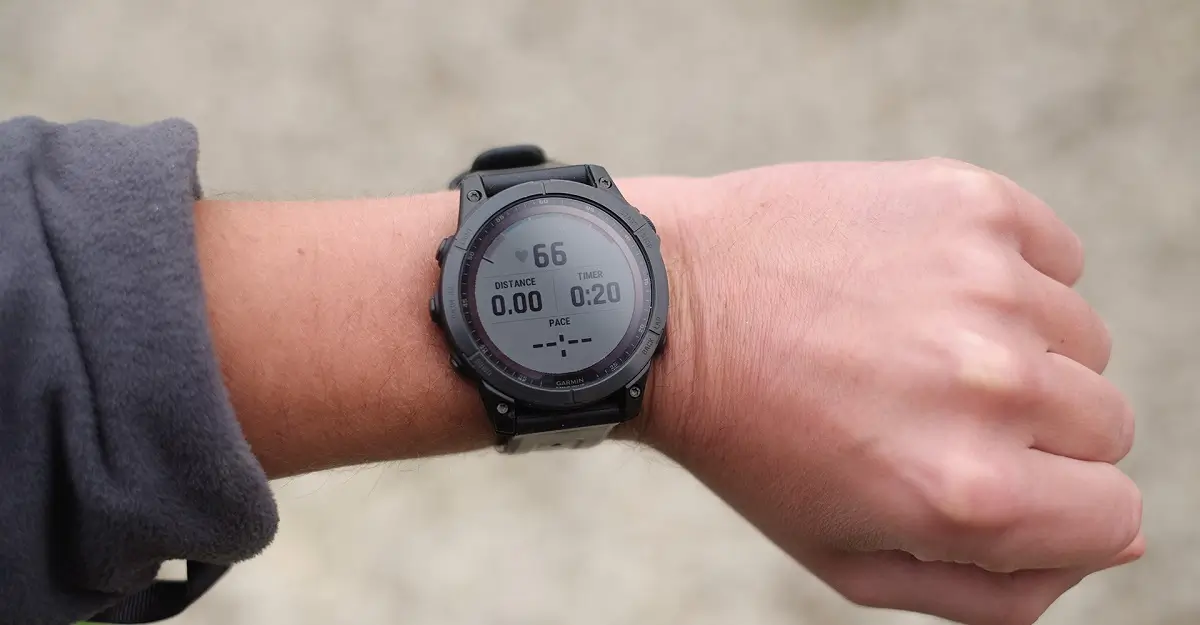
Garmin has officially launched a fresh beta firmware cycle for its high-end smartwatch lineup. This latest rollout, identified as Version 25.10, is specifically designed for the Fenix 7 series, Epix (Gen 2), Enduro 2, Quatix 7, and the Marq Gen 2 collection. While this update appears to be a minor point release, it addresses a specific connectivity hurdle that has been affecting users in the beta program.
Improved Wi-Fi Connectivity and Stability
- Fixed an issue where the device would sometimes not reconnect to password-protected networks.
The primary focus of this software iteration is a targeted bug fix regarding wireless networking. Garmin’s development team identified a glitch where certain devices would fail to automatically reconnect to password-protected Wi-Fi networks. This patch ensures that once a secure network is saved, the watch maintains a reliable handshake, preventing the need for manual reconnection or repeated credential entry.
How to Install Version 25.10
For users currently enrolled in the Garmin Beta Program, the update may arrive automatically, but you can bypass the queue by triggering a manual sync. To update your wearable immediately, navigate to the Main Menu on your watch, select Settings, then go to System. From there, choose Software Update and tap Check for Updates.
This process will prompt the device to ping Garmin’s servers and begin the installation over a Wi-Fi or Bluetooth connection. As with all beta software, it is recommended to ensure your device is sufficiently charged before starting the download.
Also Read: Garmin Officially Launches Quatix 8 Pro with Dual Satellite and LTE Connectivity


Hi, please do not talk about Wi-Fi improvements when it’s a bugfix.
It’s very different from an enhancement/improvement …
thanks