

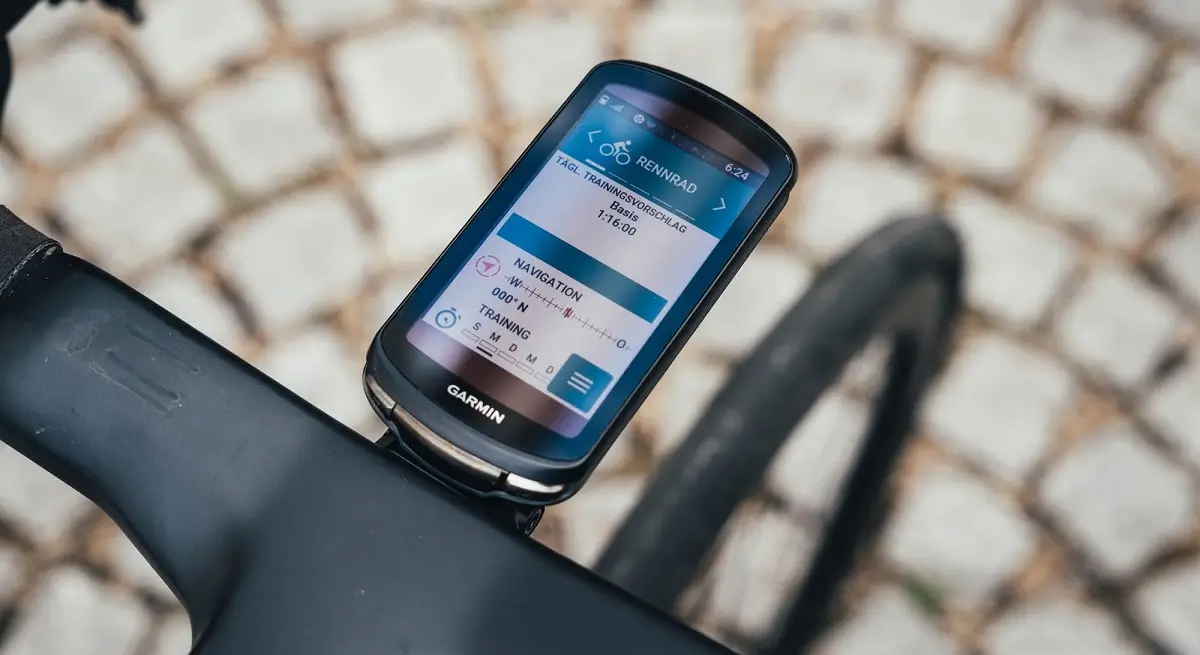
Garmin has officially begun the rollout of its latest firmware enhancement, Beta Version 30.12, targeting a wide range of its premier cycling GPS units. This update is designed to refine the user experience by addressing specific performance bottlenecks and data visualization issues that riders have recently encountered.
The update is currently compatible with the following models:
-
Edge 1050 & 1040
-
Edge 850 & 840
-
Edge 550 & 540
Key Fixes and Performance Enhancements
The primary focus of this release is the resolution of technical glitches that affected third-party integrations and internal climbing metrics. Notably, Garmin has resolved an issue where the Strava widget would occasionally freeze or become unresponsive on certain devices, ensuring a smoother transition for athletes tracking their segments in real-time.
Additionally, this patch improves the accuracy of the ClimbPro feature. Users previously reported discrepancies in grade percentage and real-time positioning while ascending; version 30.12 corrects these errors to provide precise elevation data. For those who track technical drivetrain metrics, the “time in gear” data—which was missing from some post-ride summaries—has now been restored.
Stability Improvements and Bug Squashing
Beyond the high-profile fixes, Garmin’s engineering team has implemented a series of general system optimizations. These “under the hood” changes are aimed at increasing overall device stability and preventing unexpected crashes during high-intensity navigation. Various minor bugs identified by the beta-testing community have also been addressed to ensure a more seamless interface interaction.
How to Install the 30.12 Beta Update
If your device is enrolled in the Garmin Beta Program, you can download the software wirelessly. Ensure your Edge device is connected to a reliable Wi-Fi network, then follow these steps:
-
Open the Main Menu on your device.
-
Navigate to System.
-
Scroll down and select About.
-
Tap Check for Updates to trigger the download.
Once the installation is complete, your device will automatically restart and be ready for your next ride with the latest features and fixes active.
Also Read: Garmin officially launches AI-powered nutrition tracking for smartwatches

