

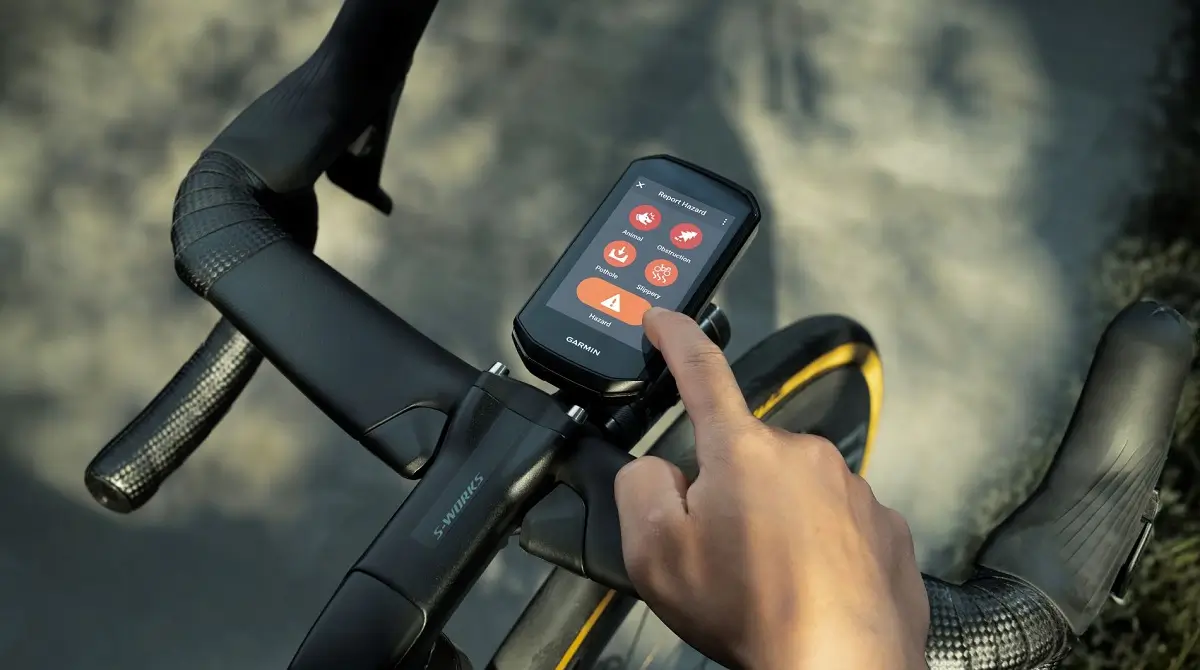
Garmin has officially released Beta Version 31.15 for its latest generation of cycling computers. This update targets a wide range of devices, including the Edge 540/550, 840/850, and the premium 1040/1050 series, focusing on refining the user interface and squashing persistent navigation bugs.
Enhanced Gear Tracking and Visual Overhaul
The standout feature in this release is the refined gear tracking support, providing cyclists with deeper insights into their drivetrain usage. Garmin has also addressed a long-standing aesthetic gripe: the radar data screen. Previously locked into a permanent “dark mode,” the radar interface now intelligently follows your device’s selected Color Mode, offering better visibility during bright daytime rides.
Critical Navigation and Mapping Fixes
Navigational reliability is the backbone of the Edge series, and 31.15 tackles several frustrating glitches. Users will no longer see Points of Interest (POIs) randomly vanish from the map, and the Auto Zoom feature has been recalibrated to stay consistent while following a course. Additionally, the update squashes a bug that caused the system to crash during active navigation or when searching through recent locations.
Precise Metrics and ClimbPro Accuracy
For the mountain goats and data nerds, Garmin has sharpened its elevation logic. The update fixes an issue where flat roads were incorrectly credited as climbs, and the ClimbPro page has been tuned to display grade and rider position with much higher precision. Furthermore, the “ghost screen” bug—where setting brightness to 0% made the device look powered off—has been officially resolved.
Shifter Integration and Stability Improvements
Connectivity with electronic drivetrains sees a significant boost. The ride summary will now accurately reflect time-in-gear for standard shifters as well as Shimano eBike systems. Beyond these specific fixes, the firmware includes a suite of general stability patches to prevent the Strava widget from freezing and to stop system crashes during heavy processing tasks.
How to Install the Update
If your device is enrolled in the Beta program, you can pull the update immediately via Wi-Fi:
-
Open the Main Menu on your Edge device.
-
Navigate to System.
-
Select About.
-
Tap Check for Updates.
Change Log Summary:
- Added support for gear tracking improvements.
- Updated radar data screen to support the selected Color Mode instead of always displaying in dark mode.
- Fixed brightness slider at 0% causing screen to appear to be off.
- Fixed labels overlapping on graphical data field for elevation.
- Fixed map points of interest disappearing.
- Fixed some flat roads giving credit for climbs.
- Fixed auto zoom while following a course.
- Fixed Strava widget freezing on some devices.
- Fixed ClimbPro page not showing grade/position correctly.
- Fixed time in gear for shifters not showing in ride summary.
- Fixed time in gear for Shimano eBike shifters.
- Fixed crash during course navigation.
- Fixed crash while searching for recent finds.
- General improvements to device stability and addressed various minor bugs.
Also Read: The Best Garmin Watches of 2026: A Beginner’s Guide to the Ultimate Ecosystem

