

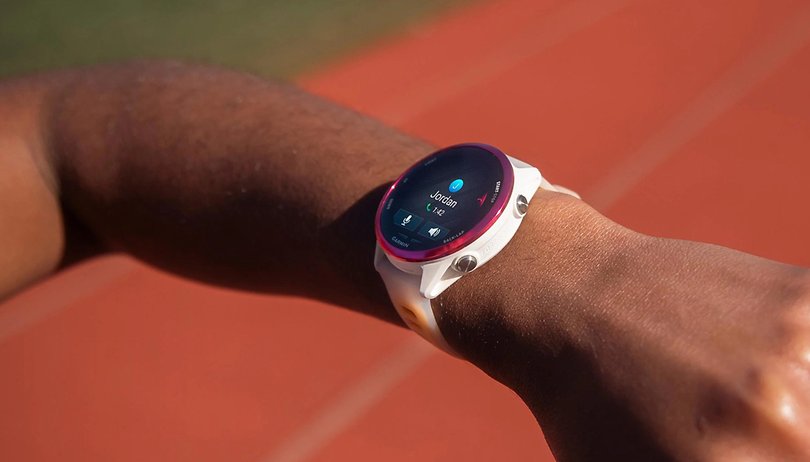
Garmin has officially launched Beta Version 16.17, a fresh software update specifically tailored for the Forerunner 970 and 570 series. This release focuses heavily on system stability, refined navigation tools, and a more intuitive user interface for athletes and data enthusiasts alike.
Note: The Beta software available for the Forerunner 970 will have the ECG feature disabled
Eliminating System Crashes and Reset Glitches
The primary focus of version 16.17 is ironing out several “reset loops” that previously interrupted the user experience. Garmin has successfully patched bugs that caused the watches to reboot when interacting with the Sports Scores glance, specifically when users tried to add or favorite a team.
Additionally, the stability of the HRV (Heart Rate Variability) chart has been reinforced, ensuring the device no longer crashes while you’re reviewing your recovery data. Cyclists will also notice a smoother experience, as a critical bug that triggered resets during indoor cycling course loading has been eliminated.
Enhanced Navigation and Course Tracking
For those who rely on their Forerunner for trail running or long-distance cycling, this update brings several quality-of-life improvements. Garmin has resolved a frustrating error where adding a navigation data screen would accidentally cancel an active session.
The update also tackles visual data accuracy:
-
Rest Point Logic: “Stay time” now displays correctly when pausing at designated points during a course.
-
Visual Clarity: Long course point names are no longer truncated or distorted.
-
Redesigned Layouts: The Course Details page has received a layout overhaul for better readability on the move.
Sport-Specific Upgrades and Audio Cues
Golfers and team sports fans have something to look forward to in this build. The update fixes a rendering issue where the golf course green failed to display properly. For the fans, a new “stoppage time” feature has been integrated into the sports scores interface, providing more granular data during live matches.
Furthermore, the audio prompts have been modernized. When running distance intervals, the watch will now vocally report the specific time for that interval, allowing runners to keep their eyes on the path rather than their wrists.
New Customization and How to Install
Beyond the technical fixes, Garmin is expanding personalization by adding support for spoken watch face complications. This allows users to hear real-time data updates directly from their watch face.
To grab the latest Beta features, you don’t have to wait for the automatic rollout. You can trigger the download manually by following this path on your device:
-
Open the Main Menu.
-
Navigate to Settings.
-
Select System.
-
Tap Software Update.
-
Choose Check for Updates.
Also Read: Leaked: Garmin Cirqa Smart Band Ready to Take on Whoop with New Wrist-Based Design

