

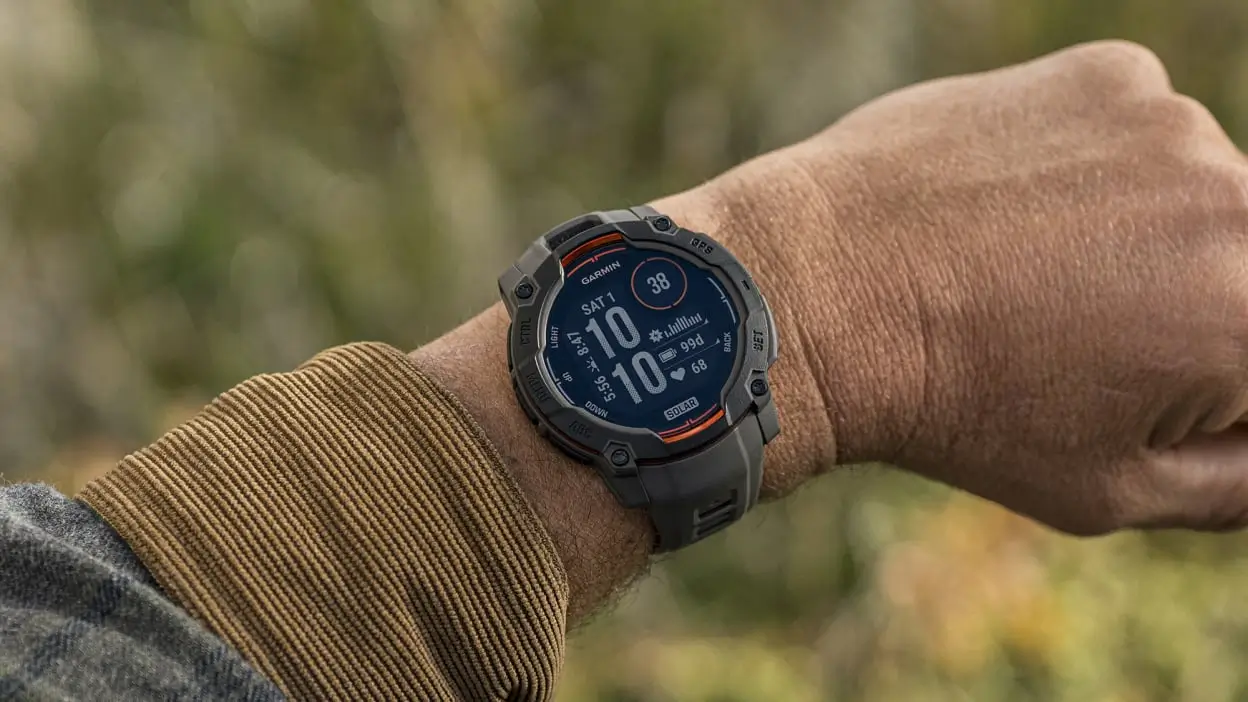
Garmin has officially released a fresh beta firmware update, version 13.12, targeting its latest generation of rugged wearables. This rollout includes the Instinct 3 AMOLED, Instinct 3 Solar, the new Instinct E, and the Instinct Crossover AMOLED. The update focuses on expanding activity profiles while addressing specific UI bugs found in previous versions.
Expanding the Activity Arsenal
One of the primary highlights of this update is the introduction of the Treadmill Walk activity, which is now available across the entire Instinct 3 and Instinct E lineup. This addition provides users with more accurate tracking for indoor cardio sessions that don’t quite reach running speeds. Furthermore, Garmin has addressed a functional gap by restoring the training menu within Pool Swim activities, ensuring swimmers can once again access their structured workouts directly from the water.
Specialized Enhancements for Solar and AMOLED Models
For enthusiasts using the Instinct 3 Solar, AMOLED, or Crossover variants, Garmin has introduced a more granular tracking feature: Pack Weight support for the Floor Climb activity. This is a significant quality-of-life improvement for hikers and rucking enthusiasts who want to account for the extra effort exerted while carrying heavy gear during vertical ascents.
Refining the Visual Experience
Specifically for the high-contrast Instinct 3 AMOLED and Crossover models, version 13.12 resolves a persistent visual glitch. Users had previously reported that Connect IQ (CIQ) app icons were occasionally displaying incorrectly or appearing distorted within the main application list. This patch ensures that third-party icons now render with the intended clarity and placement.
How to Install the Beta Update
Users enrolled in the Beta program can skip the wait by manually triggering the download. To get the latest features immediately, follow this path on your watch:
-
Open the Main Menu
-
Select Settings
-
Navigate to System
-
Choose Software Update
-
Tap Check For Updates
Also Read: Garmin officially launches AI-powered nutrition tracking for smartwatches

