

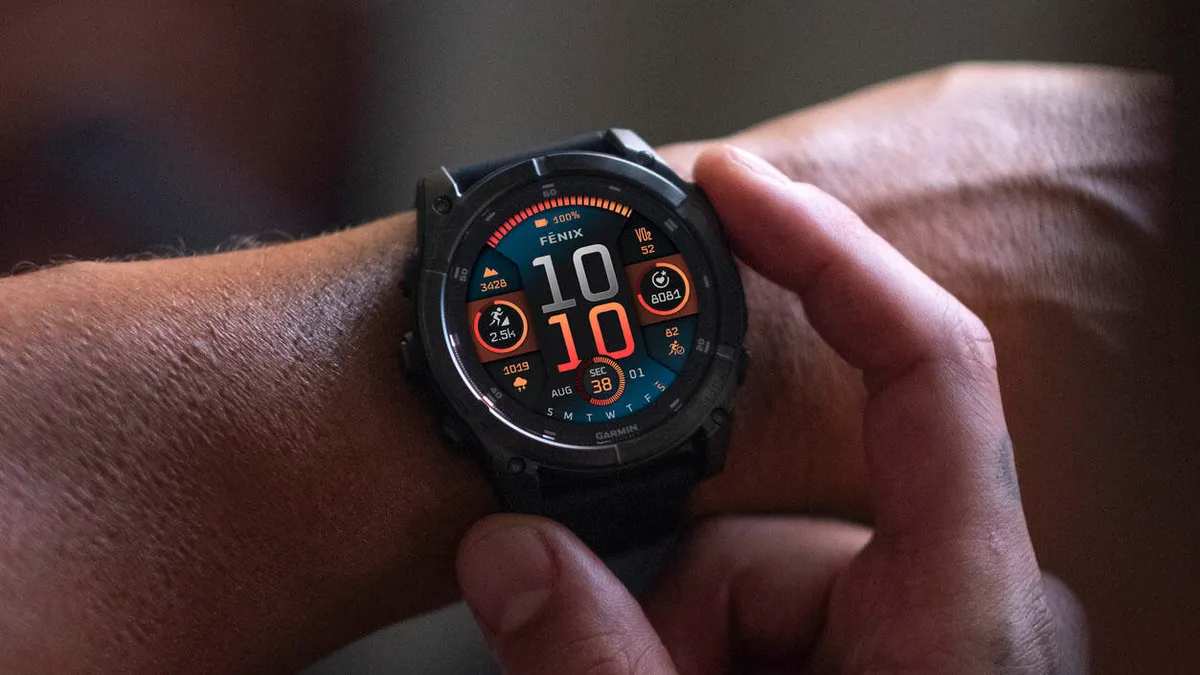
Garmin has officially launched Beta Version 22.21, a comprehensive software refresh for its premium wearable lineup. This update targets the Fenix 8, Fenix E, Enduro 3, and Quatix 8 series, delivering a massive list of refinements ranging from battery optimization to communication enhancements.
Note: The Beta software available for the Fenix 8 series will have the ECG feature and Dive features disabled.
Enhanced Communication and User Interface
One of the standout additions in this beta cycle is the improved integration with the Garmin Messenger app, which now displays read and delivered statuses directly on the wrist. Navigating the device has also become more intuitive; users can now access keyboard layout settings with a simple upward swipe from the bottom of the screen. Additionally, Garmin has introduced a Silent Mode for those who need instant discretion, accessible via a button shortcut or the control loop.
Power Management and Voice Integration
Garmin continues to lean into voice functionality by allowing users to open the Battery Manager app via a simple voice command. For those monitoring their power consumption, the update introduces an LTE option within activity power modes, providing more granular control over connectivity. The update also tackles a notorious “drain” bug, fixing an issue where using the phone assistant or taking a call would cause the watch battery to plummet unexpectedly.
Critical Bug Fixes for Stability
Stability is a major focus of Version 22.21. Garmin has patched several “reset” triggers, including a crash occurring when using WhatsApp on iPhones and another that happened when deleting workouts. For athletes, the update resolves a frustrating glitch where pool swim workouts would skip steps without user input. Furthermore, the system now ensures that all activities are correctly factored into the Body Battery metric, providing a more accurate picture of daily recovery.
Navigation and Map Improvements
Outdoor enthusiasts will appreciate the fix for navigation sessions that previously ended abruptly due to GPS signal loss. The Outdoor Maps+ experience has also been polished; the watch now includes QR codes within layer descriptions for easier learning, and map downloads will now properly resume if interrupted. Additionally, a new navigation shortcut allows users to quickly return to their last Man Overboard point, a vital safety feature for maritime users.
Fine-Tuning the Fitness Experience
Garmin has addressed several data-syncing hurdles, specifically fixing issues with Strength Personal Records and activity file uploads to Garmin Connect. The UI has also received aesthetic and functional tweaks: goal animations now play for a longer duration, and the sunset/sunrise data fields on watch faces will now update reliably. For golfers, the update eliminates annoying auto-lap alerts that were triggering mid-round.
How to Install Beta 22.21
If you are enrolled in Garmin’s Beta program, you can pull the update manually without waiting for the staggered rollout. Navigate through the following path on your compatible smartwatch:
Settings > System > Software Update > Check for Updates
Once the download is complete, the watch will prompt you to install and restart to apply the dozens of fixes and new features included in this build.
Also Read: Is the Garmin Fenix 9 Worth the Wait? My Deep Dive into the 2026 Rumors

