

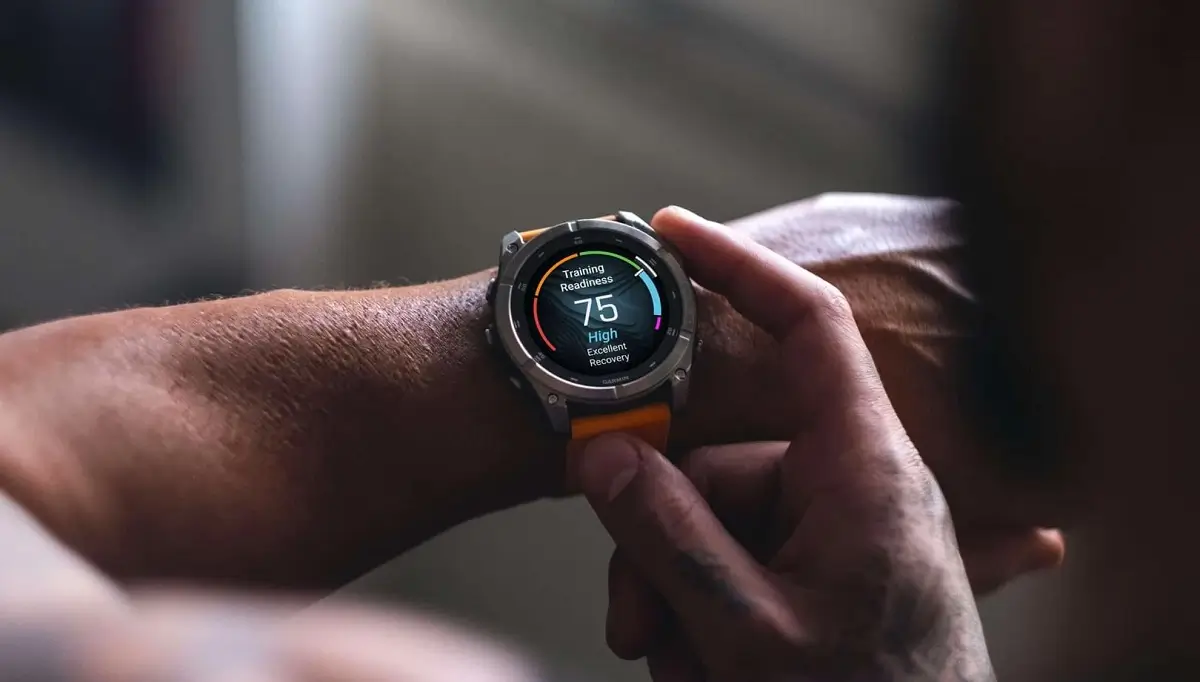
Garmin has officially released Beta Version 21.32, a fresh software update targeted at its latest generation of high-end wearables. This rollout covers the Fenix 8, Enduro 3, Fenix E, Quatix 8, and Tactix 8 series, focusing primarily on squashing bugs that appeared in previous builds.
Note: This Beta Software 21.32 Disables ECG, Aviation, and Dive features.
Restoring Missing Features for Specialized Models
One of the primary focuses of this update is restoring specialized “glances” that had gone missing on specific hardware. Owners of the Tactix 8 Solar and Quatix 8 will notice that the weight tracking glance has been reinstated. Additionally, Quatix 8 users who rely on the sports scores glance to stay updated on their favorite teams will find that feature back in its rightful place.
Critical Fixes for Solar and Strength Training
For those using solar-powered variants, a frustrating bug that caused a “black data screen” during strength activities has been resolved. This ensures that users can actually see their reps and timers while training under the sun. Furthermore, Garmin has addressed a repetitive prompt issue where the system would mistakenly ask users to set up the “Assistance” safety feature even after it had already been configured.
Refined Activity Tracking and Multi-Sport Logic
The update brings several quality-of-life improvements to the fitness experience. Garmin fixed a logic error that prevented gear (like specific running shoes or bikes) from being assigned to all segments of a multisport activity. They also tackled a goal-tracking bug where only a single goal alert would trigger per day, regardless of how many milestones the user actually hit. Stability has also been boosted for the HIIT activity, which was previously prone to occasional crashes.
Enhanced Navigation and Performance
The Course Planner tool has received a performance boost, making it snappier and more responsive for athletes mapping out their next trail or road route. This improvement, paired with the bug fixes, suggests that version 21.32 is heavily weighted toward making the user interface feel more fluid and reliable during heavy use.
How to Install the Update Manually
While Beta updates often roll out automatically to enrolled devices, you can jump to the front of the line by triggering the download yourself. On your compatible watch, navigate to:
Main Menu > Settings > System > Software Update > Check For Updates.
Also Read: The Best Garmin Watches of 2026: A Beginner’s Guide to the Ultimate Ecosystem

