

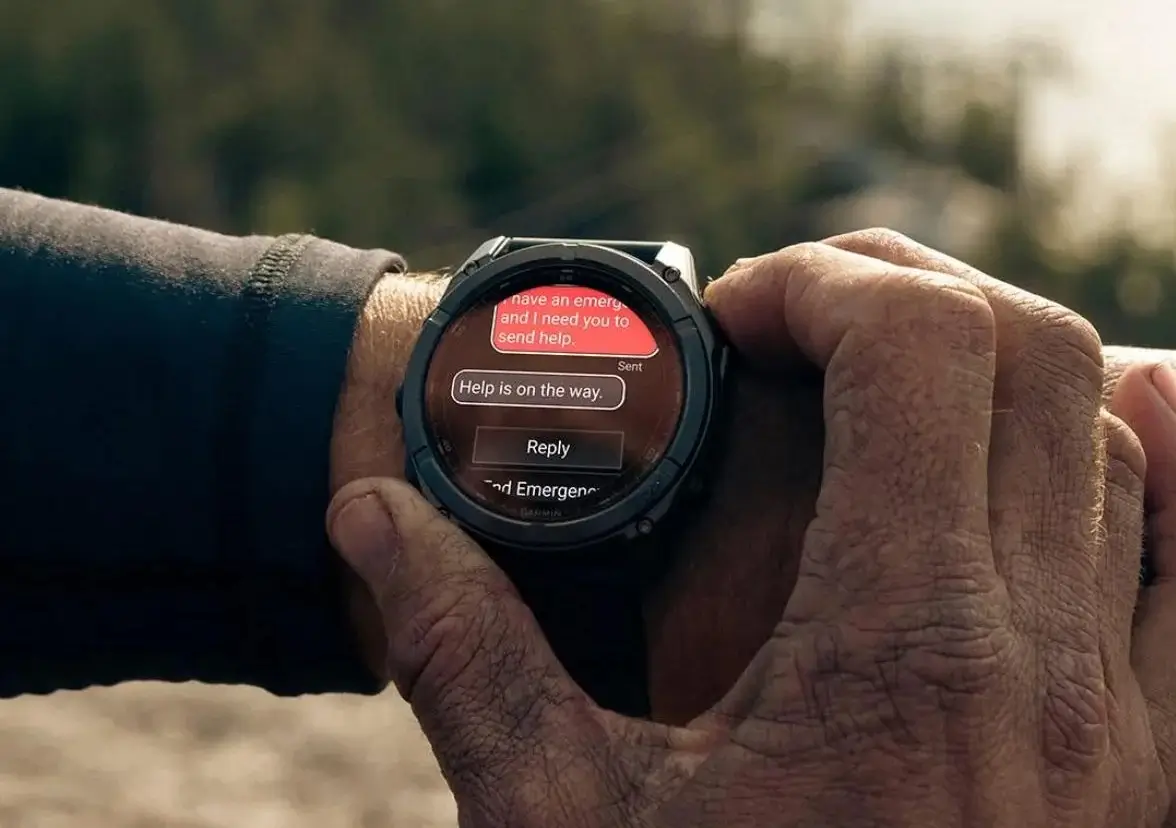
Garmin has officially launched a fresh beta software update, version 21.28, specifically tailored for the Fenix 8 Pro series. This incremental release focuses on refining the user interface and optimizing system performance for those enrolled in the Garmin Beta Program.
Essential Fixes and Improvements
- Fixed LTE searching/standby banner popping too frequently.
The primary highlight of this update is a targeted fix for the LTE connectivity interface. Users previously reported that the LTE searching and standby banners were appearing with excessive frequency, interrupting the standard watch face view. Version 21.28 streamlines these notifications, ensuring the banners only trigger when necessary, thereby reducing visual clutter and potentially improving battery efficiency during standby.
How to Install the Update
While Garmin often pushes these updates automatically, you can bypass the queue and install the firmware immediately. To manually trigger the download on your Fenix 8 Pro, navigate through the following path on your wearable:
-
Open the Main Menu
-
Select Settings
-
Go to System
-
Tap Software Update
-
Select Check For Updates
Also Read: Garmin’s Premium Epix Pro Gen 2 Just Hit 50% Off: Still Worth it in 2026?

