

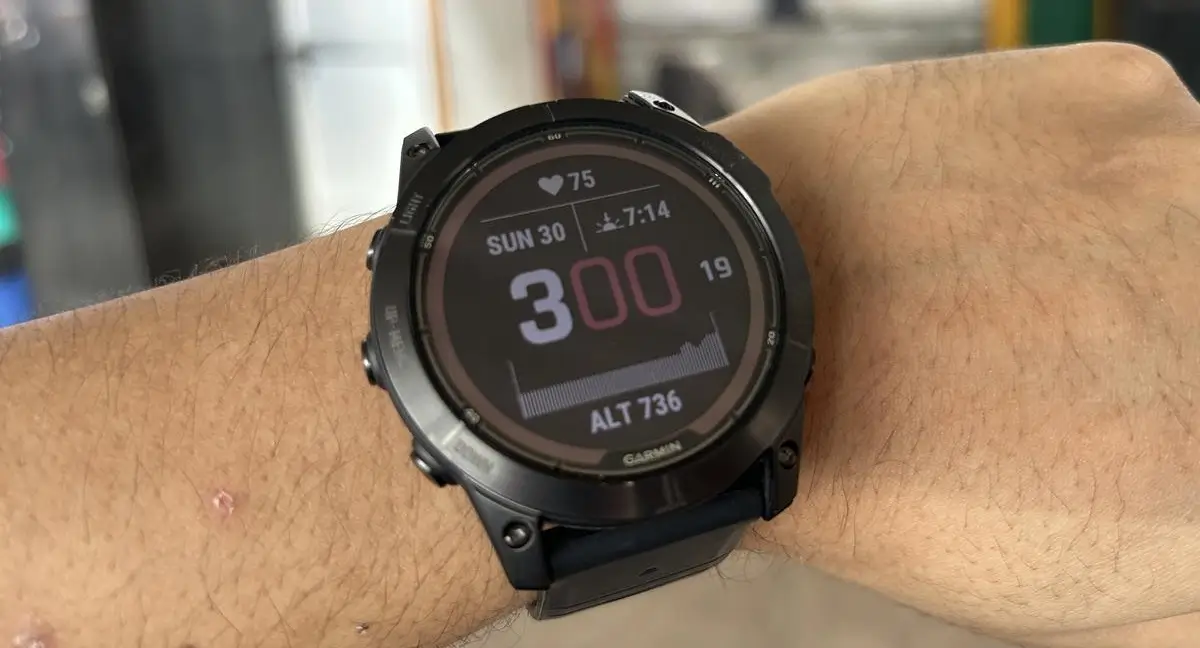
Garmin has officially launched Beta Version 26.04, a targeted software refresh designed to polish the user experience across its high-end lineup. This update is currently rolling out to several flagship models, including the Fenix 7, Epix 2, Enduro 2, Quatix 7, and the Marq Gen 2 series. While this isn’t a massive feature drop, it addresses specific stability and UI glitches that have been bugging power users.
Resolving Media and Stability Glitches
One of the most critical fixes in this release targets a frustrating stability bug related to music playback. Previously, some users reported that their smartwatches would unexpectedly shut down when attempting to skip tracks. Version 26.04 eliminates this crash, ensuring that your transition from one song to the next remains seamless during intense workouts or daily commutes.
Localization and UI Refinements
Garmin is also focusing on the finer details of the interface with this patch. The update corrects a missing translation within the Solar Intensity widget, ensuring data is displayed clearly regardless of your language settings. Additionally, the developers have addressed a specific layout issue for German-speaking users; the Training Effect estimation text has been resized to fit perfectly on the screen, preventing any awkward overlapping or cutoff text.
How to Install the Update Manually
While beta updates often roll out in phases, you don’t have to wait for the automatic prompt to hit your wrist. You can trigger the download immediately through your watch’s interface.
Follow these steps to update:
-
Open the Main Menu on your watch.
-
Scroll down and select Settings.
-
Tap on System.
-
Choose Software Update.
-
Select Check For Updates to begin the installation.
Also Read: The Best Garmin Watches of 2026: A Beginner’s Guide to the Ultimate Ecosystem

