

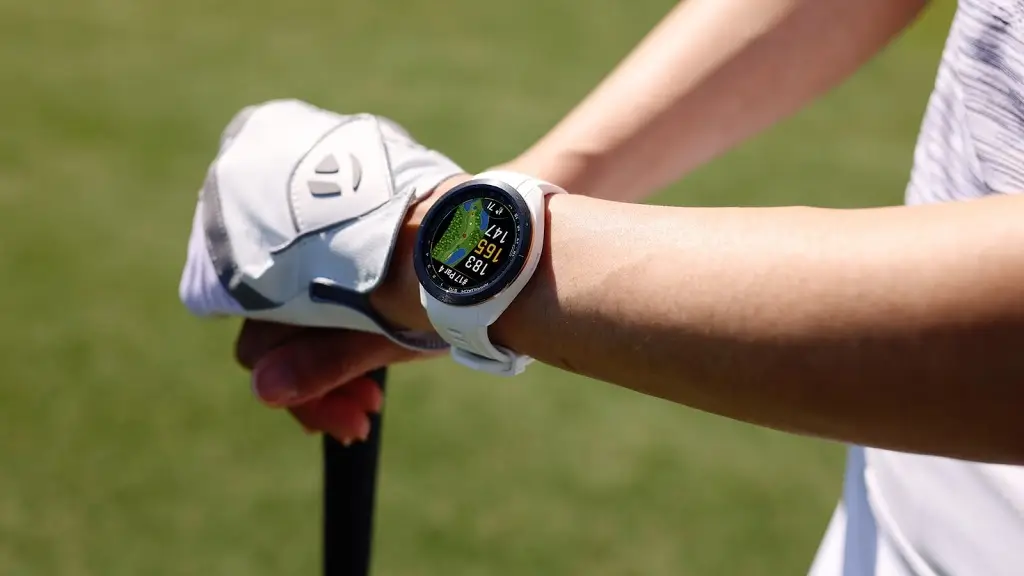
Garmin has officially begun the rollout of its latest stable software iteration, version 25.11, specifically tailored for the Approach S70 series. This update transitions from the beta phase to a general release, focusing primarily on refining the user experience by eliminating persistent bugs that hindered performance during both daily use and specialized athletic tracking.
Critical Fixes for Golfers and Athletes
The most significant improvements in this build target the device’s stability during active use. Garmin addressed a frustrating bug that caused the smartwatch to crash while concluding a round of golf, ensuring that players’ data is safely recorded without interruption. Furthermore, the update resolves a logic error where the wrist-based heart rate sensor would fail to activate during an activity if it had been manually disabled in previous sessions.
Enhancements to Map Management and Strength Training
For those who rely on the watch for navigation or heavy lifting, v25.11 brings essential maintenance. The Map Manager has been patched to prevent installation failures, ensuring that geographical data stays current. Additionally, users who track their gym sessions will notice that edited weights within the Strength activity now save correctly, providing more accurate volume tracking for long-term fitness goals.
UI Refinements and System Polish
Beyond performance, Garmin’s developers cleaned up several “quality of life” issues within the interface. This includes a fix for the Sleep Mode settings menu, which previously displayed an incorrect title. These small but necessary aesthetic corrections contribute to a more professional and seamless feel across the Garmin OS.
How to Install the v25.11 Update
While the update is rolling out automatically to many users, you can bypass the queue and trigger a manual download immediately. To update your Approach S70, follow these steps on your watch:
-
Open the Main Menu.
-
Select Settings.
-
Navigate to System.
-
Tap on Software Update.
-
Select Check For Updates to begin the installation.
Also Read: Garmin Launches Approach J1: A Specialized AMOLED Smartwatch for Junior Golfers

