

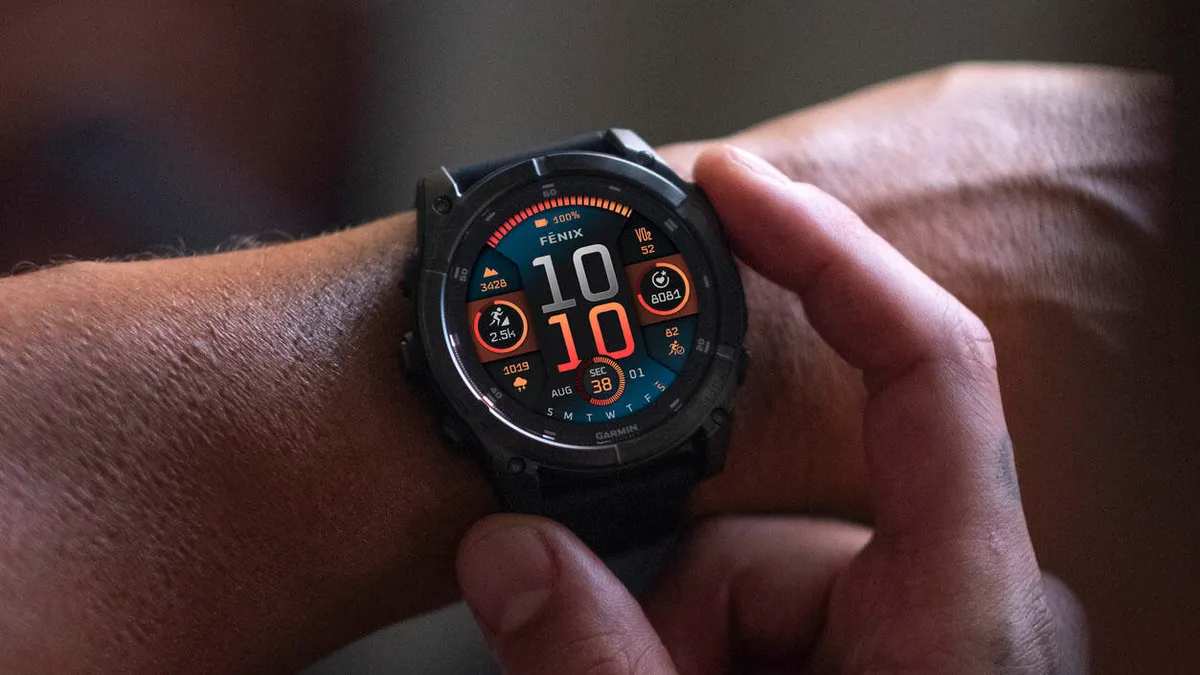
Garmin has officially begun the rollout of a fresh stable firmware update version 20.29 tailored for its latest generation of high-performance wearables. This update is specifically designed for the Fenix 8, Fenix 8 Pro, Fenix E, Enduro 3, and Tactix 8 lineups. While this release focuses on refinement rather than introducing major new features, it provides critical stability improvements for users who rely on these devices for extreme sports and professional-grade tracking.
Critical Fixes for Tactix 8 and Solar Models
- Fixed a potential crash saving Dive activities on Tactix 8.
- Fixed a potential issue with the airport list, on compatible models.
- Fixed an issue where the Contacts button was missing its label on Solar models.
A primary highlight of this update is a targeted fix for the Tactix 8. Garmin identified a bug that could cause the device to crash unexpectedly when attempting to save a Dive activity. Given the high-stakes nature of diving, this patch ensures that underwater data is logged securely without the risk of system failure during the saving process.
Additionally, users of Solar-powered models will notice a visual refinement. A previous glitch caused the “Contacts” button label to disappear on these specific variants; this update restores the text, streamlining the user interface. Garmin also addressed a localized issue involving the airport list on compatible aviation-focused models, ensuring pilots and frequent travelers have reliable access to geographic data.
How to Install the Latest Update
While Garmin typically pushes updates automatically via the Garmin Connect mobile app, many users prefer to bypass the wait and install the software immediately. To check for the update and download it directly to your wrist, follow these steps on your watch:
-
Long-press the Up/Menu button to enter the Main Menu.
-
Scroll down and select Settings.
-
Navigate to System.
-
Choose Software Update.
-
Select Check For Updates to initiate the download.
Also Read: Garmin Officially Launches Quatix 8 Pro with Dual Satellite and LTE Connectivity


If you have Betaversion (21.12) and stopped Beta in Connect 3 weeks ago. Will my Fenix8 pick-up this update? Or only when de version comes above 21.12?