

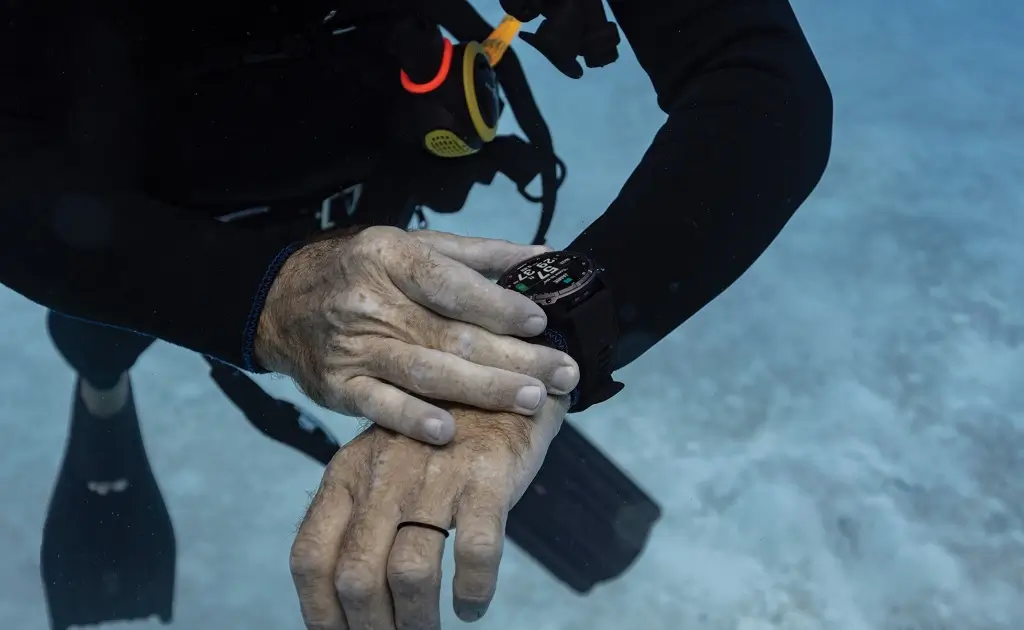
Garmin has officially released a stable software update, version 25.14, specifically tailored for the Descent Mk3 and Descent Mk3i diving smartwatches. This update focuses on refining the user experience by addressing several reported bugs, particularly those affecting dive-specific data and interface stability. Owners of these high-end wearables can now access these improvements to ensure their devices are performing at peak reliability for their next underwater excursion.
Detailed Fixes and Enhancements
This release is primarily a maintenance update, aimed at polishing existing features rather than introducing new functionality. The technical improvements included in this firmware are as follows:
-
Map Visualization: The rendering of bathymetry contour lines within the DiveView maps has been corrected, fixing previous shading errors.
-
CCR Dive Stability: A critical issue that caused potential dive computer errors when transitioning to an oxygen diluent during Closed-Circuit Rebreather (CCR) dives has been resolved.
-
Pool Dive Accuracy: Garmin has patched a bug that incorrectly incremented the total dive count when the watch was used in Pool Mode.
-
Interface Refinements: Minor localization issues where specific S1 buoy strings were truncated in certain languages have been corrected.
-
Readiness Data: The inconsistency regarding recovery time displayed within the Dive Readiness widget has been addressed, providing more accurate post-dive data.
How to Install the Update
Garmin has made it straightforward to pull this update directly to your wrist. If your device has not already prompted you to install it via Garmin Connect, you can initiate the process manually by following these steps:
-
Press the Menu button to open the main menu on your watch.
-
Navigate to Settings.
-
Select System.
-
Choose Software Update.
-
Select Check For Updates.
Once the watch detects version 25.14, follow the on-screen instructions to finalize the installation.
Also Read: The Best Garmin Watches of 2026: A Beginner’s Guide to the Ultimate Ecosystem

