

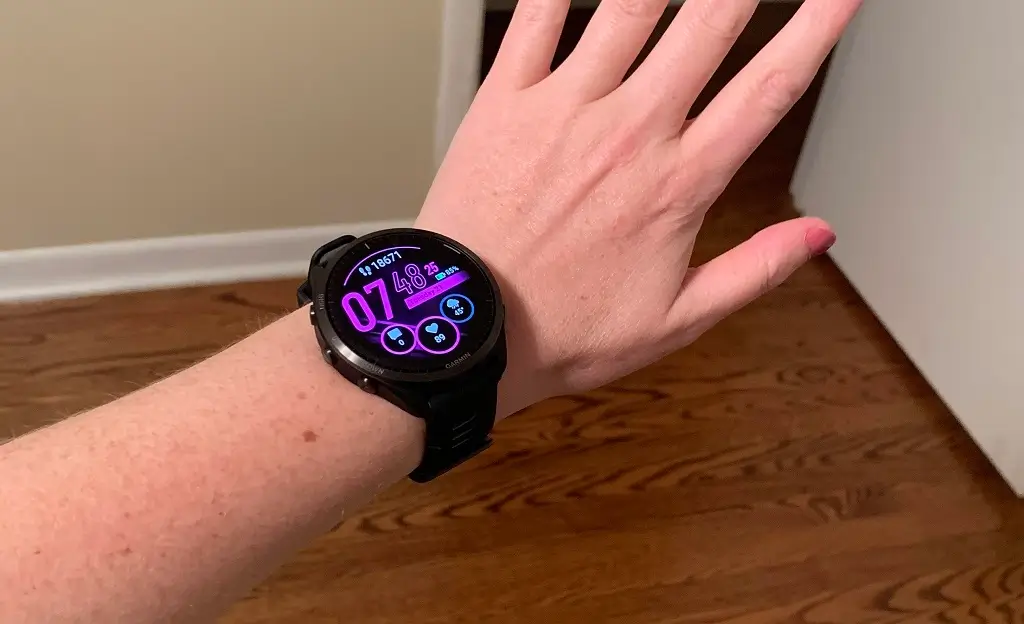
Garmin has commenced the rollout of a fresh beta software update, designated version 27.05, targeting several popular models in its Forerunner smartwatch lineup. This update is currently making its way to owners of the Forerunner 965, 955, 265, 255, and 165 devices, promising a range of refinements and performance enhancements.
Key Improvements in Beta Version 27.05
- Fix some possible crashes during swim activities.
- Various bug fixes and stability improvements.
The primary focus of this new software iteration appears to be on bolstering the overall stability and reliability of the supported Forerunner devices. Garmin has explicitly detailed a few core changes within the official change log for this release.
One notable fix addresses potential stability issues experienced during aquatic activities. Specifically, the update aims to “Fix some possible crashes during swim activities,” which will be a welcome correction for triathletes and swimmers who rely on accurate tracking during their workouts. Furthermore, the release encompasses “Various bug fixes and stability improvements,” indicating a general sweep to iron out smaller, persistent issues and enhance the long-term, consistent performance of the smartwatches.
How to Manually Download and Install the Update
Users eager to receive these updates immediately can initiate the download manually directly on their compatible Forerunner device. This process involves navigating through the watch’s internal system settings.
To prompt the watch to check for and install the new software, follow these steps: go to the Main menu on your watch, select Settings, then navigate to System, and finally choose Software Update. Once inside the Software Update menu, select Check For Updates. If the update is available for your specific model, the device will begin the download and installation process shortly thereafter.
Also Read: Garmin Year-in-Review Now Requires Payment, Sparking Widespread User Backlash

