

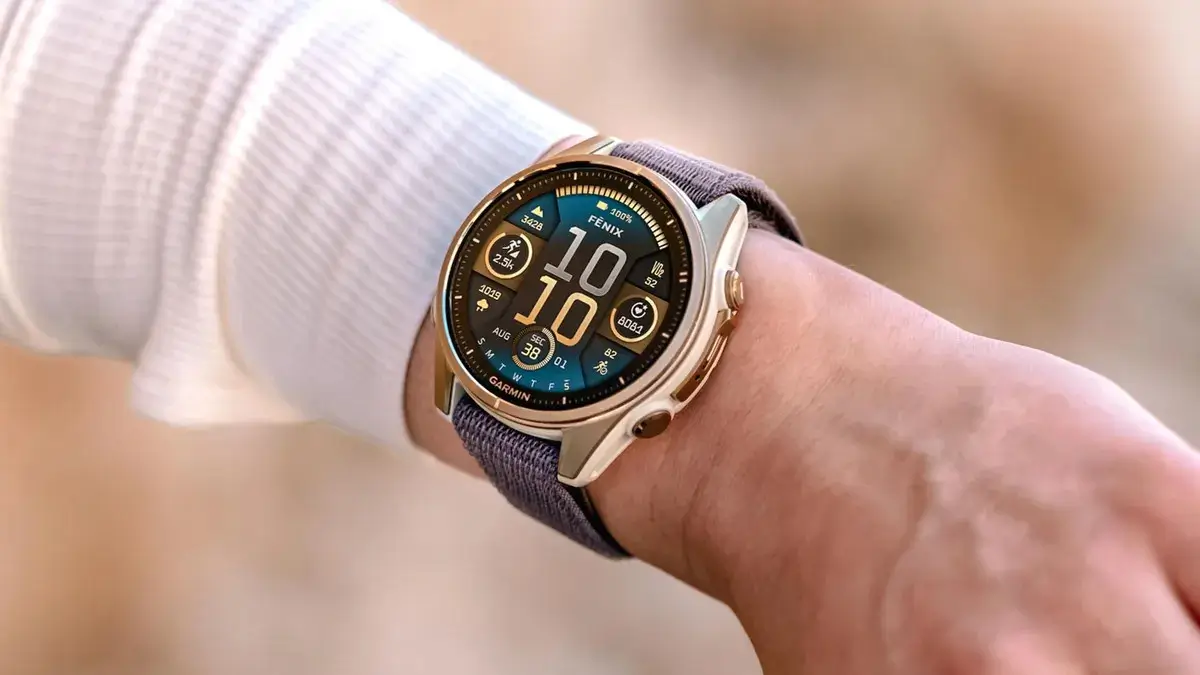
Garmin has officially launched a fresh beta software update, version 21.15, specifically tailored for its latest generation of rugged and specialized wearables. This rollout targets the Fenix 8, Fenix E, Enduro 3, and the tactical and maritime variants, the Tactix 8 and Quatix 8.
The update focuses on refining the user interface and squashing several persistent bugs discovered in earlier builds.
Note: This Beta Software 21.15 Disables ECG, Aviation, and Dive features.
Smart Navigation and Interface Enhancements
One of the standout additions in this release is a new toggle for navigation guidance. Users can now choose to suppress turn-by-turn alerts until they are physically approaching a direction change. This is a welcome change for hikers and runners who prefer a “set it and forget it” approach without constant interruptions during long straightaways.
Garmin has also addressed audio and haptic feedback issues. Specifically, the update fixes a bug where unmuting the device failed to restore the volume to its previous level. Additionally, the vibration feedback on the volume slider has been tuned for better consistency, and a glitch that prevented tones and vibrations from triggering during Storm Alerts has been resolved.
Vital Bug Fixes for Outdoor Activities
Athletes using the Snowboard profile will find a critical fix in version 21.15. Previously, some users reported an inability to view run data within the activity; this has now been corrected to ensure all downhill stats are visible. For those focusing on wellness, a disruptive crash that occurred while scrolling through the Nutrition widget has also been patched.
For users with Solar-powered models, Garmin fixed a visual clipping issue where the seconds on the dive timer were being cut off by the screen’s edge. Furthermore, the Map Type menu has been cleaned up to correctly label third-party maps, which were previously showing incorrect names or tags.
How to Install Beta Version 21.15
If your device is enrolled in Garmin’s Beta Program, you can bypass the automatic rollout queue and trigger the download manually. To get the latest features and fixes, navigate through your watch menus using the following path:
Main Menu > Settings > System > Software Update > Check For Updates.
Also Read: Garmin officially launches AI-powered nutrition tracking for smartwatches

