

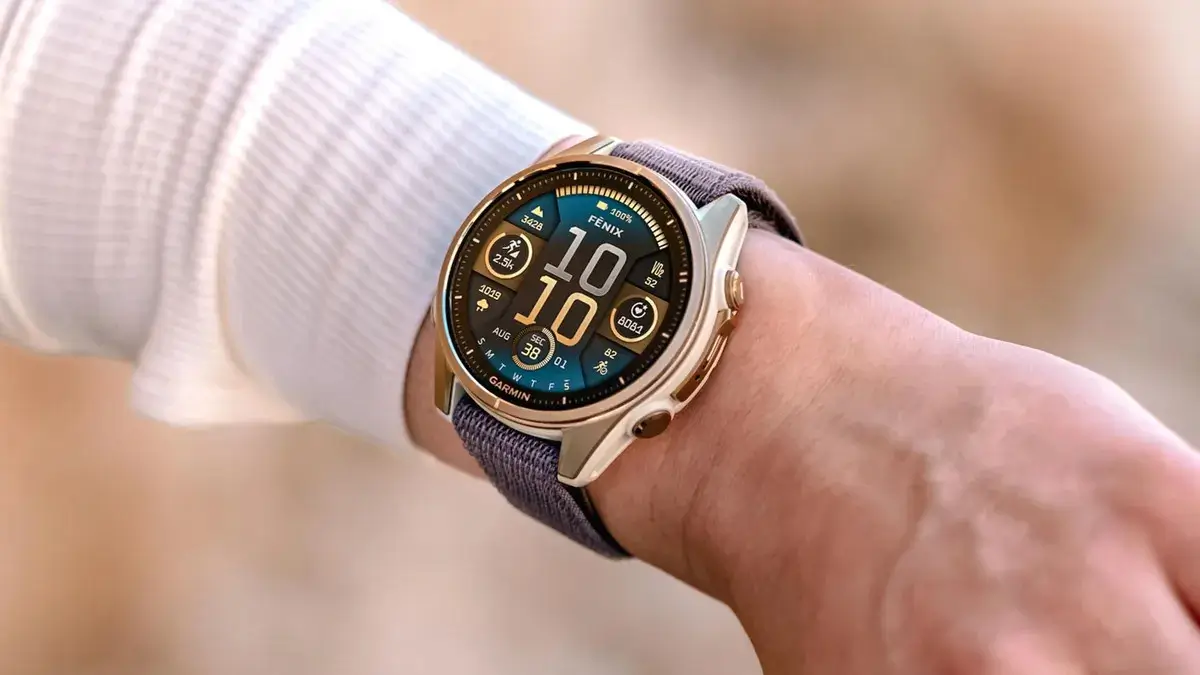
Garmin has officially released a fresh beta software update, version 21.34, targeting its latest lineup of high-end wearables. This rollout specifically addresses a variety of bugs and performance hiccups for owners of the Fenix 8, Tactix 8, and Enduro 3 series, ensuring a smoother experience for power users and athletes alike.
Note: This Beta Software 21.32 Disables ECG, Aviation, and Dive features.
Critical Bug Fixes for Tactix and Quatix Series
A significant portion of this update focuses on restoring missing features to specialized models. Users of the Tactix 8 Solar and Quatix 8 series should now see the weight tracking glance return to its rightful place. Additionally, a specific bug that caused the sports scores glance to vanish from the Quatix 8 has been resolved, bringing essential data back to the wrist.
Enhancing Fitness and Activity Reliability
For those who rely on their watches for heavy lifting or high-intensity training, this update fixes a frustrating “black data screen” error that previously plagued strength activities on solar-powered devices. Garmin has also stabilized the HIIT activity profile to prevent potential system crashes and corrected an issue where gear assignments failed to apply to every segment of a multisport activity.
Refined User Experience and Navigation
Several “quality of life” improvements are bundled into version 21.34. Garmin has streamlined the Course Planner for better responsiveness and fixed a repetitive prompt that asked users to set up the Assistance feature even after it was already configured. Furthermore, the system now correctly displays multiple goal alerts throughout the day, rather than limiting users to just one.
How to Install the Beta Update
While these updates often download automatically over time, you can skip the wait and pull the software manually. To get started, navigate through your watch menus:
-
Open the Main Menu.
-
Select Settings.
-
Go to System.
-
Tap Software Update.
-
Select Check For Updates.
Change Log Summary
- Fixed issue where the weight tracking glance is missing from Tactix 8 Solar and Quatix 8 series.
- Fixed issue where the sports scores glance is missing from Quatix 8 series.
- Fixed issue where strength activities would show a black data screen on solar devices.
- Fixed issue where the user would be instructed to set up Assistance after already doing so.
- Fixed issue where gear could not be assigned to all sports within a multisport activity.
- Fixed issue where only one goal alert was shown per day.
- Fixed possible crash when using the HIIT activity.
- Improved Course Planner performance.
Also Read: The Best Garmin Watches of 2026: A Beginner’s Guide to the Ultimate Ecosystem

