

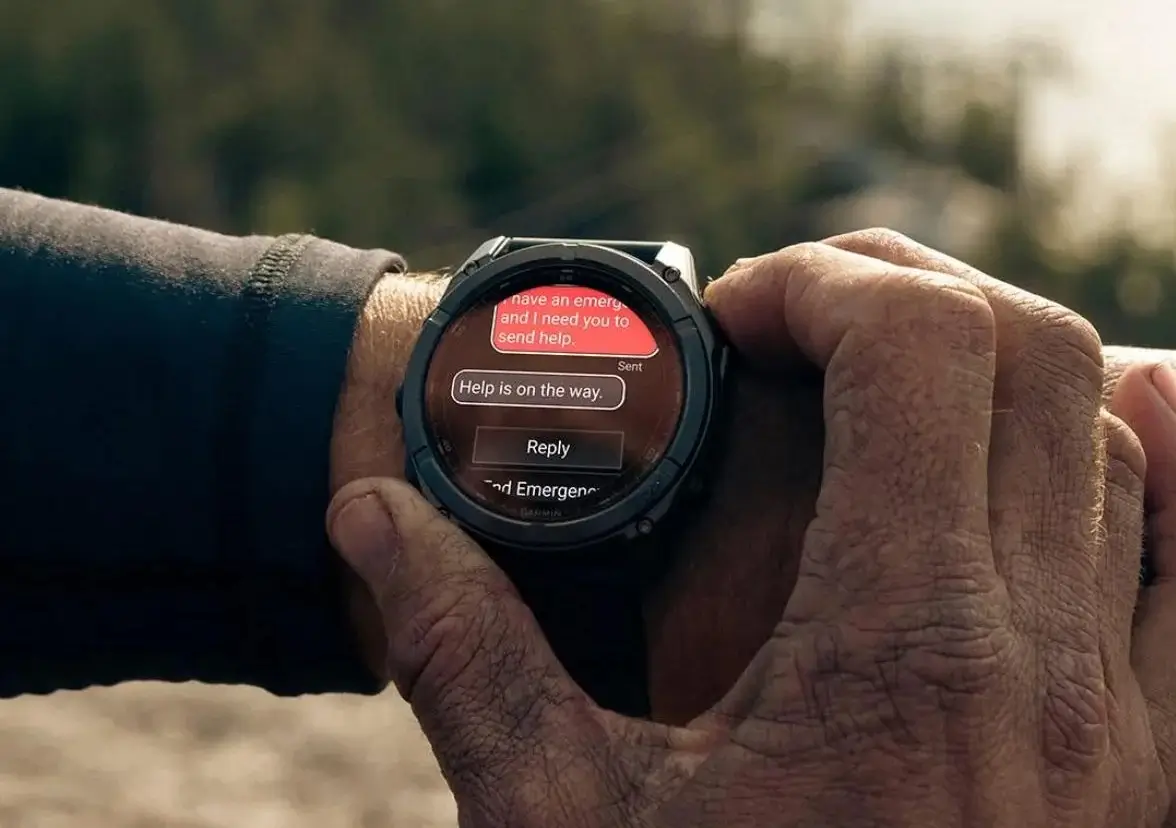
Garmin has officially released a fresh beta firmware update, version 21.38, targeting its high-performance wearables. This rollout is designed to refine the user experience for several flagship models, including the Fenix 8, Fenix 8 Pro, Fenix E, Enduro 3, and the specialized Tactix 8 and Quatix 8 series. The update focuses heavily on system stability and resolving specific display glitches that emerged in previous iterations.
Note: This Beta Software 21.38 enables ECG, Aviation, and Dive features.
Targeted Bug Fixes and Performance Tweaks
The primary goal of this update is to eliminate disruptive system crashes. Users who frequently utilize LTE connectivity, HIIT activities, or Bluetooth headphones should notice a significant improvement in reliability, as Garmin has patched potential software failures in these areas. Additionally, the Course Planner has received a performance boost, ensuring smoother navigation and mapping for outdoor enthusiasts.
For users of solar-powered variants, a particularly annoying bug—the “black data screen” during strength training—has been resolved. Other aesthetic and functional fixes include the restoration of the missing Sports Scores glance on the Quatix 8 and an adjustment to goal alerts, ensuring you receive more than just one notification per day.
Comprehensive Change Log for Version 21.38
The update addresses several niche issues alongside general system maintenance. Key improvements include:
-
Stability: Resolved crashes related to LTE, HIIT workouts, and headphone usage.
-
Visuals: Fixed the black data screen error on solar-charging devices during strength sessions.
-
Glance Updates: Restored sports scores functionality for the Quatix 8 series.
-
Alerts: Fixed a bug that limited goal notifications to once per day.
-
Optimization: Enhanced Course Planner speed and updated global translations.
-
General Maintenance: Integration of various minor bug fixes.
How to Install the Update Manually
While beta updates often roll out automatically to enrolled devices, you can jump the queue by manually triggering the download. Ensure your watch is connected to Wi-Fi or your smartphone, then follow these steps:
-
Open the Main Menu on your watch.
-
Select Settings.
-
Navigate to System.
-
Choose Software Update.
-
Select Check For Updates to begin the installation.
Also Read: The Best Garmin Watches of 2026: A Beginner’s Guide to the Ultimate Ecosystem


This company is the worst! After they early dead ended, EPIX gen 2 Pro and Fenix 7 Pro, after 14-15 months, all the stable releases since then were a regression! Very bad treatment after you pay more than 1000$ for a premium device! Shame