

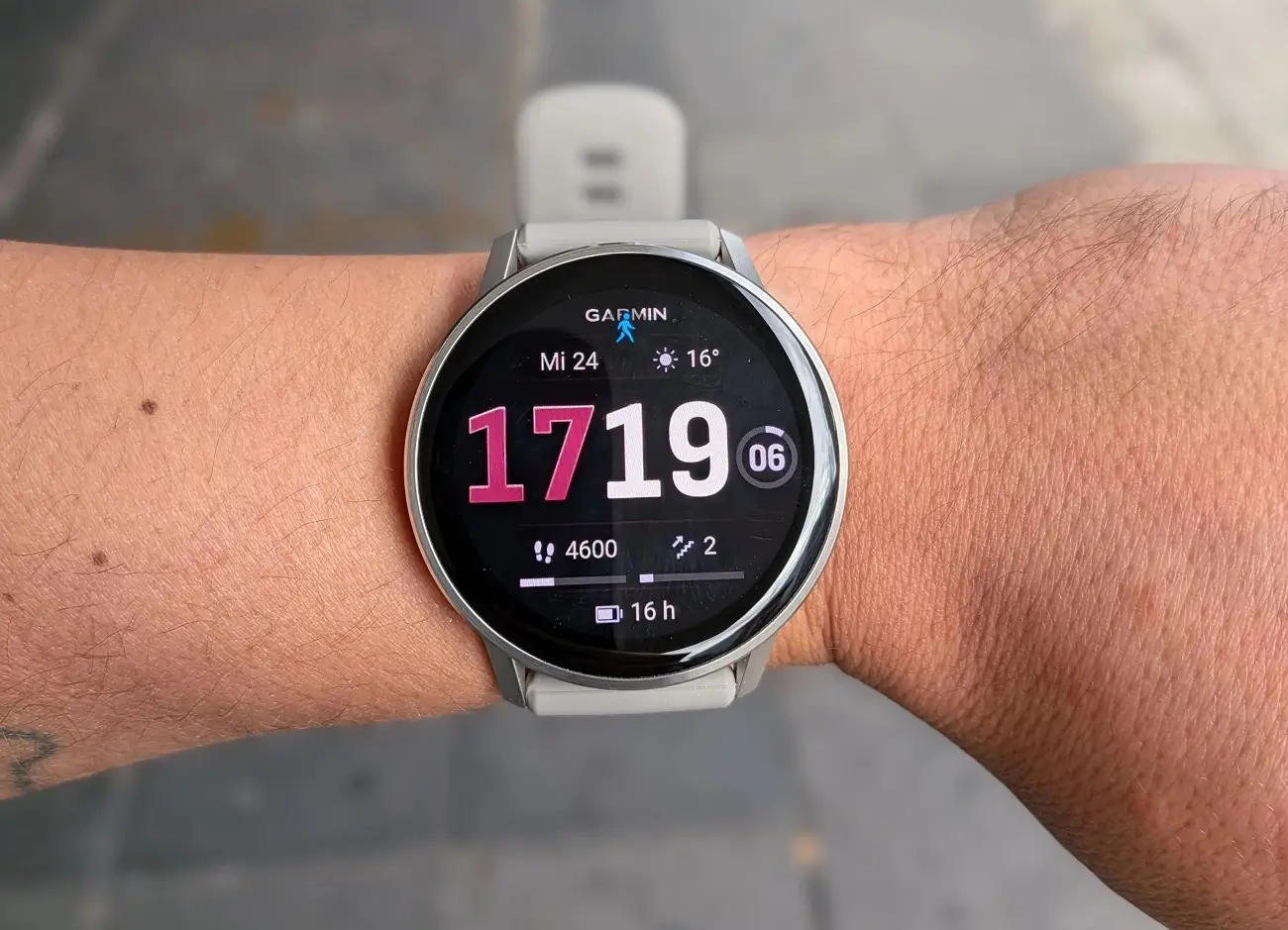
Garmin has officially begun the rollout of its latest Beta Software Update, version 16.11, specifically tailored for the Venu 4 smartwatch series. This update aims to refine the user experience by introducing highly requested utility glances and smarter activity management tools. As is standard with beta releases, this software allows early adopters to test-drive new features and provide feedback before the stable public version is released to all users.
Enhanced Health and Performance Monitoring
One of the standout additions in this update is a dedicated weight tracking glance, allowing users to monitor their body composition trends directly from their wrist. Beyond simple weight metrics, Garmin is also bridging between its specialized and general-purpose devices. The update now ensures that training guidance is intelligently adjusted based on your recent diving data. This integration ensures that your recovery and exertion recommendations remain safe and accurate after underwater excursions.
Precision Activity Editing and Optimization
Garmin is addressing a common pain point for athletes with a new activity trimming feature. If you accidentally leave your timer running after crossing the finish line, you can now retroactively trim the data using the specific course finish point. This ensures your personal records and pace statistics remain precise and untainted by post-workout cooldowns. Additionally, a new battery performance glance has been introduced, providing a granular look at power consumption and estimated longevity to help users manage their device’s uptime more effectively.
Stay Connected with Sports and Real-Time Data
For the sports enthusiasts, Beta 16.11 introduces a favorite teams glance. This feature allows users to keep a pulse on live scores and upcoming schedules for their preferred sports franchises without needing to reach for a smartphone. By consolidating this information into a quick-access glance, the Venu 4 becomes a more comprehensive companion for both fitness and daily entertainment.
How to Install the Beta Update
If you are a member of the Garmin Beta Program and own a Venu 4 (or Venu X1 series) device, you can manually trigger the download today. To update your watch, navigate through the following path on your device:
-
Open the Main Menu.
-
Select Settings.
-
Scroll to System.
-
Tap on Software Update.
-
Select Check for Updates to begin the installation.
Also Read: Garmin Venu 5 Release Date Speculations and Expected Features

