

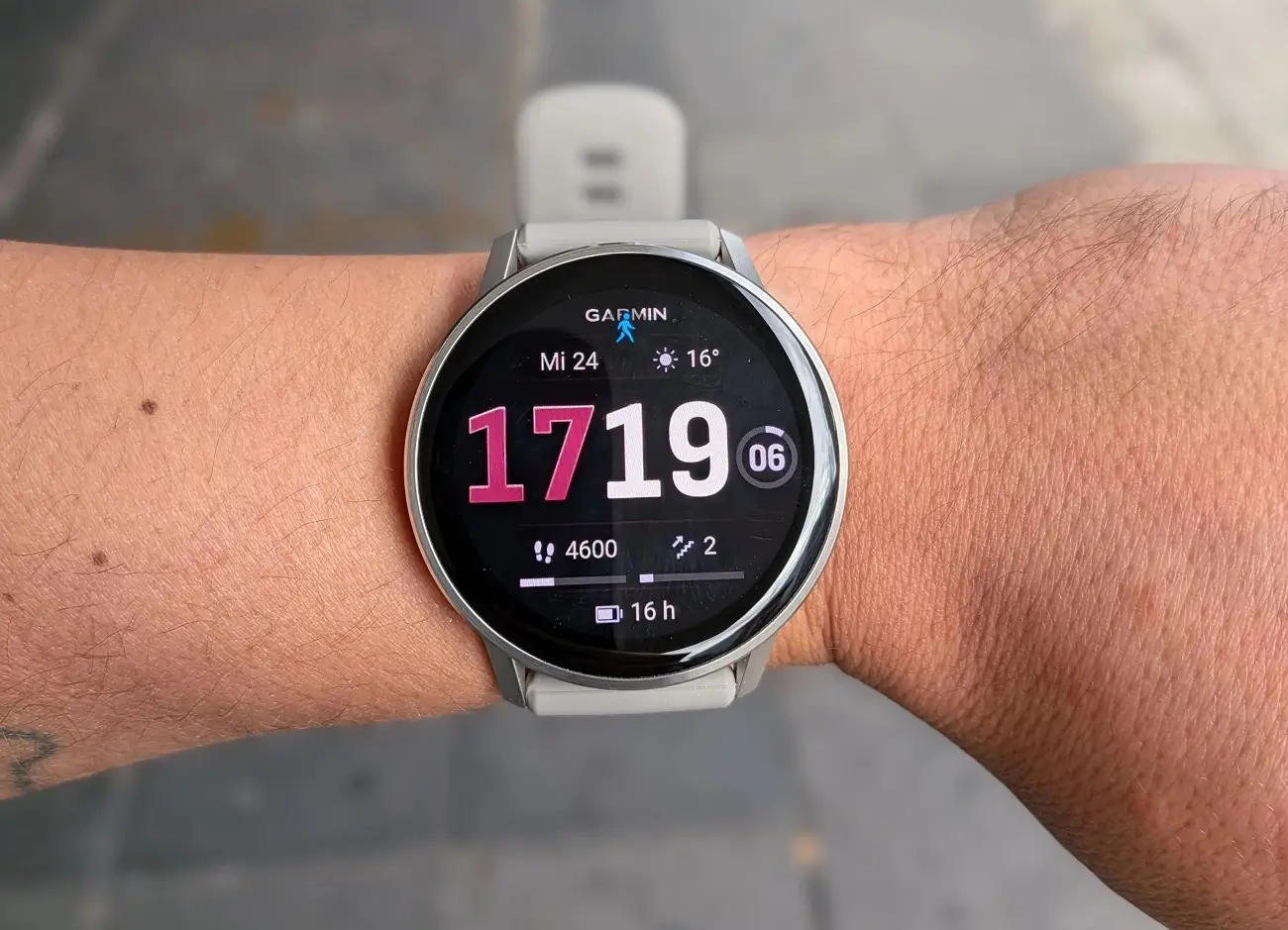
Garmin is continuing to refine its wearable experience with the release of Beta Version 16.16 specifically for the Venu 4 series. This update isn’t just a minor patch; it’s a feature-heavy rollout aimed at bridging the gap between health metrics, sports fandom, and dive safety. By participating in the beta program, users get early access to a suite of “glances” and functional tools designed to make the smartwatch even more intuitive.
Note: The Beta software available for the Venu 4/4S will have the ECG feature disabled
Enhanced Health and Performance Monitoring
The 16.11 update introduces three distinct new “glances” to help users stay on top of their vitals and hardware. A dedicated weight tracking glance allows for seamless monitoring of body composition trends directly from the wrist.
For those concerned about device longevity, the new battery life and performance glance provides granular details on power consumption. Additionally, Garmin is expanding its ecosystem by integrating Garmin Connect+ nutrition logging, making it easier to sync caloric intake with daily activity levels.
Precision Tools for Athletes and Divers
Garmin is proving its commitment to multisport versatility with two specific functional upgrades:
-
Post-Activity Trimming: We’ve all forgotten to stop our watches after crossing the finish line. You can now use the “course finish point” to retroactively trim excess data from an activity, ensuring your personal records remain accurate.
-
Dive-Informed Training: The Venu 4 now intelligently adjusts your training guidance based on recent diving activity. This ensures that your recovery and exertion levels account for the unique physiological demands of being underwater.
Stay Connected to the Game
Moving beyond just fitness, this beta version introduces a specialized sports tracking glance. This allows users to follow their favorite teams and receive real-time updates without needing to pull out their phones. It’s a significant step toward making the Venu 4 a well-rounded lifestyle companion that keeps you informed whether you’re at the gym or on the go.
How to Install the Beta Update
If you are enrolled in the Garmin Beta Program, you can manually trigger the download on your Venu 4 by following these steps:
-
Open the Main Menu on your watch.
-
Navigate to Settings.
-
Select System.
-
Tap on Software Update.
-
Select Check For Updates to begin the installation.
Also Read: Garmin Officially Launches Quatix 8 Pro with Dual Satellite and LTE Connectivity

