

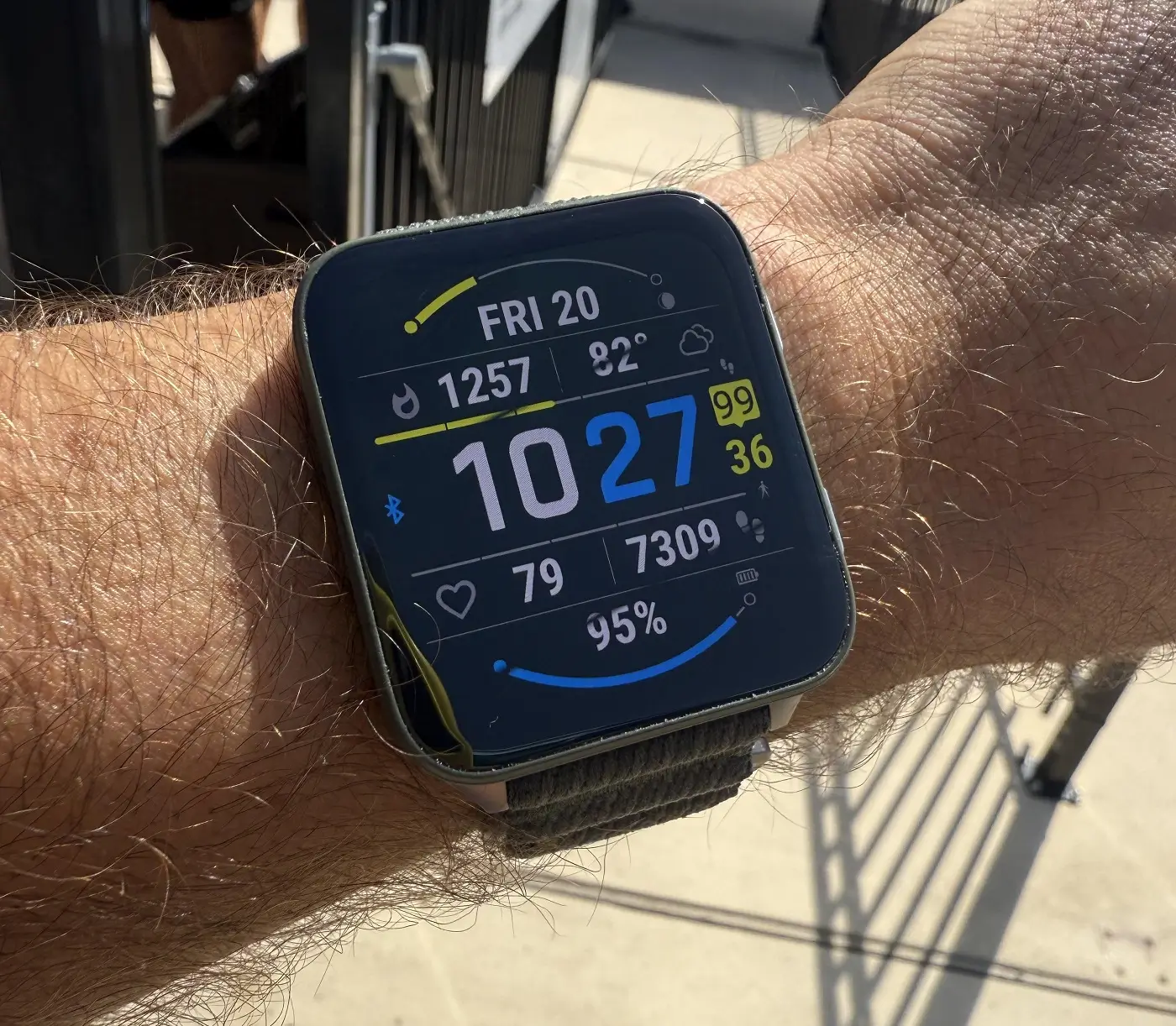
Garmin has officially released a fresh beta firmware update, version 16.16, specifically tailored for the Venu X1 smartwatch series. This update is packed with a mix of performance optimizations and lifestyle features designed to streamline how users interact with their health and activity data.
Enhanced Health and Wellness Tracking
The latest beta version introduces several new “glances” (widgets) to help users keep a closer eye on their physical well-being. A dedicated weight tracking glance has been added, alongside a new behavioral insight tool that analyzes how your daily habits impact your core health metrics.
Sleep tracking also gets a boost; the updated sleep glance now provides personalized “insights” suggesting the most effective bed and wake times based on your recovery needs. Additionally, for users who need to stay fueled, the update integrates Garmin Connect+ for seamless nutrition logging directly from the wrist.
Advanced Navigation and Activity Refinements
Outdoor enthusiasts will notice significant upgrades to course navigation. The Venu X1 now displays critical data like aid station locations and cut-off times during a course. If you accidentally leave your timer running after crossing the finish line, a new feature allows you to retroactively trim the activity using the course’s designated endpoint.
For those who dive, the training guidance system has been recalibrated to factor in recent diving data, ensuring your recovery recommendations are accurate. Multi-sport athletes also gain a new dedicated activity profile for recording consecutive sports in a single session.
New Utility Apps and Customization
This update brings a variety of lifestyle-focused tools to the Venu X1, including:
-
Tides & Fish Forecast: Specialized apps for maritime and fishing activities.
-
Sports Glance: Real-time tracking for your favorite professional teams.
-
Battery Performance Glance: Detailed metrics regarding power consumption and remaining life.
-
Visual & Audio Tweaks: New color filters have been added to the display settings, and voice alerts are now available for both general watch notifications and compatible radar devices.
How to Install the Beta Update
If you are enrolled in the Garmin Beta Program, you can manually trigger the download on your Venu X1 by following these steps:
-
Open the Main Menu.
-
Navigate to Settings.
-
Select System.
-
Tap on Software Update.
-
Select Check For Updates to begin the installation.
Also Read: Garmin Officially Launches Quatix 8 Pro with Dual Satellite and LTE Connectivity

