

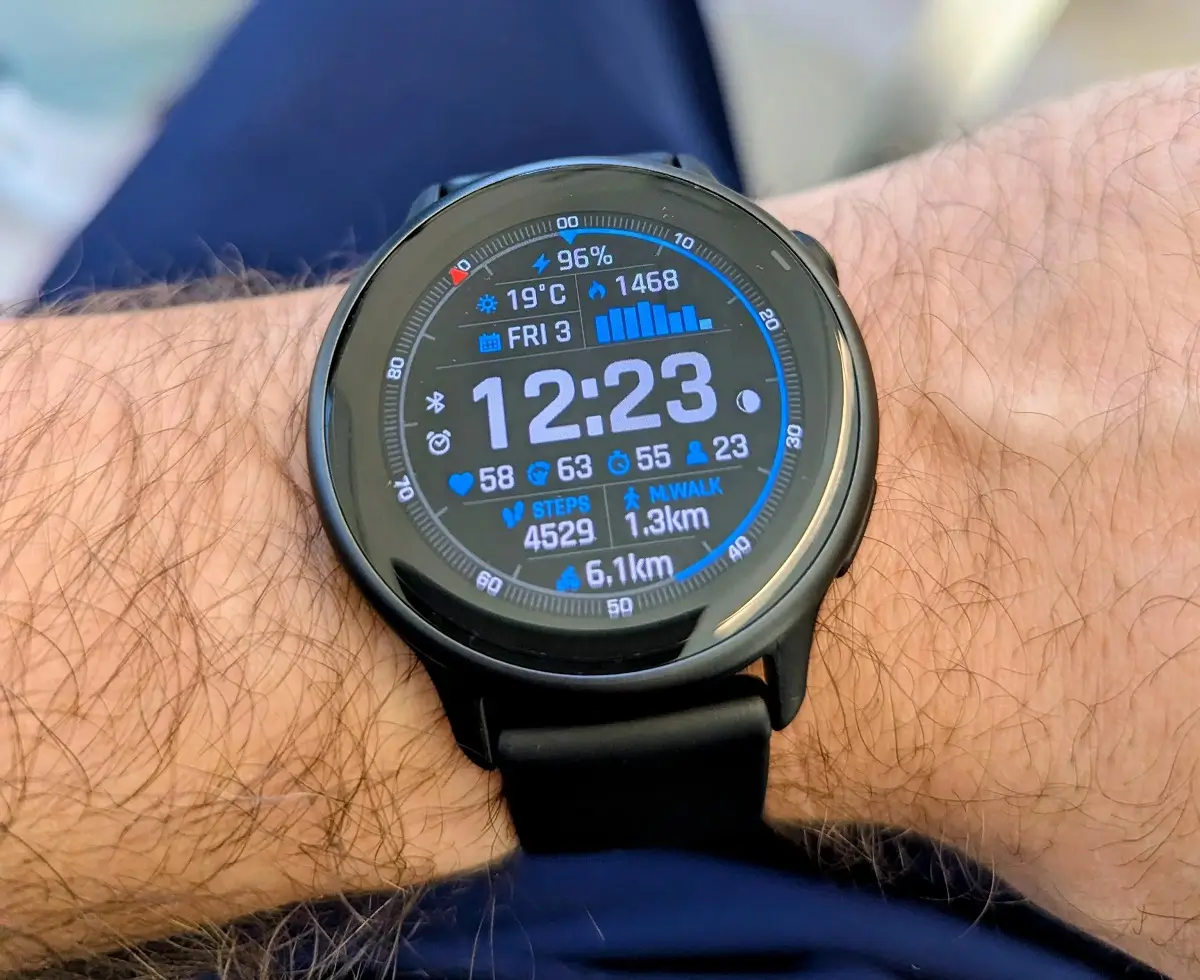
It looks like Garmin is giving Vivoactive 6 users a significant “quality of life” boost. Beta version 16.28 isn’t just a minor patch; it’s a robust feature drop that expands how the watch handles everything from daily health tracking to multisport racing.
Here is a unique breakdown of what’s coming in this latest firmware release.
New Glance Features and Health Insights
Garmin has significantly expanded the “Glances” menu to provide more data at a quick swipe. Users can now monitor their body weight directly on the wrist and keep a much closer eye on battery performance metrics.
Beyond hardware stats, the update introduces a glance for tracking favorite sports teams, keeping you updated on scores without reaching for your phone. Perhaps most useful for data nerds is the new glance that analyzes how daily lifestyle behaviors—like sleep or stress—directly impact your core health metrics.
Expanded Training and Activity Options
For those who don’t stick to just one discipline, the inclusion of a multisport activity profile is a game-changer, allowing you to record several sports in a single session. The update also beefs up the coaching side with new timed training plans that cover cardio, strength, and interval workouts.
Enhanced Navigation and Audio Feedback
Safety and accessibility see a bump in version 16.28. Garmin has added color filters to the display settings to improve visibility and voice alerts for general system feedback. Notably, for cyclists, the watch now supports voice alerts for radar devices, providing an audible warning when vehicles are approaching from behind.
System Stability and Bug Fixes
This beta addresses several “deal-breaker” bugs that were previously causing system crashes. Most importantly, it resolves a critical reboot loop that occurred during general use or at the start of an activity.
Other fixed issues include:
-
Navigation Fixes: Resolved crashes when loading indoor cycling courses.
-
Media Control: Eliminated the blank screen bug when accessing music during workouts.
-
Data Integrity: Fixed missing max speed and mileage stats for backcountry skiing.
-
Connectivity: Patched Wi-Fi upload failures and improved translation accuracy across the UI.
How to Install the 16.28 Beta
If you are enrolled in the Garmin Beta Program, you don’t have to wait for the automatic push. You can pull the update manually by navigating through the watch menus: Main Menu > Settings > System > Software Update > Check For Updates.
Also Read: The Best Garmin Watches of 2026: A Beginner’s Guide to the Ultimate Ecosystem

