

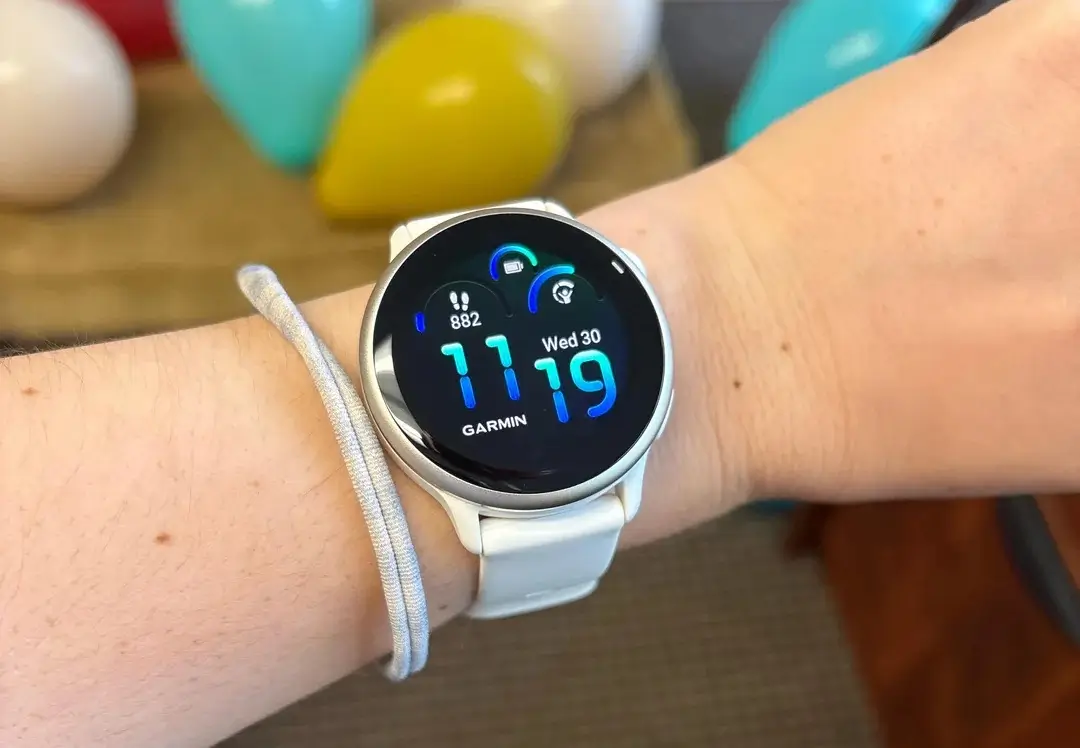
Garmin has officially begun the rollout of its latest beta firmware, version 16.11, specifically tailored for the Vivoactive 6 series. This update is packed with a variety of new “glances” and system enhancements designed to provide users with a more comprehensive overview of their health, fitness, and daily connectivity directly from their wrist.
New Health and Wellness Glances
One of the primary focuses of this update is the expansion of data tracking. Users can now access a dedicated weight tracking glance, making it easier to monitor body composition trends over time. Additionally, Garmin has introduced a sophisticated glance that monitors daily behavior impacts, offering insights into how your lifestyle choices directly influence your core health metrics.
Advanced Sleep and Recovery Insights
The Vivoactive 6 is getting smarter about your rest. The existing sleep glance has been upgraded to include personalized bedtime and wake time insights. By analyzing your recovery patterns, the watch can now suggest an ideal sleep schedule to help you maximize energy levels for the following day.
Expanded Fitness and Multi-Sport Support
For the versatile athlete, the 16.11 update introduces a multi-sport activity profile, allowing users to record consecutive activities (like a triathlon or brick workout) within a single session. On the training side, the software now supports specialized training plans that emphasize timed intervals, cardio-focused sessions, and optional strength-building routines.
Enhanced System Tools and Battery Monitoring
Managing your device is now more transparent thanks to a new battery life glance. This tool provides a granular look at power consumption and overall performance, helping you predict when you’ll next need a charge. Garmin has also added color filters and voice alerts to the system settings, improving accessibility and providing audible feedback during various device operations.
Connectivity and Smart Features
Staying connected is simpler with the addition of a WhatsApp integration, allowing users to download a dedicated app to view recent messages directly on the watch face. Sports enthusiasts will appreciate the new favorite teams glance, which keeps scores and schedules close at hand. Furthermore, safety and awareness get a boost with new voice alerts for compatible radar devices, ensuring cyclists remain informed of approaching traffic.
How to Install the 16.11 Beta Update
If you are enrolled in Garmin’s beta program, you can manually trigger the download on your Vivoactive 6 by following these steps:
-
Open the Main Menu.
-
Navigate to Settings.
-
Select System.
-
Tap on Software Update.
-
Select Check For Updates to begin the installation.
Also Read: Garmin Venu 5 Release Date Speculations and Expected Features

