

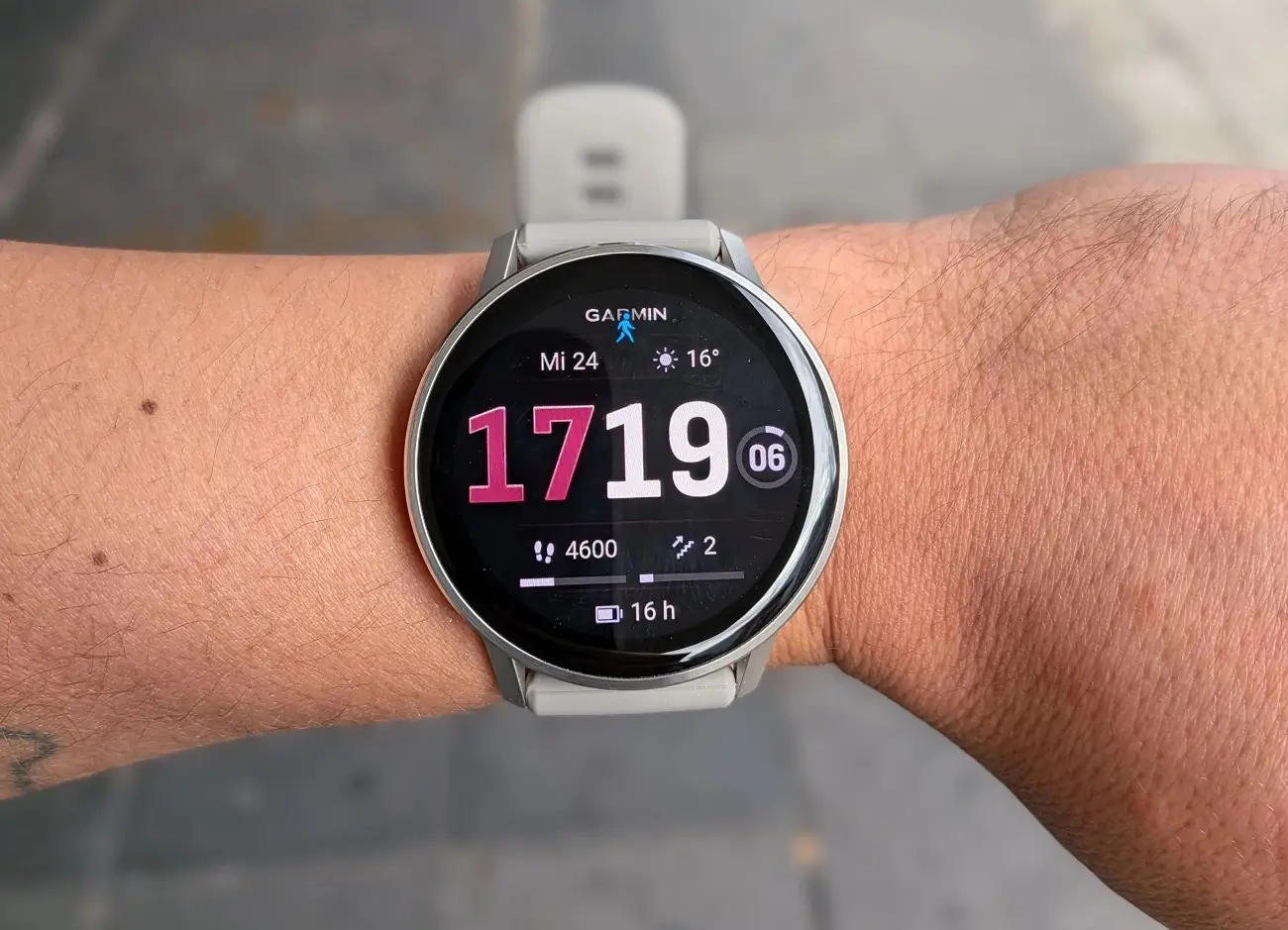
Garmin has officially launched Beta Version 16.37, a fresh software update specifically tailored for the Venu 4 and Vivoactive 6 series. This release focuses on refining the user experience by eliminating pesky stability issues and smoothing out performance across several key features.
Targeted Bug Fixes and Stability Improvements
The primary goal of this update is to address specific triggers that were causing device crashes. Users who frequently utilize the HIIT activity profile or connect Bluetooth headphones should notice a significant boost in reliability, as Garmin has deployed patches for potential system failures in both areas.
Additionally, a frustrating limitation regarding daily achievements has been resolved; the system will now correctly display multiple goal alerts per day, rather than capping them at one.
Enhancing Navigation and Localization
Beyond simple bug fixes, version 16.37 introduces a noticeable speed boost for the Course Planner. Users who rely on pre-planned routes will find the interface more responsive during the navigation setup. To ensure a polished global experience, Garmin has also integrated updated translations and various “under the hood” tweaks to improve general system health.
How to Install Beta Version 16.37
If you are enrolled in the Garmin Beta Program, you don’t have to wait for the automatic sync. You can trigger the download immediately by following these steps on your watch:
-
Open the Main Menu.
-
Navigate to Settings.
-
Select System.
-
Tap Software Update.
-
Choose Check For Updates to begin the installation.
Also Read: The Best Garmin Watches of 2026: A Beginner’s Guide to the Ultimate Ecosystem

