

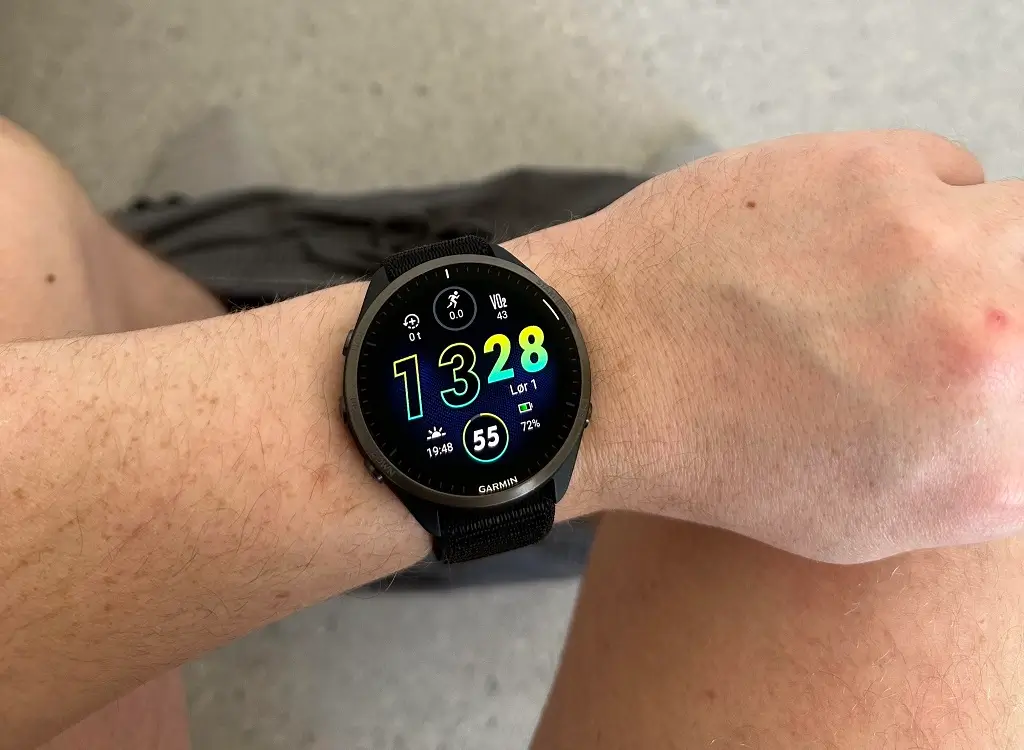
Garmin has officially begun the rollout of its latest firmware, Version 27.08, specifically designed for the Forerunner ecosystem. This update targets both the premium and entry-level models in the series, ensuring a smoother user experience across the board. The update is currently being deployed to the Forerunner 965, 955, 265, 255, and 165 smartwatches.
Vital Fixes for Call Handling and Navigation
The primary focus of this release is on resolving specific interface frustrations that users have reported in recent weeks. Most notably, the update addresses a critical touchscreen bug that prevented users from interacting with incoming call notifications. With Version 27.08, the responsiveness of the display during phone alerts has been restored, allowing for seamless call management directly from the wrist.
Additionally, Garmin has optimized the Activity Summary menu. Previously, some users experienced noticeable lag or stuttering while scrolling through their post-workout data. This patch eliminates those performance bottlenecks, providing a fluid navigation experience when reviewing your training metrics.
Performance Enhancements and System Stability
Beyond the headline fixes, Version 27.08 includes a suite of “under-the-hood” optimizations. These general bug fixes and system improvements are designed to increase the overall stability of the wearable OS. While these changes may not be visible as new features, they contribute to better battery management and faster processing during heavy GPS usage or multi-sport tracking.
How to Install the 27.08 Update
While Garmin typically rolls out updates in phases, you do not have to wait for the automatic push notification. You can trigger the download immediately by following these steps on your device:
-
Open the Main Menu on your Forerunner.
-
Scroll down and select Settings.
-
Tap on System.
-
Select Software Update.
-
Choose Check For Updates to begin the installation.
Also Read: Garmin 2026: Fenix 9, Vivosmart 6, Marq Gen 3, and Edge 1060 Rumors

