

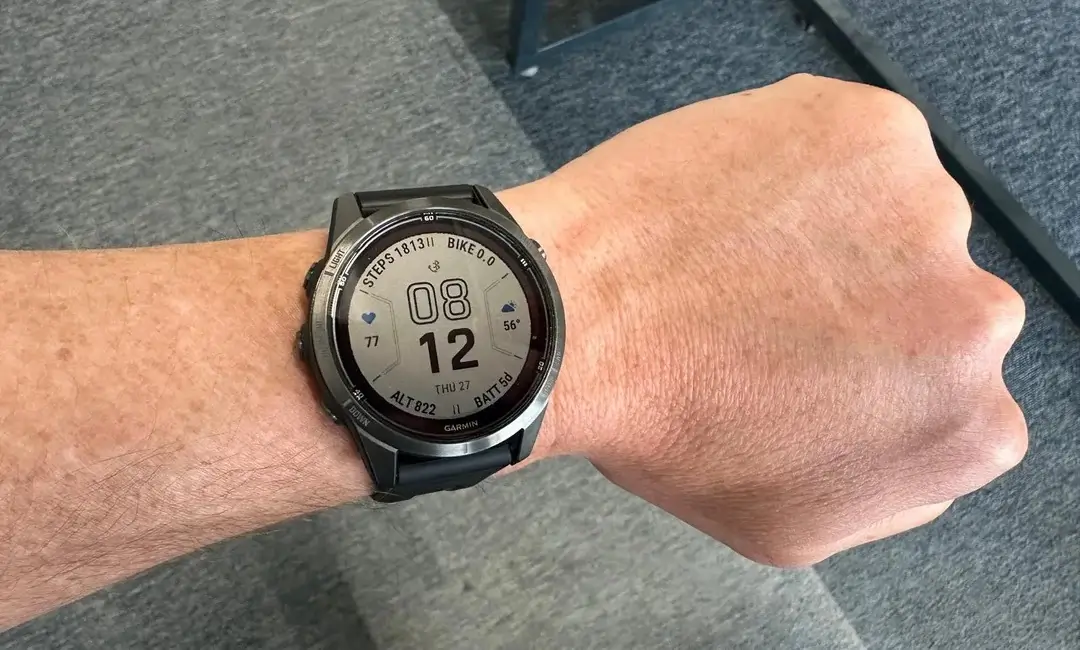
Garmin has officially initiated the rollout of Beta Version 26.02, a fresh software update targeting its premium lineup of outdoor and multisport watches. This update is specifically designed for the Fenix 7 series, Epix (Gen 2), Enduro 2, Quatix 7, and Marq Gen 2 collections. While this release focuses heavily on stability and bug fixes, it also introduces expanded hardware compatibility for serious cyclists.
New Hardware Integration: Rally Support
The most notable addition in this firmware cycle is the official support for Rally 110 and 210 power meters. By integrating these cycling pedals into the ecosystem, Garmin ensures that triathletes and cyclists can capture more precise power metrics directly on their wrists, streamlining the data sync process between their bike hardware and their wearable.
Critical Bug Fixes and System Stability
Garmin’s engineering team has addressed several nagging software glitches that affected the user experience in previous builds. Key improvements include:
-
Battery Saver Logic: Resolved a frustrating bug where watch faces would unexpectedly flip into Battery Saver mode without user input.
-
Navigation Tools: Fixed a display error that prevented the compass calibration instructional video from appearing when needed.
-
GPS Personalization: A fix has been implemented for custom GPS settings that previously failed to save within specific activity profiles.
-
Sensor Connectivity: Addressed a pairing failure specific to Stages Power Meters, ensuring a more reliable connection for indoor and outdoor training.
How to Install Beta 26.02
If you are enrolled in the Garmin Beta Program, you can pull the update manually rather than waiting for the automatic OTA (over-the-air) rollout. To update your device, navigate through the following steps on your watch:
-
Open the Main Menu.
-
Scroll down to System.
-
Select Software Update.
-
Tap Check For Updates.
Also Read: The Best Garmin Watches of 2026: A Beginner’s Guide to the Ultimate Ecosystem


Will Garmin ever fix the WHR? It’s jumping all of the places.