

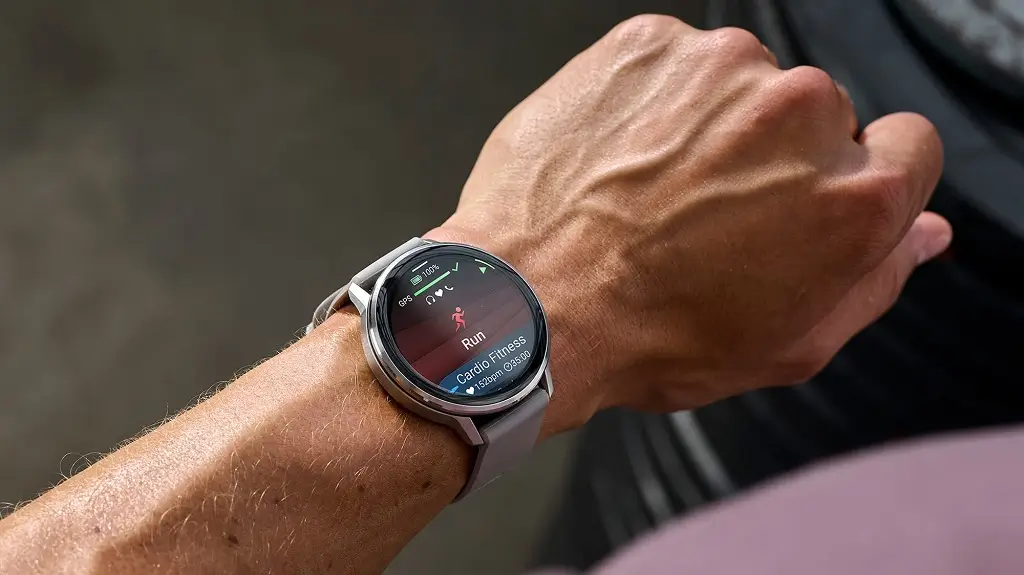
Garmin has officially released a fresh beta firmware update, version 16.28, specifically tailored for the Venu 4 series. This latest rollout focuses on expanding the watch’s utility through new “glances” while simultaneously squashing several high-priority bugs that have affected system stability.
Enhanced Health and Performance Tracking
The update introduces a dedicated Weight Tracking glance, allowing users to monitor their body composition metrics directly from their wrist. For the more adventurous, Garmin has refined its Training Guidance algorithm; the system now intelligently adjusts your recovery and workout suggestions based on your most recent diving activities. This ensures that the physiological strain of underwater excursions is factored into your overall fitness readiness.
New Utility Glances and Customization
Users looking for better hardware insights will appreciate the new Battery Life glance, which provides a granular look at power consumption and performance trends. On the lifestyle front, a new Sports glance lets you keep tabs on your favorite teams in real-time. Additionally, the update expands the audio library with new alarm sounds, offering more variety for your morning wake-up calls or reminders.
Smart Notification Management
A notable workflow improvement arrives in the form of Stage Menu smart notifications. This feature allows athletes to delay incoming alerts until after a workout is completed, ensuring total focus during high-intensity intervals or races without missing important messages once the timer stops.
Critical Stability and Bug Fixes
Version 16.28 addresses a significant stability flaw that previously caused some Venu 4 units to reboot spontaneously during daily use or at the start of an activity. Several other specific glitches have been resolved, including:
-
Navigation & Training: Fixed errors where the wrong Garmin Coach cycling workouts were loaded and resolved crashes occurring when loading indoor cycling courses.
-
Media & Display: Eliminated the “blank screen” bug that appeared when toggling the music player mid-activity.
-
Data Integrity: Corrected the summary reports for Backcountry Skiing to ensure maximum speed and mileage are displayed, and fixed intermittent Wi-Fi upload failures.
How to Install the Update
While this is a beta release, users can trigger the download manually. Navigate to the Main Menu on your watch, select Settings, then System, and tap Software Update. From there, select Check for Updates to begin the installation of version 16.28.
Also Read: The Best Garmin Watches of 2026: A Beginner’s Guide to the Ultimate Ecosystem

