

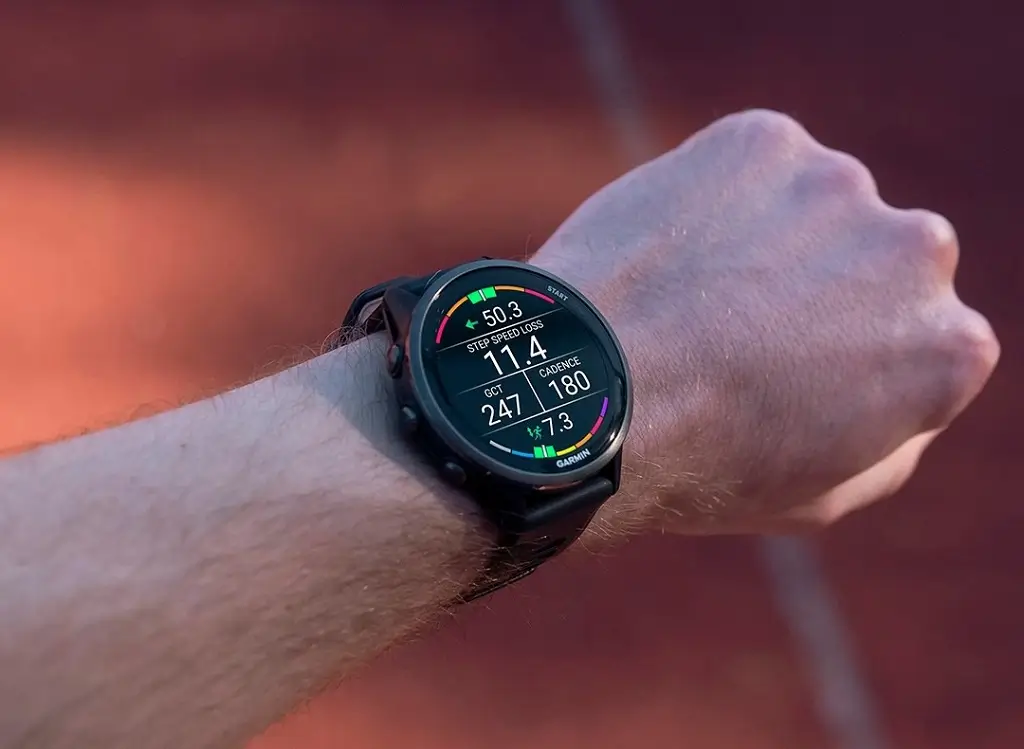
Garmin is sending out a new software release for two of its popular running watches. The company has officially started rolling out stable firmware version 17.38 to the Forerunner 970 and Forerunner 570.
While major feature updates usually grab headlines, this smaller release focuses entirely on backend performance and safety.
What Is New in Version 17.38?
The main highlight of this firmware release is system protection. Garmin lists the official change log for update 17.38 simply as:
-
General security improvements
Under-the-hood patches like this ensure that watch data remains safe and device connections remain stable. While it does not add new training tools or display options, installing it helps keep your watch running reliably without vulnerabilities.
How to Check and Install the Update
Garmin usually pushes updates over the air automatically through the Garmin Connect app. However, if you want to get the latest security patch immediately, you can trigger a manual check directly from your wrist.
Follow these simple steps on your watch:
-
Open the Main Menu.
-
Scroll down and select Settings.
-
Choose System.
-
Tap Software Update.
-
Select Check For Updates.
Once your watch connects to Wi-Fi or your paired smartphone, it will download and install software version 17.38.
Also Read: Garmin’s First Smart Ring Leaks in Official Certification Database “CIRQA Smart Ring”

