
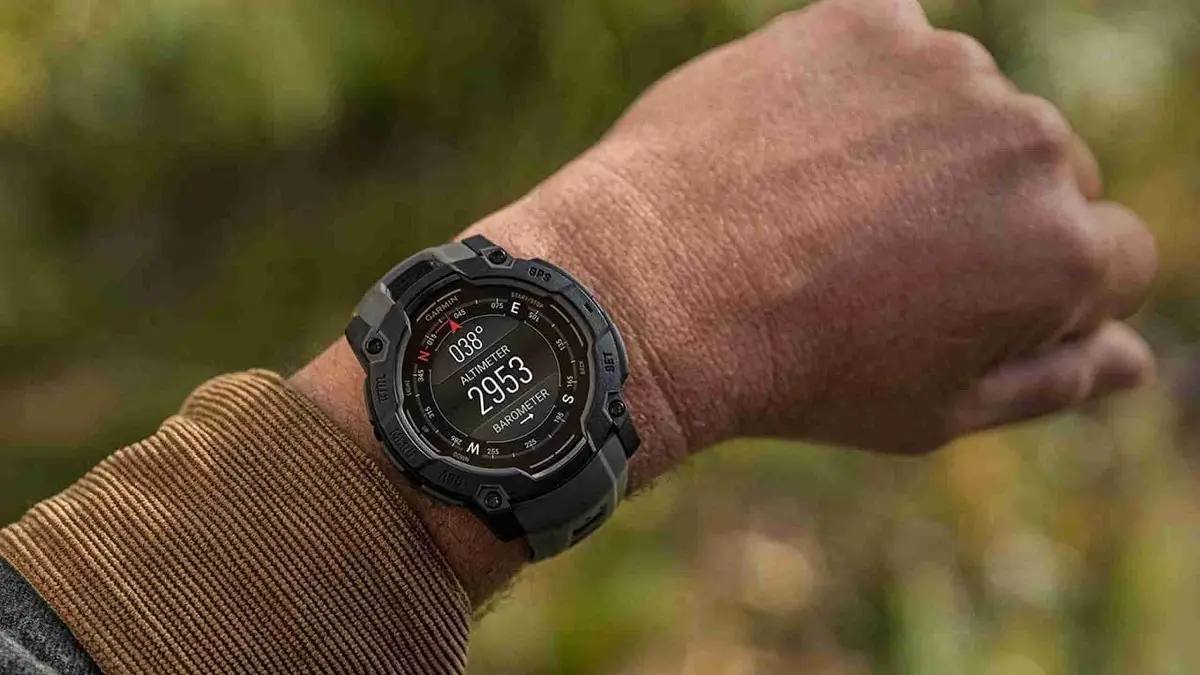
Garmin has started pushing out a fresh software update for several of its rugged smartwatches. The new stable release, version 16.12, is now arriving for the Instinct 3 AMOLED, Instinct 3 Solar, Instinct E, and the Crossover AMOLED.
New Tools for Dog Owners and Pet Trackers
The standout addition in this update is built specifically for people who spend time outdoors with their dogs. Users across all four watch models can now set up dedicated dog profiles right on their wrist. Along with the profiles, Garmin has added specific dog-related activities, new badges to earn, and extra activity data to track.
The update also cleans up an annoying tracking glitch. Previously, some users noticed that the DogTrack pointer would freeze and fail to update properly. Version 16.12 fixes that bug so you can keep a reliable eye on your pup in the field.
Better Stability and Smoother Performance
Nobody wants a smartwatch to freeze up mid-adventure, and Garmin is addressing that directly with a few under-the-hood improvements. If your watch ever stops responding, you will now see new on-screen recovery options to help get things moving again without a major headache.
General navigation should feel snappier too. Garmin fixed a noticeable lag that happened when scrolling through the calendar widget. They also patched a bug that could cause the watch to crash when launching a workout through a Connect IQ (CIQ) third-party app, and refreshed some language translations across the system.
Model-Specific Fixes for Surfers and Messengers
While most of the update applies to the whole lineup, a few tweaks are tailored to specific hardware:
-
Instinct 3 Solar and Crossover AMOLED: Surfers using either of these models will notice better accuracy, as Garmin has improved wave detection during the Surf activity.
-
Instinct 3 AMOLED and Crossover AMOLED: Owners of the AMOLED versions get a cleaner layout with a fix for a CIQ menu formatting issue. Garmin also resolved a text bug in the Messenger app that caused messages longer than 160 characters to display random, garbled symbols.
How to Install the Update
Garmin typically rolls out stable updates in phases, meaning it might take a few days to reach every device automatically. If you don’t want to wait, you can trigger the download yourself from your watch. Just open the Main menu, head to Settings, select System, tap Software Update, and hit Check For Updates.
Also Read: Garmin Early Black Friday Sale: Best Deals on Fenix 8, Forerunner 965, and More (Up to 44% Off)

