

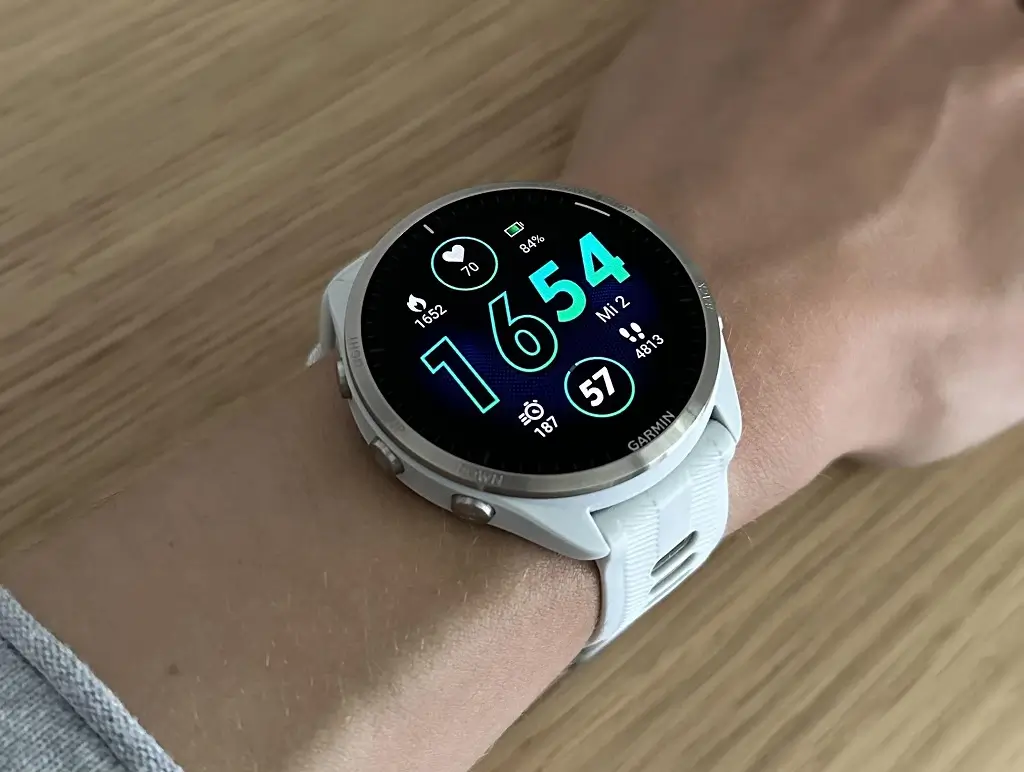
Garmin is initiating a stable firmware update, version 26.08, targeting a wide range of its popular Forerunner smartwatches. This deployment impacts the following models: the Forerunner 965, 955, 265, 255, and 165. The update focuses on addressing several key functional issues and enhancing the overall user experience across these devices. Users are advised to install the new version to benefit from the various stability and feature improvements.
Key Fixes and Enhancements in Version 26.08
The new software iteration includes a crucial set of fixes that resolve several persistent bugs identified by users. These adjustments are designed to ensure the smartwatches operate more reliably and intuitively in everyday and athletic scenarios.
- Security and Location Alert Correction: A significant fix addresses the “Find My Device” function. Previously, the alert sound would not activate if the device was secured using the Passcode feature. This is now resolved, ensuring the alert sounds correctly even when the watch is locked.
- Map Navigation Reliability: An issue impacting the pan/zoom mode on the map has been corrected. Users should no longer encounter problems when trying to exit this mode while an activity is paused.
- Display Feature Management: The update resolves a bug where the Red Shift feature would occasionally fail to automatically disengage after the designated sleep window concluded.
- Music Playback Accuracy: An annoying display error related to music controls has been fixed. The watch will now correctly show the playback time when users are fast-forwarding through music tracks.
- Training Plan Visibility: An issue that could lead to certain Garmin Coach workouts appearing blank on the device screen has been resolved, restoring proper access to training guidance.
Multisport Functionality and Stability Improvements
A key feature enhancement targets multisport athletes, making mid-activity transitions smoother and more efficient. Furthermore, the update rounds out the release with standard stability adjustments.
- Optimized Multisport Lap Key Function: Users can now hold the lap key to efficiently change sports during a multisport activity (e.g., triathlon). This new functionality frees up a single press of the lap key to be used exclusively for recording laps, rests, or sets within the current active sport, offering better control and data accuracy for athletes.
- General System Health: As with most firmware releases, version 26.08 includes various bug fixes and stability improvements across the operating system, ensuring smoother, more dependable performance overall for the targeted Forerunner models.
How to Manually Access the Software Update
While the update will eventually roll out automatically, users eager to install the software immediately can download it manually once it becomes available on their device. To check for the update, follow this simple path on your watch: Menu > System > Software Update > Check For Updates.
Also Read: Garmin Ditches Five-Button Layout for a Protected Digital Crown

