

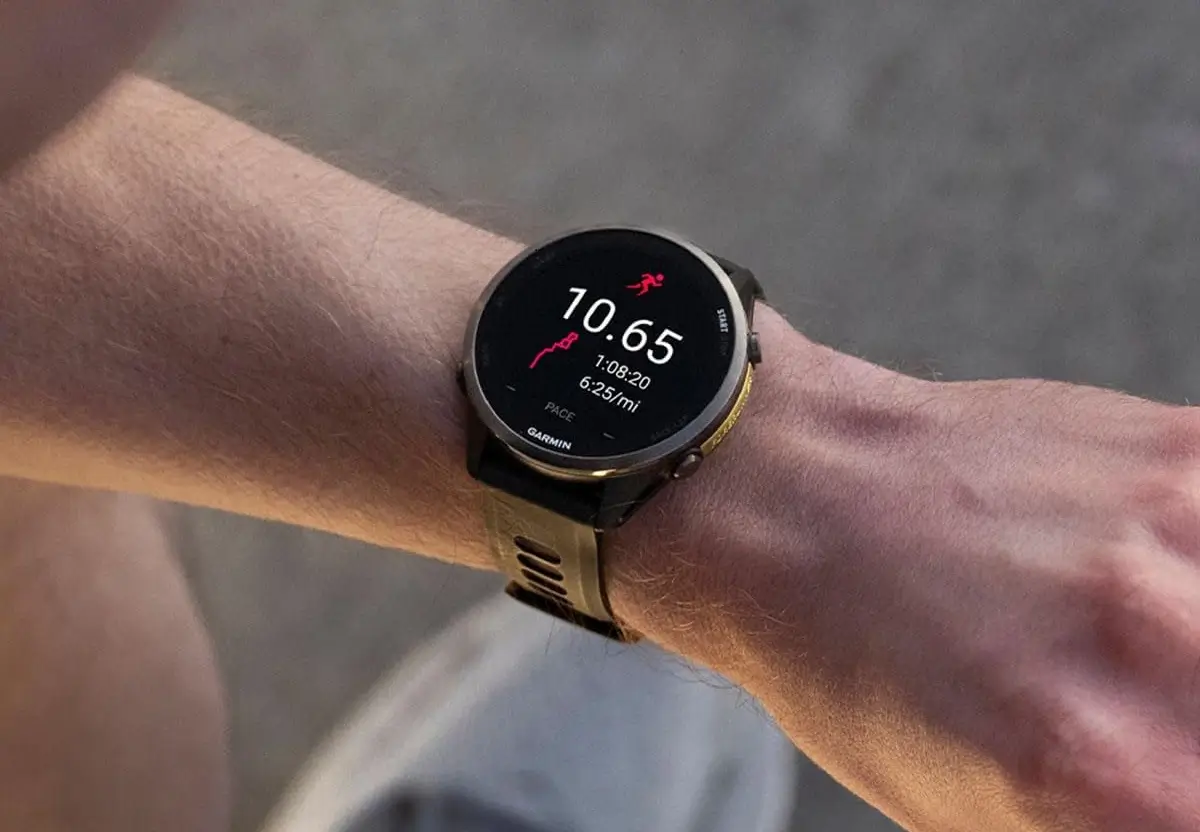
Garmin is officially refreshing its wearable ecosystem with the release of Beta Version 16.28, specifically tailored for the Forerunner 970 and 570 series. This comprehensive firmware update aims to bridge the gap between pure athletic performance and lifestyle convenience, offering a mix of sophisticated health tracking and refined system stability. Users looking to stay on the cutting edge can now access a suite of features that turn these watches into even more capable 24/7 companions.
Note: The Beta software available for the Forerunner 970 will have the ECG feature disabled
Enhanced Health and Lifestyle Integration
The standout additions in this build are the “Glances”—compact widgets that provide a snapshot of your wellness data. Garmin has introduced dedicated Glances for weight tracking and battery performance, alongside a more holistic view of how your daily habits influence your physiological metrics. For those who prioritize recovery, the sleep widget now offers “Sleep Insights,” suggesting optimal bed and wake times to help you sync your circadian rhythm with your training schedule.
Advanced Training and Multi-Sport Support
For the versatile athlete, version 16.28 introduces a multisport activity profile, allowing users to record back-to-back disciplines seamlessly. The update also gets more granular with training guidance; for example, it now factors in recent diving data when calculating your readiness and recovery. Additionally, fitness enthusiasts can dive into new structured plans featuring timed cardio and optional strength segments, while the watch now remembers “structured repeats,” ensuring your preferred interval settings are saved for the next session.
Technical Refinements and Performance Fixes
Beyond new features, Garmin has focused heavily on “quality of life” improvements. The pace responsiveness has been tuned for better accuracy during runs, and golf enthusiasts gain the ability to save custom targets on their favorite courses. On the safety side, voice alerts have been integrated for users paired with compatible radar devices. The update also resolves several frustrating legacy bugs, including blank screens during music playback, Wi-Fi upload failures, and incorrect data summaries for backcountry skiing.
How to Install the Beta Update
If you are enrolled in Garmin’s beta program, you don’t have to wait for the automatic push. You can trigger the download manually by navigating through your watch’s interface:
-
Open the Main Menu.
-
Select Settings.
-
Tap on System.
-
Choose Software Update.
-
Select Check For Updates to begin the installation.
Also Read: The Best Garmin Watches of 2026: A Beginner’s Guide to the Ultimate Ecosystem

