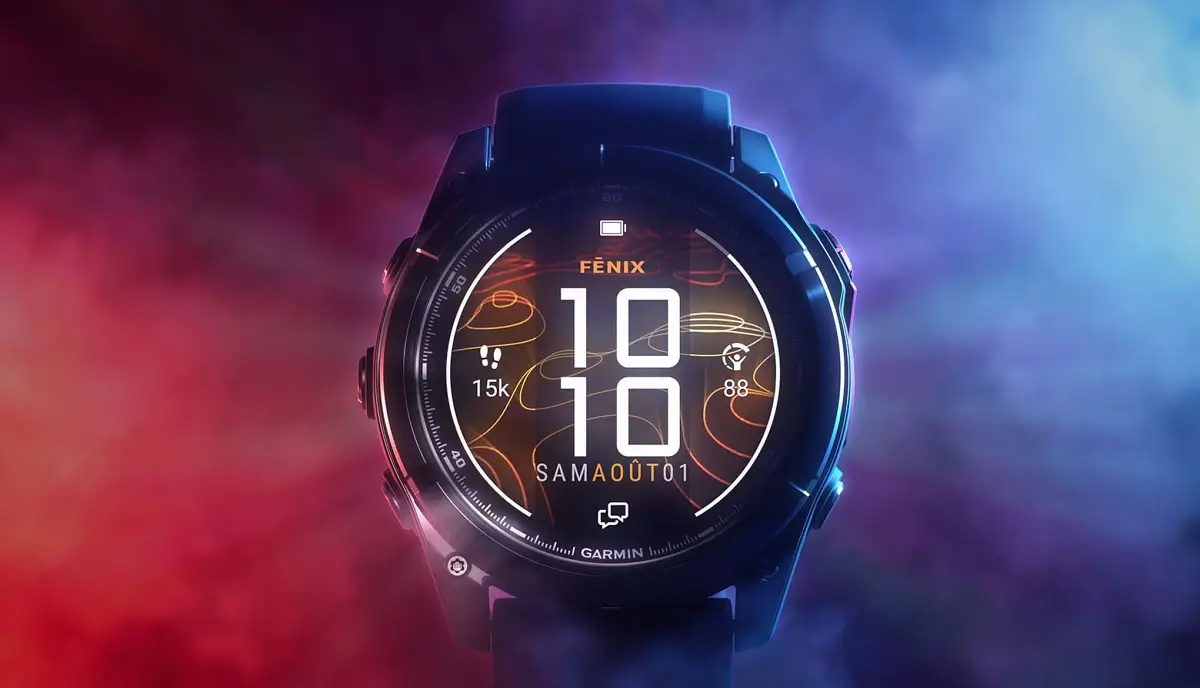
Garmin has officially released a new stable software update, version 22.44, for several of its top-tier sports watches. The firmware targets high-end performance devices, bringing an important bug fix to improve daily screen responsiveness.
Compatible smartwatches
The new stable build is rolling out to a broad group of outdoor and multi-sport watches, including:
What is in the update?
- Fixes a potential issue with the display that could cause unexpected behavior and inconsistent gesture response.
The main focus of version 22.44 is resolving an annoying display glitch. Garmin noted that previous software versions could cause unpredictable screen behavior. Users specifically reported issues with touchscreen gestures, where swiping or tapping would occasionally fail to respond as expected. This patch stabilizes the screen interface across all compatible models.
How to install version 22.44
While the update will automatically push to connected watches over the coming days, you can trigger the download manually right now.
To check for the update on your watch:
-
Hold the middle-left button to open the Main Menu.
-
Scroll down and select Settings.
-
Choose System, then tap Software Update.
-
Select Check For Updates to start the download.
Also Read: Garmin Teases New Outdoor Watches for Late 2026 as Fitness Sales Boom