

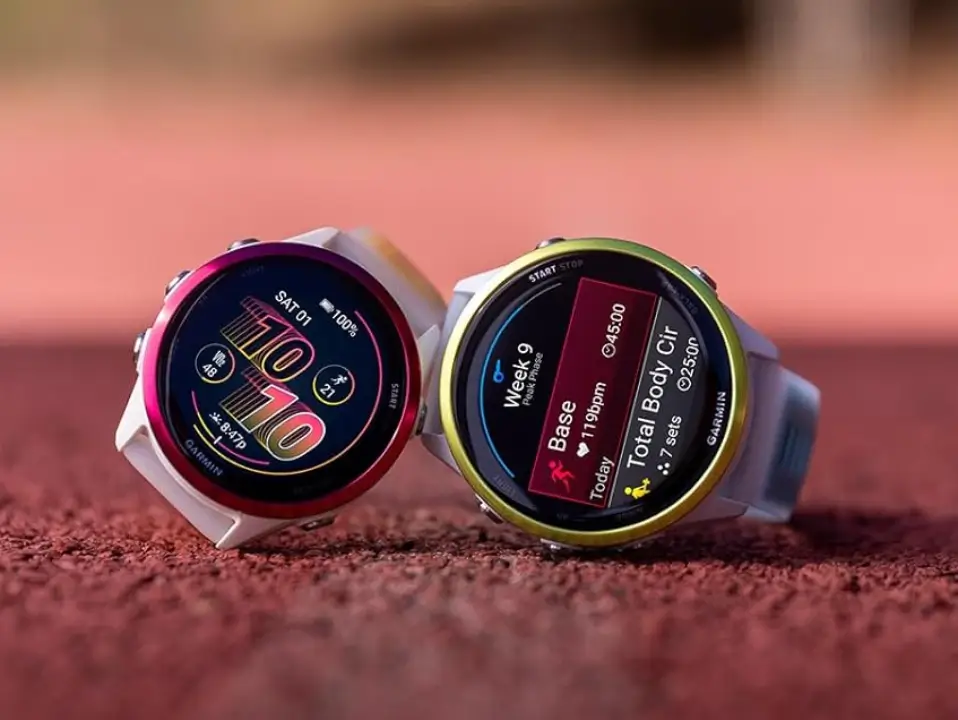
Garmin has officially begun the rollout of its latest beta software, version 17.16, specifically tailored for the Forerunner 970 and 570 series. This comprehensive update aims to refine the user experience by introducing a blend of functional shortcuts, expanded navigation tools, and critical system stability improvements. Users participating in the beta program can expect a more fluid interface and several “quality of life” tweaks that address long-standing community feedback.
New Navigation and Accessibility Features
One of the standout additions in this release is the Silent Mode, which provides users with a way to instantly hush their device through a button shortcut or the control loop. Navigation enthusiasts will also appreciate the new Man Overboard (MOB) shortcut, allowing for a quick return to the last recorded emergency point. Furthermore, Garmin has integrated QR codes into the Outdoor Maps+ descriptions, making it easier for hikers and explorers to access detailed information about specific map layers directly on their smartphones.
Enhanced Interface and Voice Integration
Garmin is streamlining how users interact with their hardware. The phone shortcut has been recalibrated to launch the phone app directly rather than buried settings menus, and the Battery Manager can now be accessed via simple voice commands. For those who enjoy celebrating their wins, the update increases the duration of goal animations, giving you a few extra seconds to bask in the glory of hitting your daily step or floor targets. Additionally, keyboard accessibility has been improved with a new swipe-up gesture to change layouts on the fly. See the Full Change Log
Significant Bug Fixes and Stability Improvements
A massive portion of version 17.16 is dedicated to squashing bugs. The update addresses several connectivity issues, including a fix for excessive battery drain after using the phone assistant and a resolution for the “mass storage” mounting failure when paired with inReach devices. Fitness-specific fixes include correcting the rhythm of rest timer countdowns during strength training and ensuring that Body Battery calculations accurately account for all recent activities. Even specific platform glitches, such as the device resetting when using WhatsApp on an iPhone, have been successfully patched.
How to Install the Update
Forerunner owners eager to test these new features don’t have to wait for the automatic push. You can initiate a manual download by navigating through the device menu. Simply go to Settings, select System, and tap on Software Update. From there, selecting Check for Updates will prompt the device to fetch the 17.16 beta files if your watch is registered in the beta program. As with all beta software, ensure your data is synced with Garmin Connect before proceeding with the installation.
Also Read: My Garmin Forerunner 170 Wishlist: 5 Upgrades Garmin Can’t Afford to Skip

