

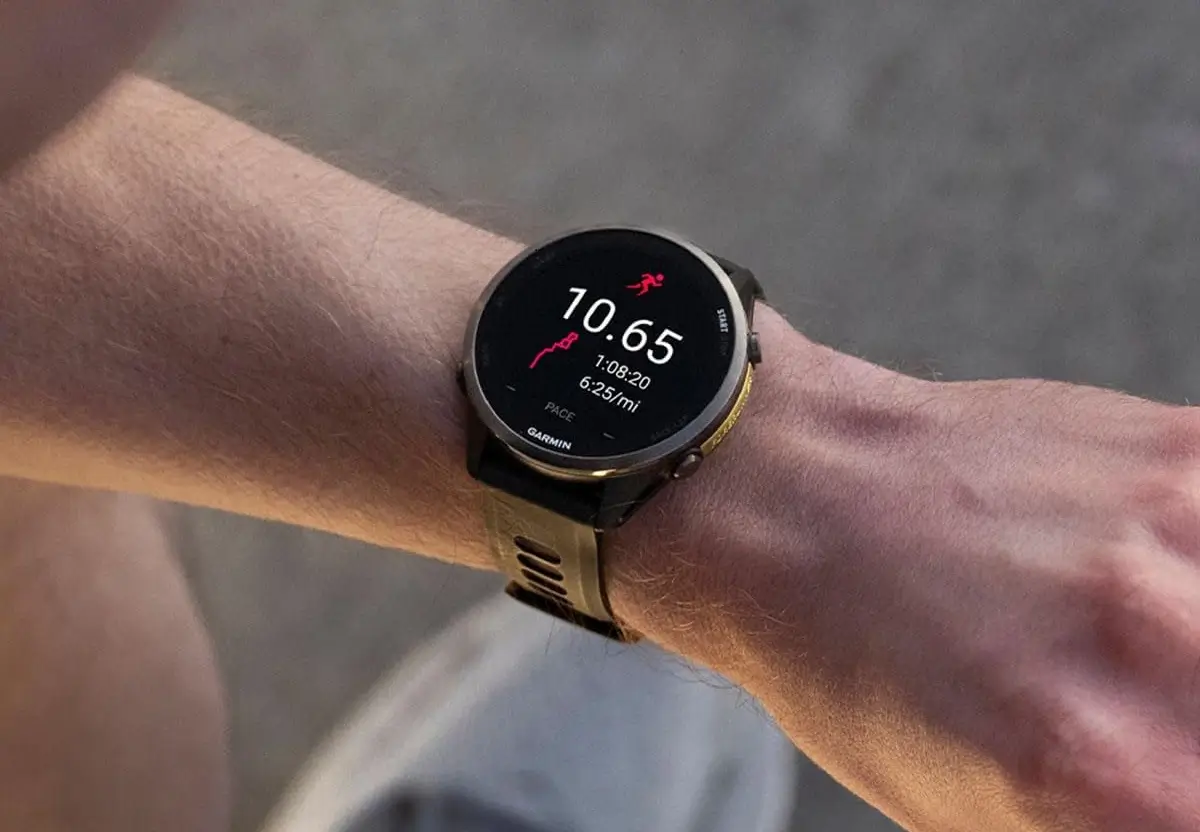
Garmin is rolling out a new beta software version 17.25 for the Forerunner 970 and 570 smartwatches. Instead of adding new features, this update mainly focuses on fixing bugs and making stability improvements
Comprehensive Bug Fixes and Stability Improvements
The primary goal of version 17.25 is to eliminate several “nagging” bugs that have impacted performance. Notably, Garmin has addressed a glitch that caused strength training activities to record repetitions inaccurately. Additionally, the update resolves a frustrating UI bug where the post-activity map for multisport sessions appeared off-center.
For those who rely on navigation, this firmware provides critical stability. It fixes potential system crashes that occurred when using the “back to start” routing feature and prevents the device from unexpectedly exiting the map view during route recalculations.
Enhancements to Daily Reports and Battery Logic
Garmin’s signature Morning and Evening Reports have also received attention. Users previously reported missing workout durations in their morning summaries and occasional system resets when viewing the evening report; both issues are reportedly resolved.
Furthermore, the logic for battery life estimates has been fine-tuned. The device should now provide much more accurate remaining power projections when a user toggles between different power modes during a live activity.
Addressing System Crashes and Connectivity
Beyond specific activity tracking, this update strengthens overall system integrity. It fixes a rare but serious issue where devices could enter a “recovery mode” loop during software installations. It also patches crashes when adding new applications via the Garmin Connect Mobile app and improves the weather app’s reliability, ensuring it refreshes data immediately when opened.
How to Install the Update Manually
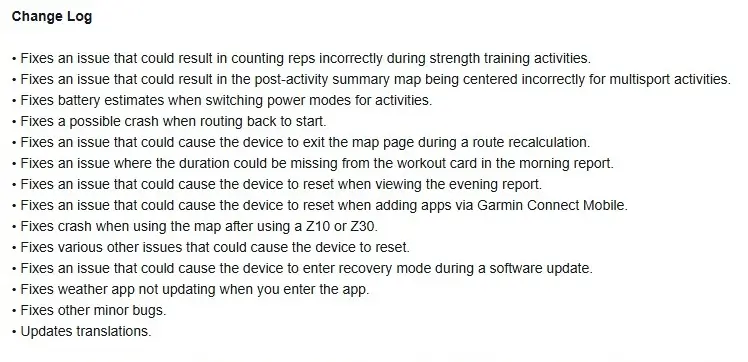
If you are not part of the initial 50% automatic rollout and wish to jump the queue, you can trigger the download manually on your watch. To do so, navigate to: Main Menu > Settings > System > Software Update > Check For Updates. You can see the full change log in the picture below!
Also Read: I Just Spotted the Garmin Forerunner 170 on a Retailer Website—Release Seems Imminent!

