

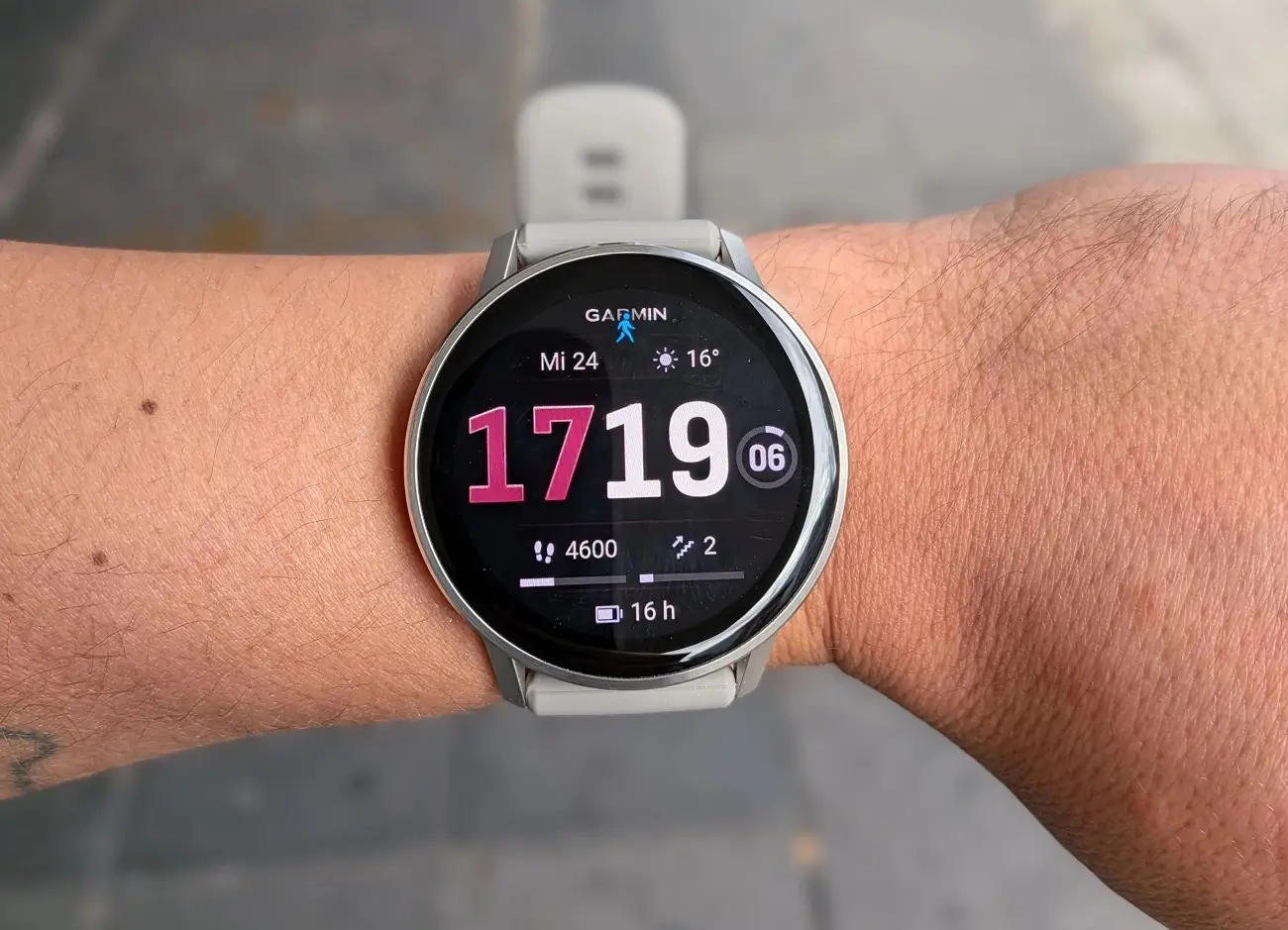
Garmin has just started pushing out a fresh software update for the Venu 4 smartwatch. This new version, labeled as Beta 17.25, is focused on cleaning up various bugs and making the watch feel much smoother to use. If you like testing out the latest features before everyone else, this update is ready for you to try.
Better Tracking for Your Workouts
If you use your Venu 4 at the gym, you’ll be happy to hear that Garmin has fixed a frustrating issue with strength training. Previously, the watch would sometimes count reps incorrectly, but this update makes the tracking much more reliable.
For those who love outdoor adventures, the post-activity maps for multisport sessions have also been fixed. You no longer have to worry about your map looking off-center or weird when you finish a long session of swimming, biking, or running.
Fixing Crashes and System Resets
Nobody likes it when their watch suddenly restarts or freezes. This update tackles several “crash” triggers. Specifically, Garmin fixed a bug that caused the watch to reset when you were looking at your Evening Report or trying to add new apps through the Garmin Connect mobile app.
They also fixed a scary-sounding issue where the watch could accidentally enter “recovery mode” while it was updating. These changes should make the device feel a lot more stable during everyday use.
Improvements to Daily Life Features
The Venu 4 is known for its smart features, and version 17.25 polishes those up, too. The Morning Report now correctly shows your workout duration, so you know exactly what’s on your schedule.
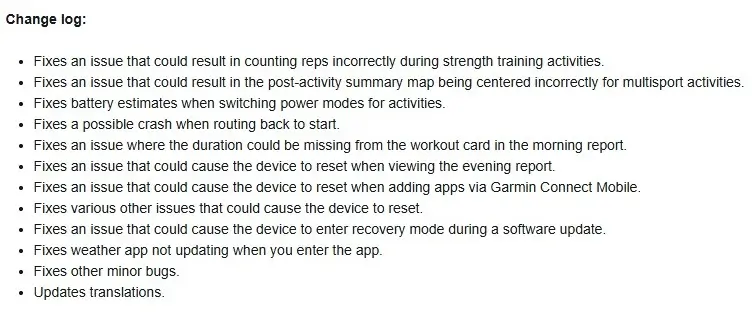
Additionally, the Weather app has been fixed. In the past, it sometimes wouldn’t refresh when you opened it, but now it should show you the current temperature and forecast right away. Garmin also improved how the watch estimates your battery life when you change power modes, giving you a better idea of how much juice you have left. You can see the full change log in the picture below!
How to Get the Update Today
If you don’t want to wait for the automatic update to hit your watch, you can grab it manually. Just follow these simple steps on your device:
-
Open the Main Menu.
-
Go to Settings.
-
Tap on System.
-
Select Software Update.
-
Tap Check for Updates.
Once the download is finished, your Venu 4 will restart, and you’ll be running the latest version!

