

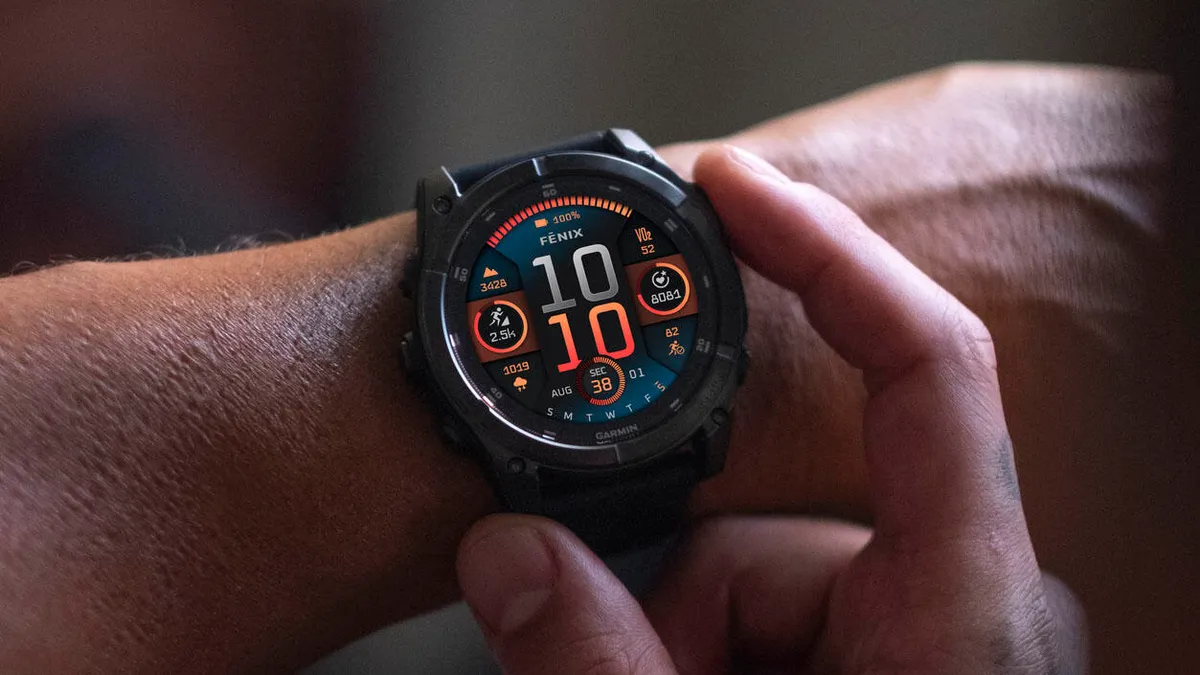
Garmin is sending out a fresh beta software update, version 23.24, for a wide range of its top-tier smartwatches. If you wear a Fenix 8, Fenix 8 Pro, Fenix E, Enduro 3, or Quatix 8, your device is next in line for this round of performance fixes.
The update focuses heavily on ironing out frustrating system bugs, stopping sudden crashes, and making sure voice controls work the way they are supposed to.
Note: The Beta software available for the Fenix 8 series will have the ECG feature and Dive features Disabled.
Ending the Unexpected Workout Resets
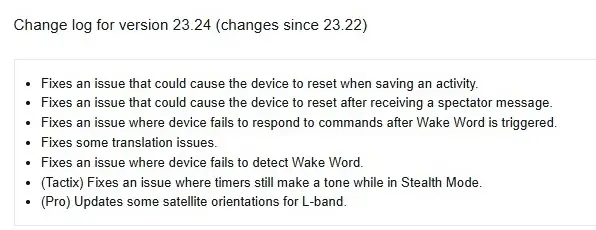
The primary focus of this release is stopping random system reboots that have been driving athletes crazy. Garmin tackled two major crash triggers: one that caused watches to suddenly restart right as a user tried to save a completed activity, and another that triggered a reset whenever a spectator message popped up on the screen.
Fixing the activity save bug comes as a massive relief for runners and cyclists who risk losing precious workout data at the end of a long training session.
Restoring Voice Control and Wake Word Accuracy
Garmin also gave plenty of attention to the hands-free voice feature. Users had been reporting that their smartwatches were completely failing to detect the system’s “Wake Word.” Worse yet, even when the watch did manage to hear the phrase, it would often freeze up and stop responding to any follow-up commands.
Update 23.24 resolves both sides of the issue, ensuring the voice system wakes up reliably and executes commands smoothly without stalling the watch.
Tactical Improvements, Satellite Tweaks, and Language Cleanups
Beyond the headline fixes, Garmin packed a few model-specific upgrades into this release. Owners of the tactical Tactix models will appreciate a fix for a bug that allowed timer alarms to make noise even when the watch was explicitly set to “Stealth Mode.”
For the Pro lineup, engineers tweaked satellite orientations for L-band connections to keep location tracking accurate. Finally, the update fixes several awkward translation errors scattered across the global user interface.
How to Download Version 23.24
If you are currently enrolled in Garmin’s public beta program, you do not have to wait around for your watch to grab the software automatically. You can force the update to start immediately right from your wrist.
To pull down the installation file, open the Main Menu on your watch, scroll into Settings, tap System, select Software Update, and choose Check For Updates.
Also Read: Garmin Teases New Outdoor Watches for Late 2026 as Fitness Sales Boom

