

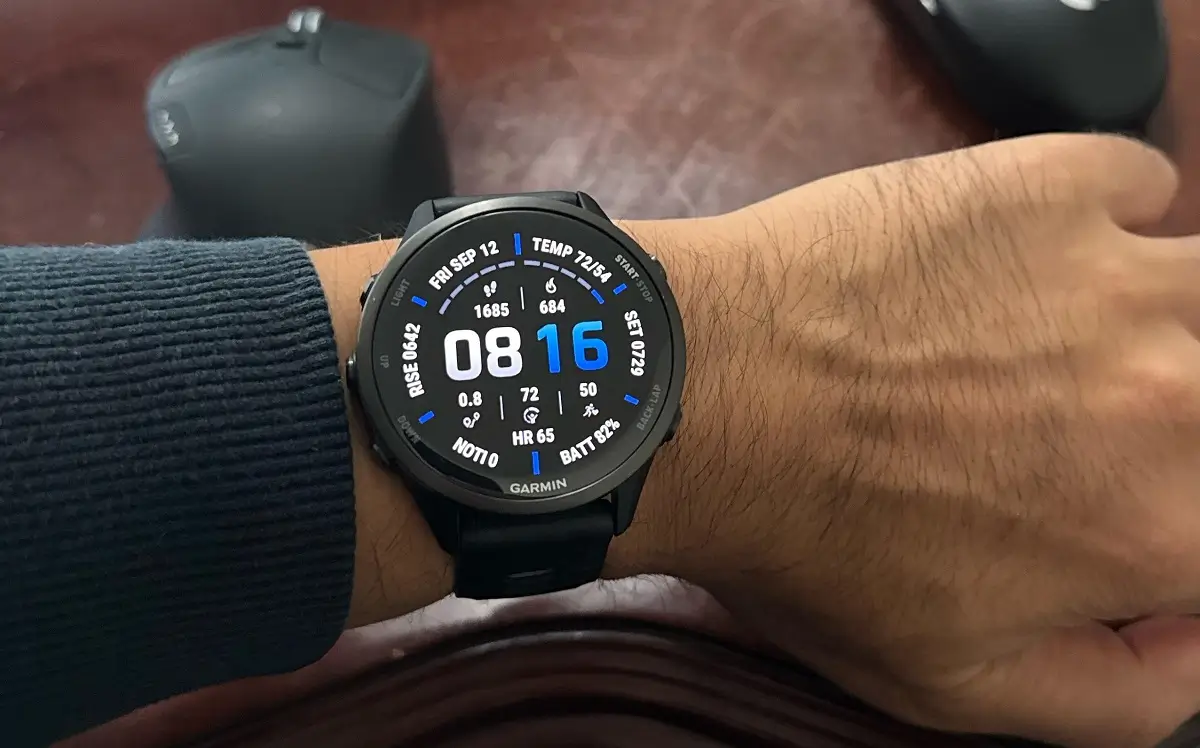
Garmin has initiated the rollout of a new stable software update, version 15.16, designed to significantly boost the performance and feature set of the Forerunner 970 and Forerunner 570 smartwatches. This comprehensive update focuses on refining user experience across health tracking, activity management, connectivity, and overall device stability. Users should look for the update notification or manually initiate the download to benefit from the numerous additions and critical fixes.
New Features for Health and Training
The 15.16 update introduces several notable enhancements to how users monitor their well-being and track their workouts. A key addition is a new glance dedicated to tracking changes in health data and overall well-being, giving users a quick summary of their physical status shifts. For runners, a rolling pace data field has been added, providing more immediate and relevant speed metrics during a run. The update also streamlines daily information access by allowing the Morning Report and Evening Report to be accessed directly from the notification center. Furthermore, to improve the training experience, the device now offers a vibration and/or tone when the Evening Report displays, and users can now use the down key to dismiss training alerts with ease.
Enhanced Connectivity and Accessory Support
Connectivity and accessory integration receive significant attention in this new software version. The Forerunner watches now include support for Rally 110/210 power meter pedals, a crucial feature for serious cyclists looking for precise power data. For multisport athletes, the update simplifies transitions: the lap key can now be held to change sports during a multisport activity, thereby freeing up a single lap press to record laps, rests, or sets within the current sport without accidentally advancing. Cycling enthusiasts will also appreciate the addition of support for a cycling VO2 max complication on certain watch faces, making this metric more visible. An automatic button lock has also been implemented for indoor activities to prevent accidental presses.
Critical Stability and User Interface Fixes
A substantial portion of version 15.16 addresses various bugs and stability issues reported by users. Critical fixes include solving an issue that previously led to rapid battery drain and resolving instances where the device would reboot after receiving multiple smart notifications consecutively. Multiple other fixes target device resets and screen malfunctions, including an issue that could cause the screen to go blank. The update also reduces lag when selecting an activity and fixes a problem where the accept and decline buttons on the incoming call screen could malfunction. Sound and voice functionality improvements are also included, such as reducing sound distortion/choppiness when starting the phone assistant and fixing issues that could cause the phone assistant to be muted or a voice command to fail if music is playing.
Smart Notification and System Quality of Life Updates
The update also refines the overall user interface and notification handling. Users gain more granular control over their alerts with the ability to control notifications at the app level. A new convenience feature allows users to palm the screen to exit a smart notification, offering a quicker dismissal method. System-level improvements include adding hotkey support for the calculator and simplifying the power-down process by allowing the device to be powered down without entering a passcode. Finally, several minor issues have been resolved, and translations have been updated for better international support.
How to Get the Update
The 15.16 stable update is being rolled out automatically to eligible devices. However, users who wish to check for the update immediately can do so manually on their smartwatch by navigating through the following menu path: Menu > System > Software Update > Check For Updates.
Also Read: Garmin Connect Rundown Leak: All the Stats in the New Annual Report

