

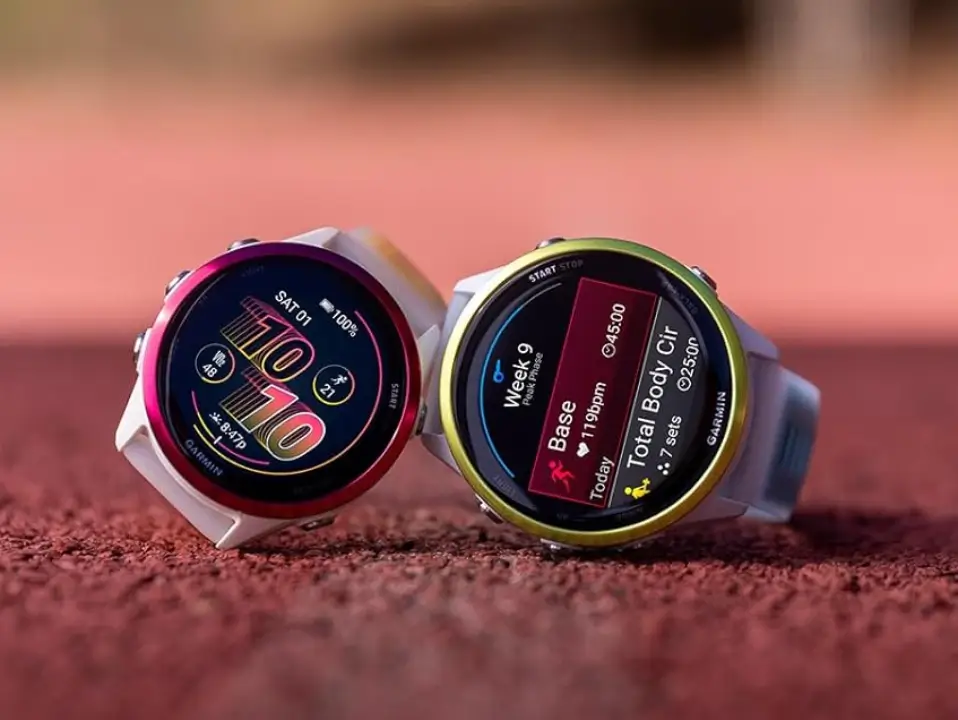
Garmin has officially begun the rollout of its latest stable firmware, version 15.52, specifically tailored for the Forerunner 970 and 570 series. This release follows a period of testing and is designed to polish the user experience while ensuring hardware optimization across these popular fitness-tracking wearables.
Key Enhancements and Technical Refinements
The official change log for this deployment highlights a primary focus on manufacturing support changes. While this often relates to internal hardware calibrations and compatibility for newer production units, it ensures that the software remains robust across the entire lifecycle of the device.
In addition to back-end adjustments, version 15.52 includes a suite of miscellaneous bug fixes. These under-the-hood improvements are aimed at resolving minor glitches reported by the community, enhancing overall system stability, and refining the general performance of the user interface.
How to Install the New Firmware
For most users, the update process will be entirely seamless. If your smartwatch has auto-updates enabled, the software will download and prompt you for installation wirelessly via the Garmin Connect app.
If you prefer to skip the wait and update your device immediately, you can trigger a manual download by following these steps on your watch:
-
Open the Main Menu.
-
Scroll to and select Settings.
-
Navigate to System.
-
Tap on Software Update.
-
Select Check For Updates to initiate the sync.
Also Read: Garmin Officially Launches Quatix 8 Pro with Dual Satellite and LTE Connectivity

