

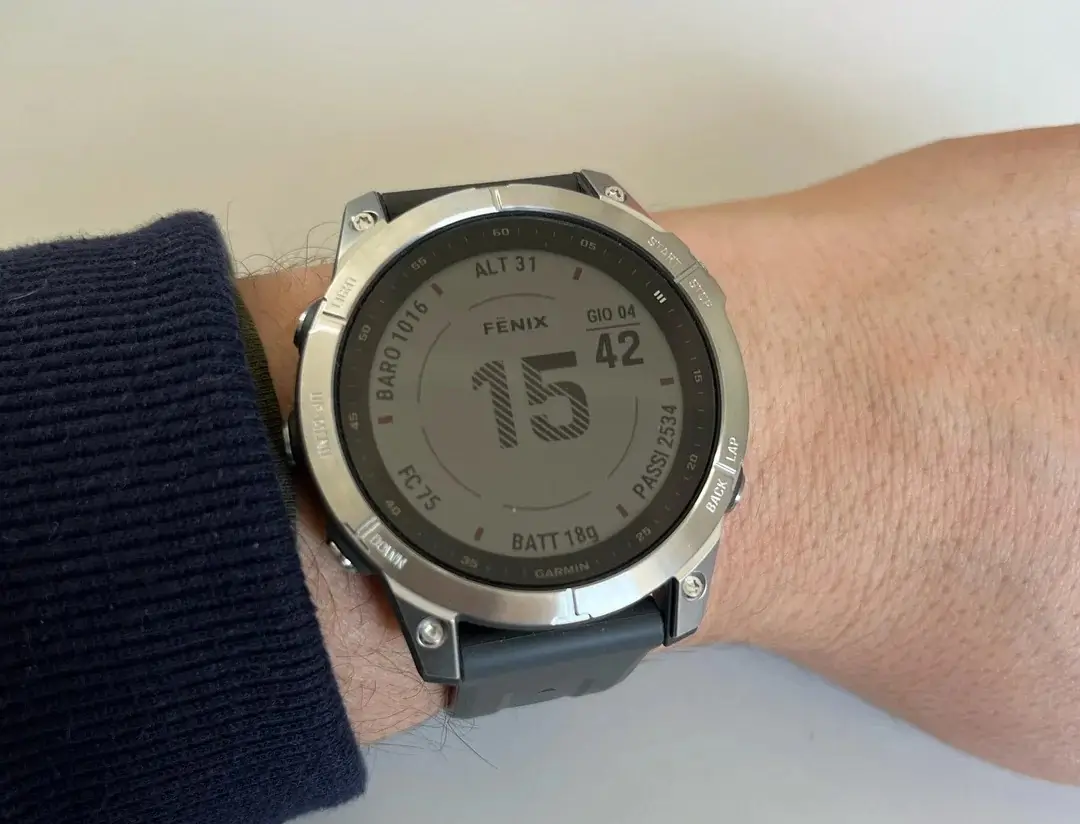
Garmin has officially begun rolling out Stable Firmware Version 25.11, a comprehensive update targeting several of its high-end wearable devices. This release focuses on refining the user experience and resolving a long list of technical bugs that have impacted performance across various sport and utility profiles.
Supported Devices and Installation Guide
This latest software version is not limited to a single model. Instead, it covers a broad spectrum of Garmin’s premium multisport watches. Owners of the following devices are eligible for the upgrade:
-
Fenix 7 Series
-
Epix (Gen 2)
-
Tactix 7
-
Enduro 2
-
Quatix 7
-
MARQ (Gen 2)
Users do not have to wait for the automatic push notification. To trigger the update manually, navigate to the Main Menu on your watch, select Settings, then go to System, and tap Software Update. Next, tap Check for Updates.
Enhancements for Golf and Strength Training
Garmin has introduced specific functional improvements for athletes and hobbyists alike. Golfers now have more control over their game tracking with the new ability to toggle the auto-lap feature on or off during a Golf activity. Additionally, a critical bug in the Strength workout profile—where edited weights failed to carry over to subsequent sets—has been corrected.
The update also stabilizes the system for golfers, addressing a rare issue where the device would unexpectedly shut down while saving a round.
Critical Fixes for Sensors and Health Tracking
Several “under the hood” fixes ensure that health data remains accurate and sensors stay connected. Notably, Fenix 7 variants without Wi-Fi capabilities will now see their skin temperature data sync correctly with Garmin Connect Mobile (GCM).
Other sensor-related fixes include:
-
Optical Heart Rate (OHR): Resolved a bug where the heart rate sensor failed to activate during an activity if it had been manually disabled previously.
-
HRM 600: Fixed a display error on the sensor settings page regarding ANT+ connection status.
-
External Connectivity: Improved stability when connecting to Nautique Boats.
Map, Weather, and Navigation Stability
Navigation is a core feature of these devices, and version 25.11 aims to make it more reliable. Garmin has addressed a crash issue that occurred when changing overlays on the Weather Radar, as well as a formatting error where the radar time didn’t match the system’s clock.
Furthermore, the update fixes glitches involving PacePro data in activity reviews and resolves map preview errors when navigating a course. For users who frequently download new maps, the system is now much less likely to experience a shutdown during the transfer process.
User Interface and Widget Polish
The update brings several aesthetic and functional tweaks to the watch face and daily widgets. The Morning Report will now correctly display today’s schedule rather than yesterday’s, and the Tide Alerts widget now respects the user’s preferred unit configuration (Metric vs. Imperial).
Other UI improvements include:
-
A refreshed progress bar for the Audiobooks selection list.
-
Fixed data field rendering on various watch faces.
-
Correction of the menu title within the Sleep Mode setup.
-
Resolved shutdown issues when using the InReach contact widget or viewing Daily Suggested Workouts.
Also Read: Garmin Launches Approach J1: A Specialized AMOLED Smartwatch for Junior Golfers

