

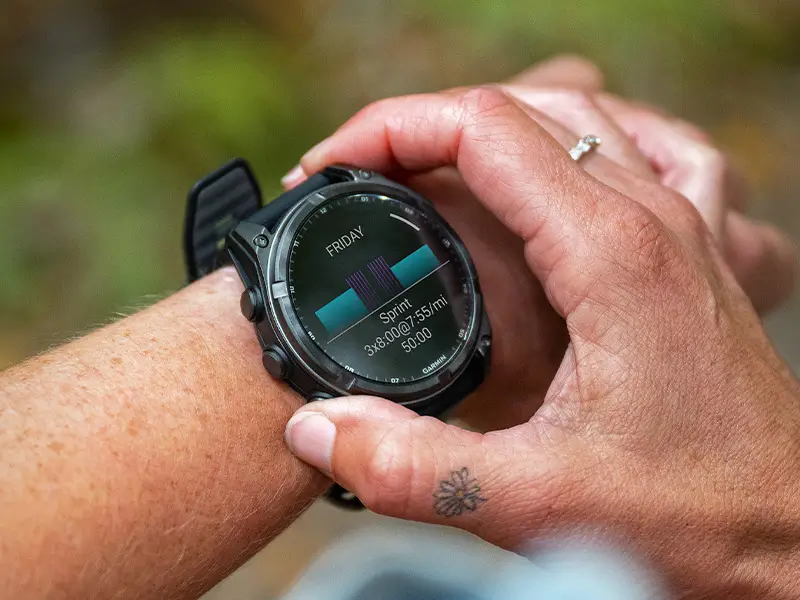
Garmin has officially initiated the rollout of Beta Version 21.19, a targeted software refinement designed for its premium outdoor lineup. This update focuses on polishing the user experience for the latest generation of rugged wearables, ensuring that data tracking remains precise and visual interfaces stay functional during high-intensity activities.
The update is currently available for a specific cluster of high-performance devices, including the Fenix 8 series (and its Pro counterpart), the Fenix E, the Tactix 8, and the ultra-endurance Enduro 3.
Targeted Fixes for Map Interfaces and Winter Sports
- Fixed blank data fields on map split screen for MIP devices.
- Fixed Backcountry Ski post activity summary not showing Max Speed or Mileage.
The primary focus of this version is resolving specific UI glitches that affected readability and data integrity. For users of MIP (Memory-in-Pixel) display devices, Garmin has patched a frustrating bug that caused data fields to appear blank when using the map split-screen mode. This fix ensures that navigation and performance metrics can once again be viewed simultaneously without interruption.
Additionally, the update addresses a tracking discrepancy within the Backcountry Ski profile. Previously, some users noticed that their post-activity summaries were missing critical statistics, specifically Max Speed and Total Mileage. With version 21.19, these metrics are now correctly captured and displayed in the summary, providing skiers with a complete picture of their mountain sessions.
How to Install the Update Manually
While Garmin often pushes updates automatically over time, users enrolled in the Beta program can skip the wait and pull the software immediately. To trigger the download manually, follow this navigation path on your watch:
-
Open the Main Menu.
-
Scroll to and select Settings.
-
Tap on System.
-
Select Software Update.
-
Choose Check For Updates to begin the installation.
Also Read: Leaked: Garmin Cirqa Smart Band Ready to Take on Whoop with New Wrist-Based Design

