

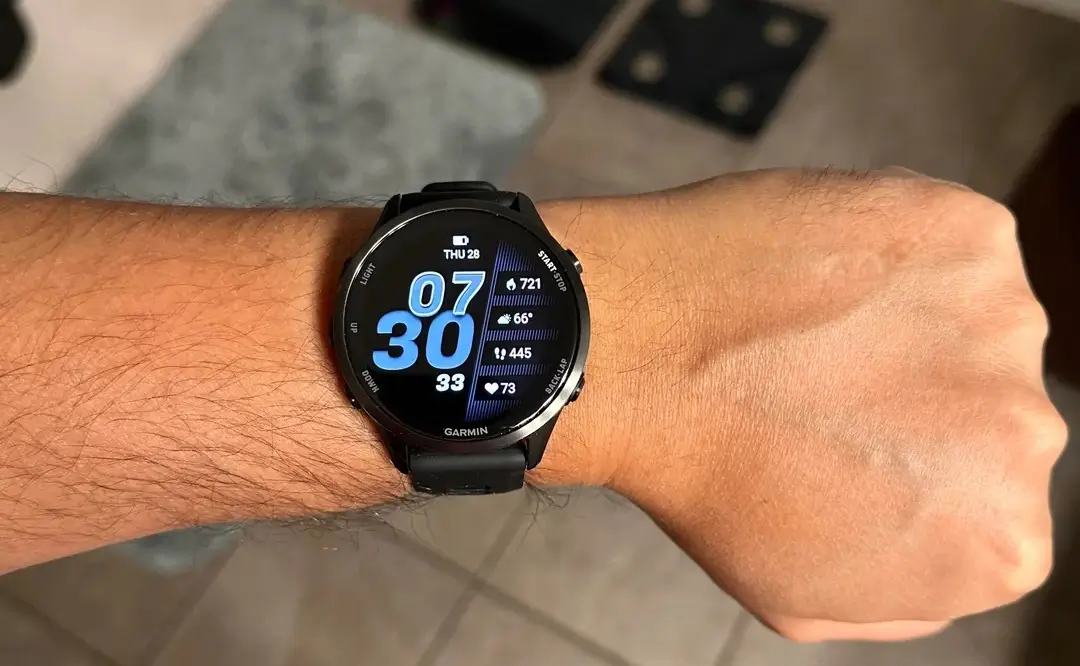
Garmin has officially released a new firmware iteration for its high-performance wearable lineup. The Beta Version 16.37 is now landing on Forerunner 970 and 570 devices, bringing a suite of stability improvements and functional refinements designed to streamline the user experience for triathletes and casual runners alike.
Stability Fixes for Audio and HIIT
This update prioritizes reliability by addressing specific triggers that previously caused system instability. Users who frequently train with music will appreciate a dedicated fix for a crash associated with headphone connectivity. Furthermore, a bug that caused the system to hang during HIIT (High-Intensity Interval Training) sessions has been resolved, ensuring your watch doesn’t quit before you do during those demanding intervals.
Refined Goal Tracking and Navigation
Garmin has also focused on the motivational and logistical aspects of training. A previous glitch that limited goal alerts to just one per day—regardless of how many milestones were hit—has been corrected. On the navigation front, the Course Planner has received a performance boost, making it faster and more responsive when mapping out your next long-distance route or trail run.
Maintenance and Localization Updates
Beyond the headline fixes, version 16.37 includes several “under the hood” enhancements. The development team has squashed various minor bugs that impacted general system fluidity and updated translation files to ensure a more localized and accurate interface for global users. These incremental changes contribute to a more polished, professional feel across the entire UI.
How to Install Version 16.37
If your device is enrolled in the Beta Program and hasn’t received the notification yet, you can trigger the download manually. Navigate through the following path on your watch:
-
Open the Main Menu.
-
Select Settings.
-
Scroll to System.
-
Tap Software Update.
-
Select Check For Updates.
Also Read: The Best Garmin Watches of 2026: A Beginner’s Guide to the Ultimate Ecosystem

