

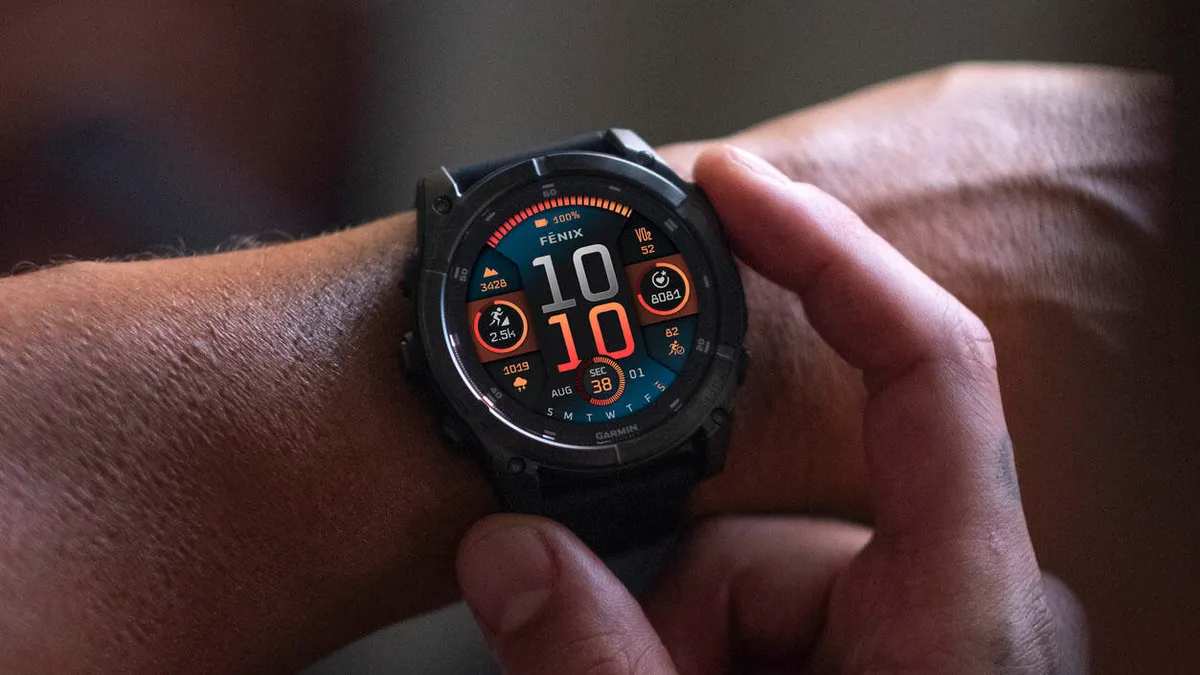
Just short of two weeks since the last beta dropped, Garmin is back at it. Following the release of version 22.26, the company is now pushing Beta Version 22.27 to its top-tier wearables, including the Fenix 8, Fenix 8 Pro, Tactix 8, Quatix 8, and Enduro 3.
This incremental update focuses heavily on refining the user experience and squashing bugs that have been bugging the community since the previous rollout.
Note: The Beta software available for the Fenix 8 series will have the ECG feature and Dive features disabled.
Smoothing Out Activity Tracking
One of the most notable fixes in this version addresses a frustrating quirk with battery estimates. Previously, users noticed that switching between power modes during an activity didn’t always reflect accurate remaining life—a critical bit of info when you’re halfway through a long haul. Garmin has also ironed out a bug where the watch would “hang” or get stuck on the map screen while utilizing the Sight ‘N Go feature.
Stability and App Performance
System stability gets a bump here as well. The developers have targeted and resolved a specific issue that caused occasional crashes during active sessions, ensuring your data is safer during intense workouts. Additionally, the Weather App has been tuned; it should now refresh and provide current conditions immediately upon opening, rather than lagging or showing stale data.
Tactix 8 Exclusives and Global Tweaks
For those sporting the Tactix 8, this beta specifically addresses a flaw in the Night Vision mode where the expected color shift wasn’t triggering correctly. Beyond the hardware-specific fixes, Garmin has also bundled in a fresh set of translation updates, making the interface a bit more polished for international users.
How to Get the Update
If you are enrolled in the Garmin Beta Program, you don’t have to wait for the “over-the-air” prompt to hit your device. You can manually trigger the download by following these steps on your watch:
-
Hold the Menu button.
-
Navigate to System.
-
Select Software Update.
-
Tap Check For Updates.
As with all beta software, it is worth remembering that these builds are for testing. While they fix known issues, they can occasionally introduce new ones, so sync your data frequently!
Also Read: Is the Garmin Fenix 9 Worth the Wait? My Deep Dive into the 2026 Rumors

